

쇼핑카트
예약 관리
이벤트
팝업
- 20%
Events with Google Calendar
-
Show your Events from Google Calendar
1.7
최저 $1.59/월$ 1.99
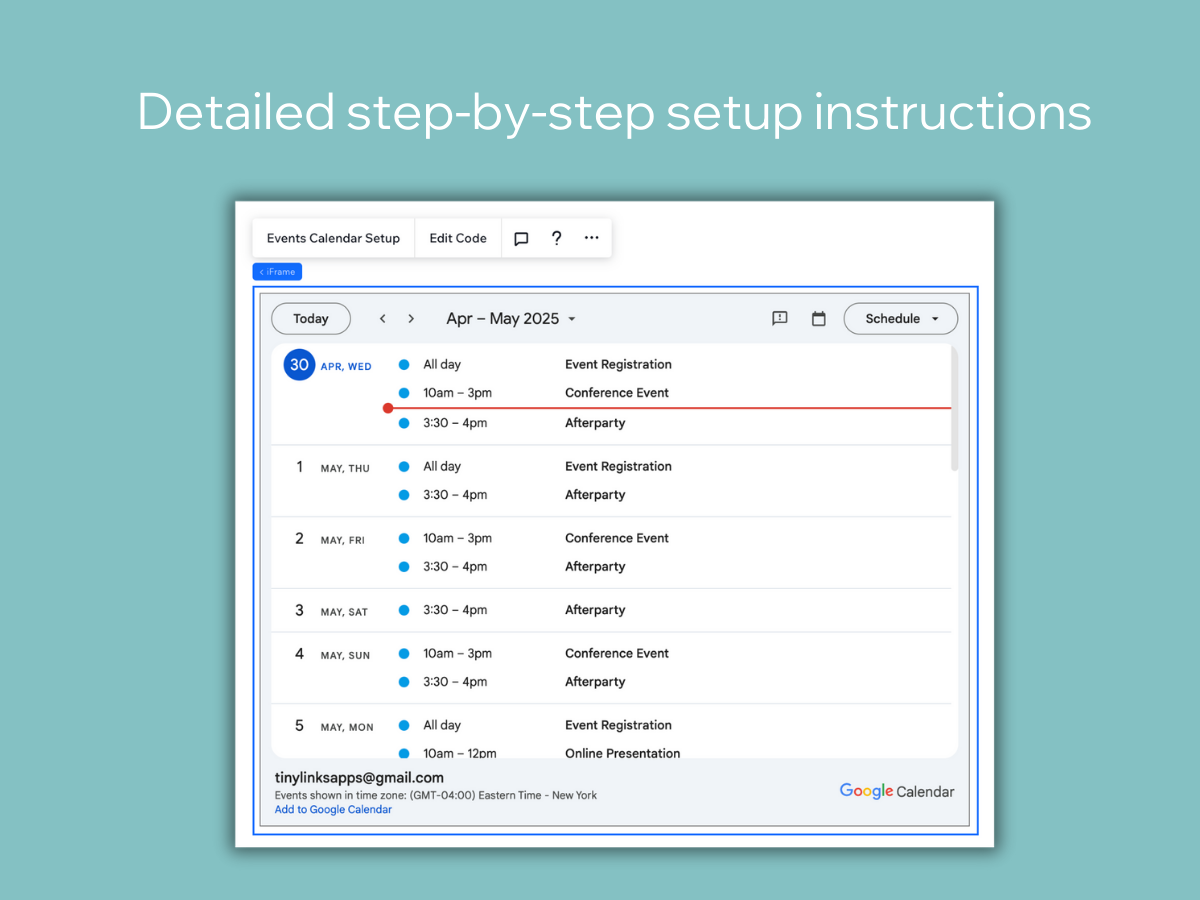

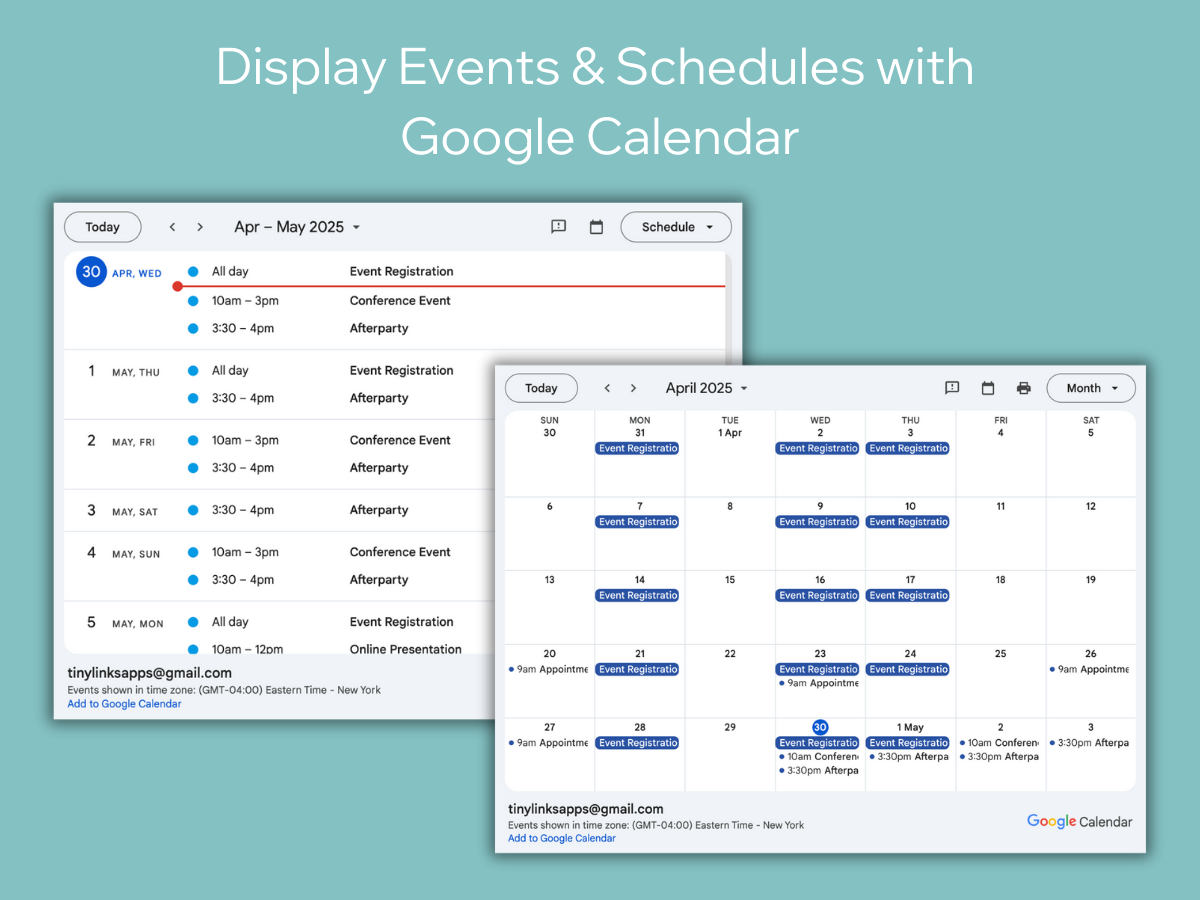
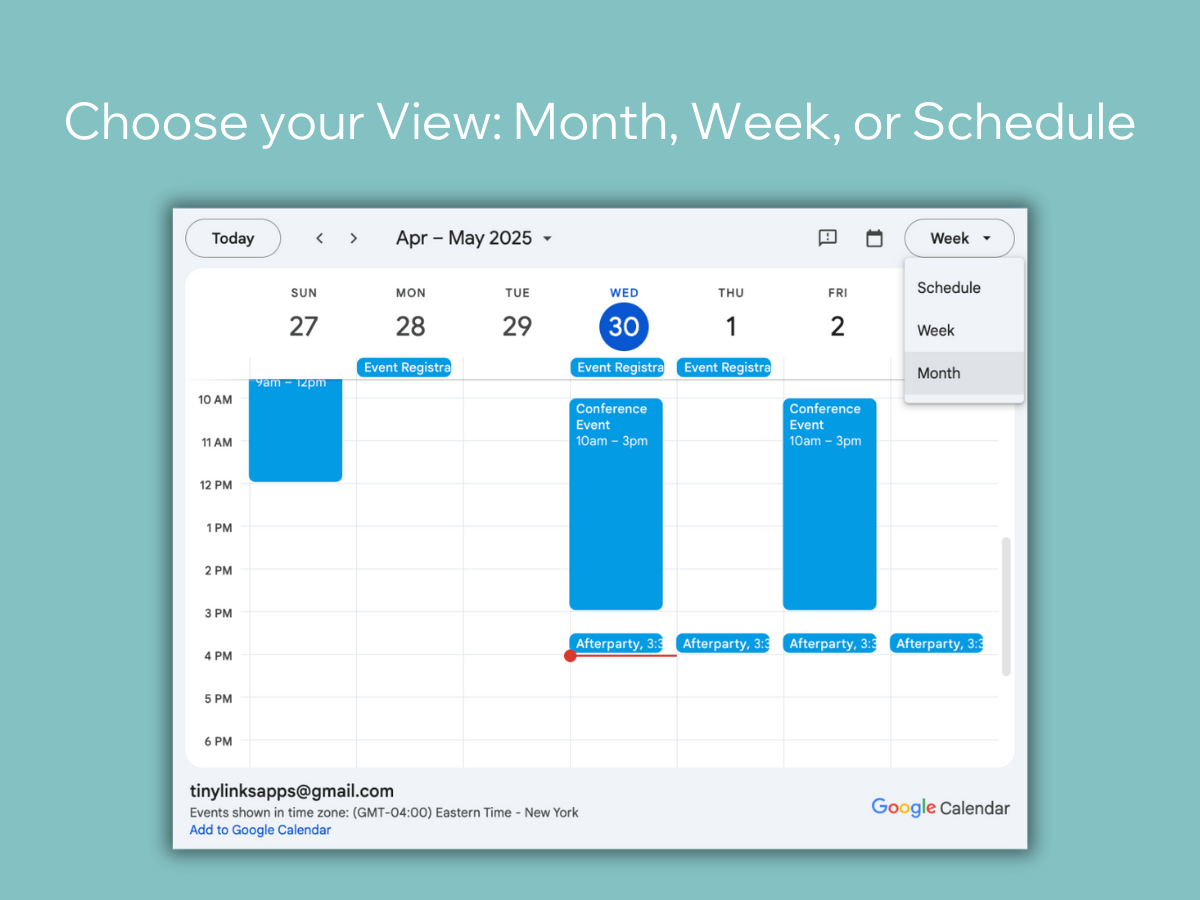
Events with Google Calendar 개요
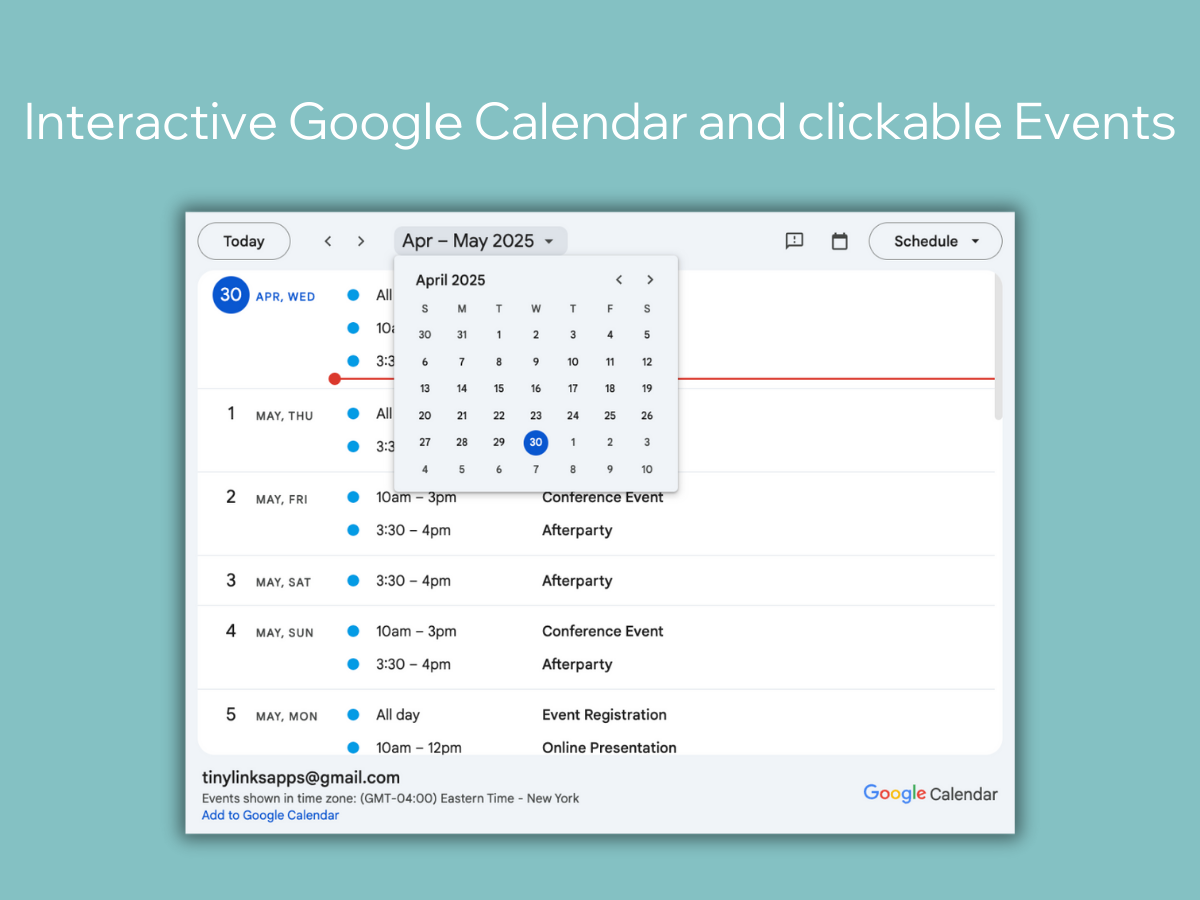
- Add a live, interactive Google Calendar to your website in just a few steps
- Choose how the calendar is displayed: Month, Week, or Schedule format
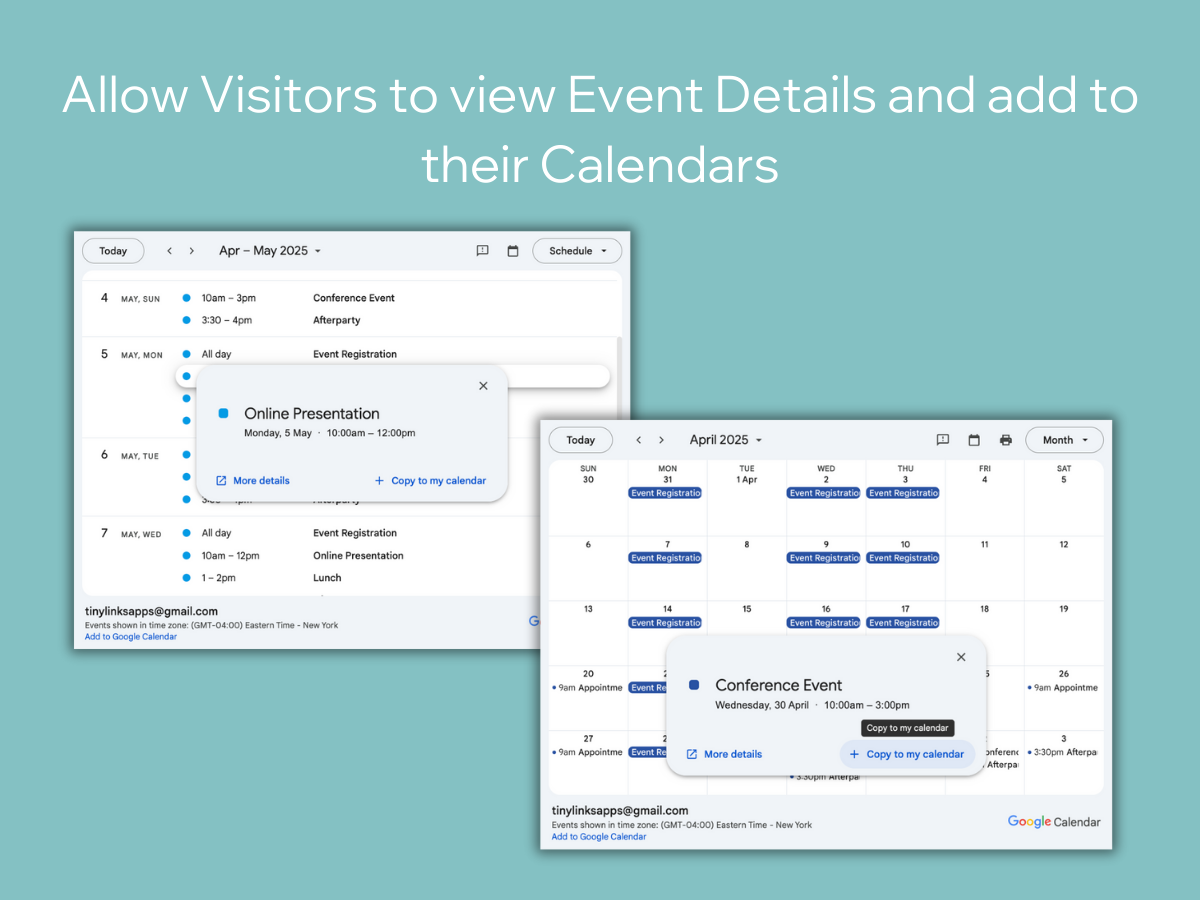
- Let visitors view event info and add it to their own calendars
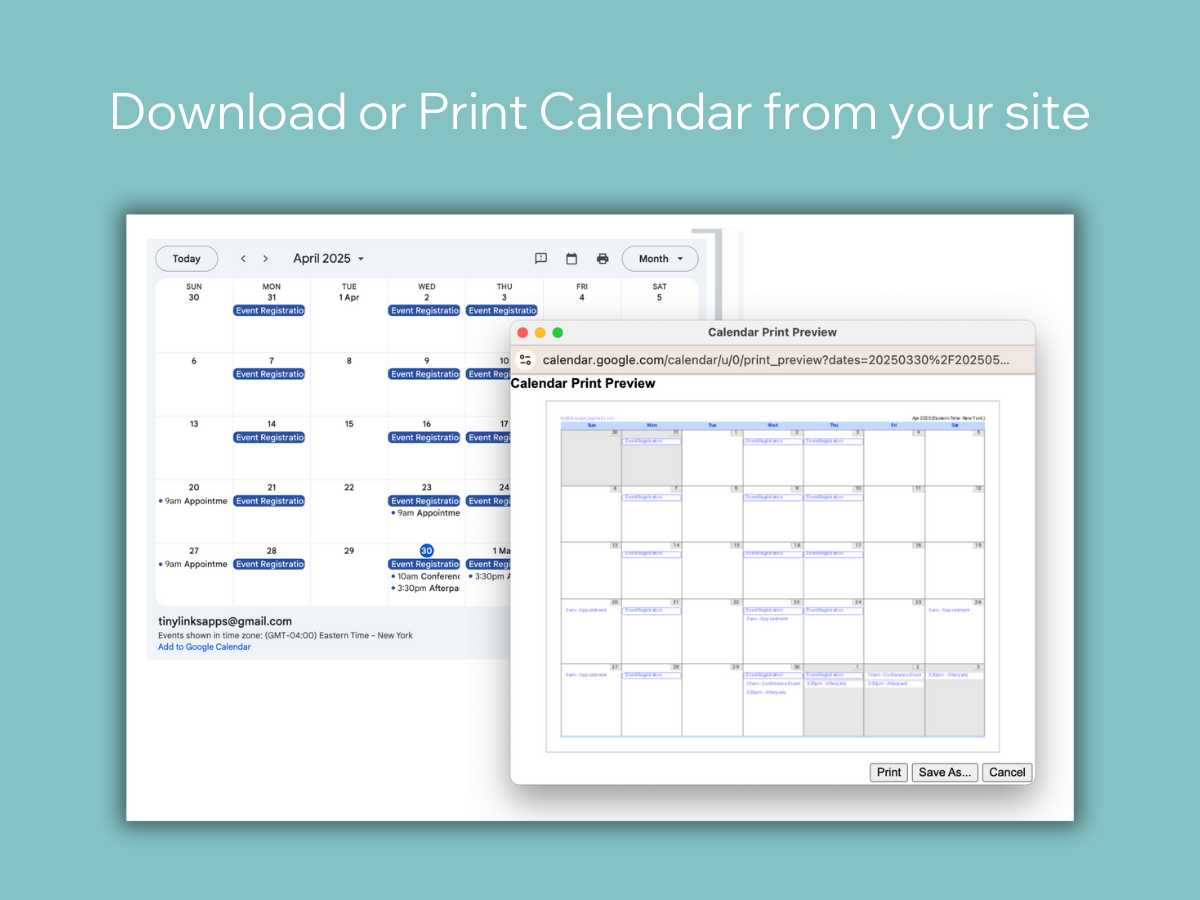
- Allow users to print or download your full calendar directly from your site
평균 평점 1.7
후기 7
개
5
0
4
1
3
0
2
2
1
4
정렬:
FR
Freshairfamily/ Dec 18, 2025
This continues to get worse and worse I paid for the upgrade but it still won't open for me. I now have about 4 hours of just my time into trying to get back a calendar I had for...
(5)
의견을 남겨주셔서 감사합니다!
BR
Brad7710/ Dec 15, 2025
Google AppPoor.
(0)
의견을 남겨주셔서 감사합니다!
MA
Marashinvestment/ Dec 12, 2025
Does Not work. Stuck on demo mode after paying.I paid for it, and its still telling me to pay after refreshing, logging out and so on.
(0)
의견을 남겨주셔서 감사합니다!
PA
Patrick034/ Dec 11, 2025
PointlessThis app adds no new features. It only provides instructions on how to embed a google calendar to your website. This has ZERO justification to be a monthly subscription.
(1)
의견을 남겨주셔서 감사합니다!
FO
Foamlordde/ Dec 10, 2025
Great app, fast support[Edit:] The Tech Support was fast as hell and fixed the issue with the mobile version. Thanks for that!
For everybody who wonders how to integrate it: Take a look at the App Widget...
(0)
의견을 남겨주셔서 감사합니다!
요금 및 플랜
Unlimited 플랜
- 20%
$
1
59
/월
$199
Unlimited Calendars and Events
Monthly, Weekly or Schedule Views
Remove watermark
Customer Support
*가격은 USD 기준입니다.
* 할인은 2026년 1월 31일 오후 11시 59분(UTC)에 만료됩니다. 앱 개발자는 언제든지 할인을 종료할 수 있는 권한을 보유하며, 할인 약관은 변경될 수 있습니다.