

쇼핑카트
예약 관리
이벤트
팝업

Events Calendar
-
A beautiful events calendar for your website
4.3
무료 플랜 가능



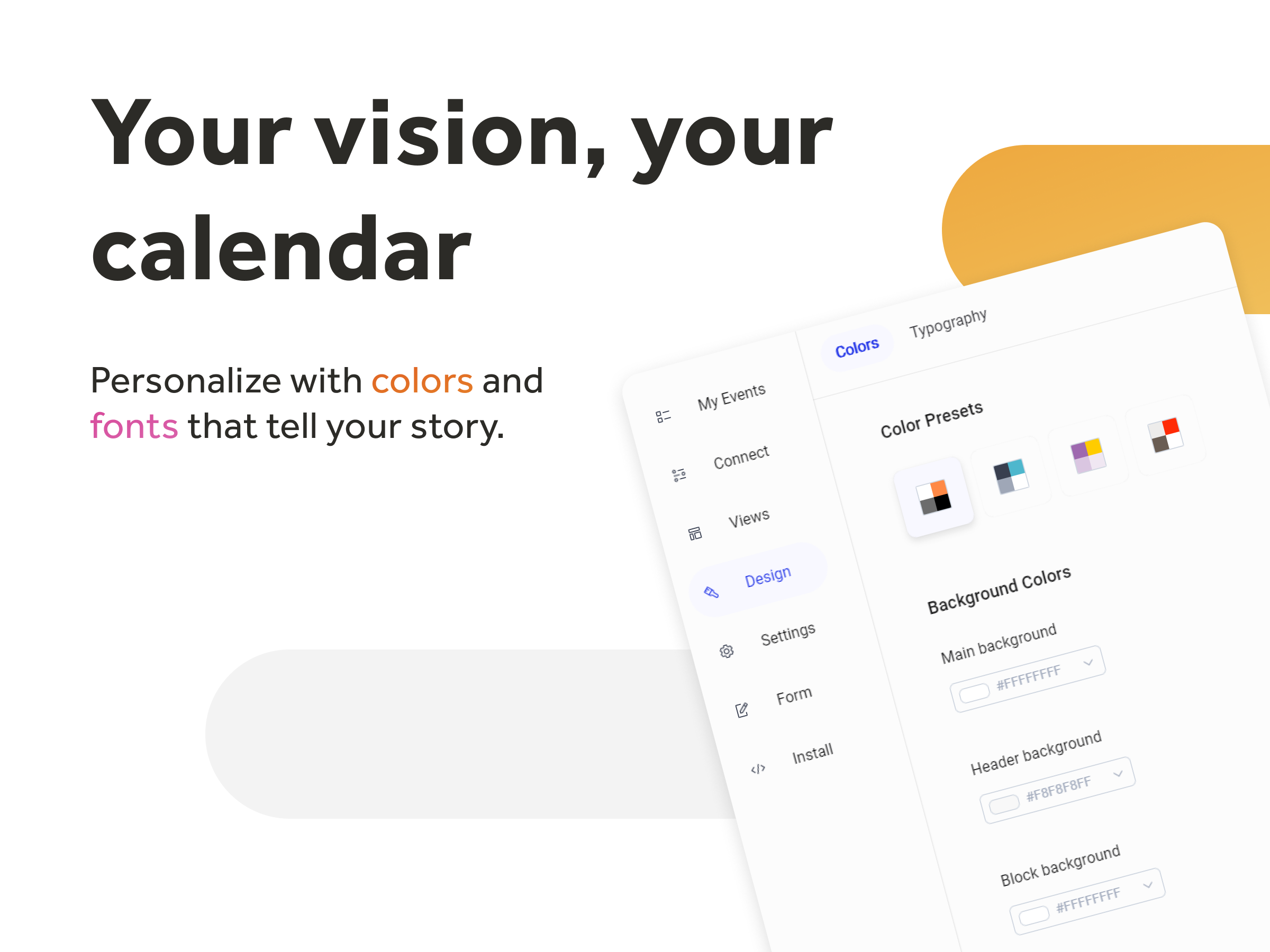
Events Calendar 개요
- Display all your events in a Month, Week, Agenda or Cards view
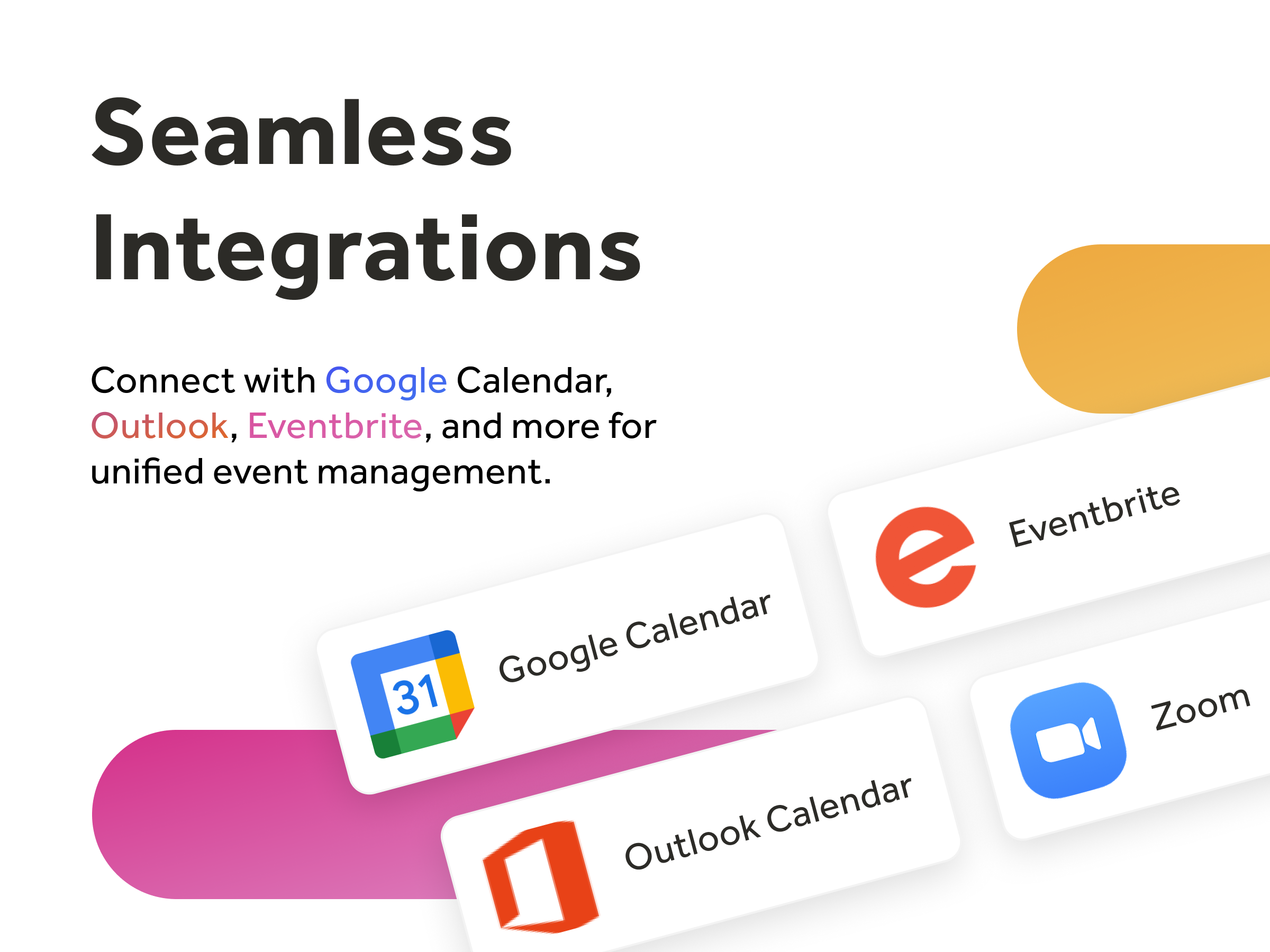
- Automatically add your Google, Outlook, Zoom or Eventbrite events
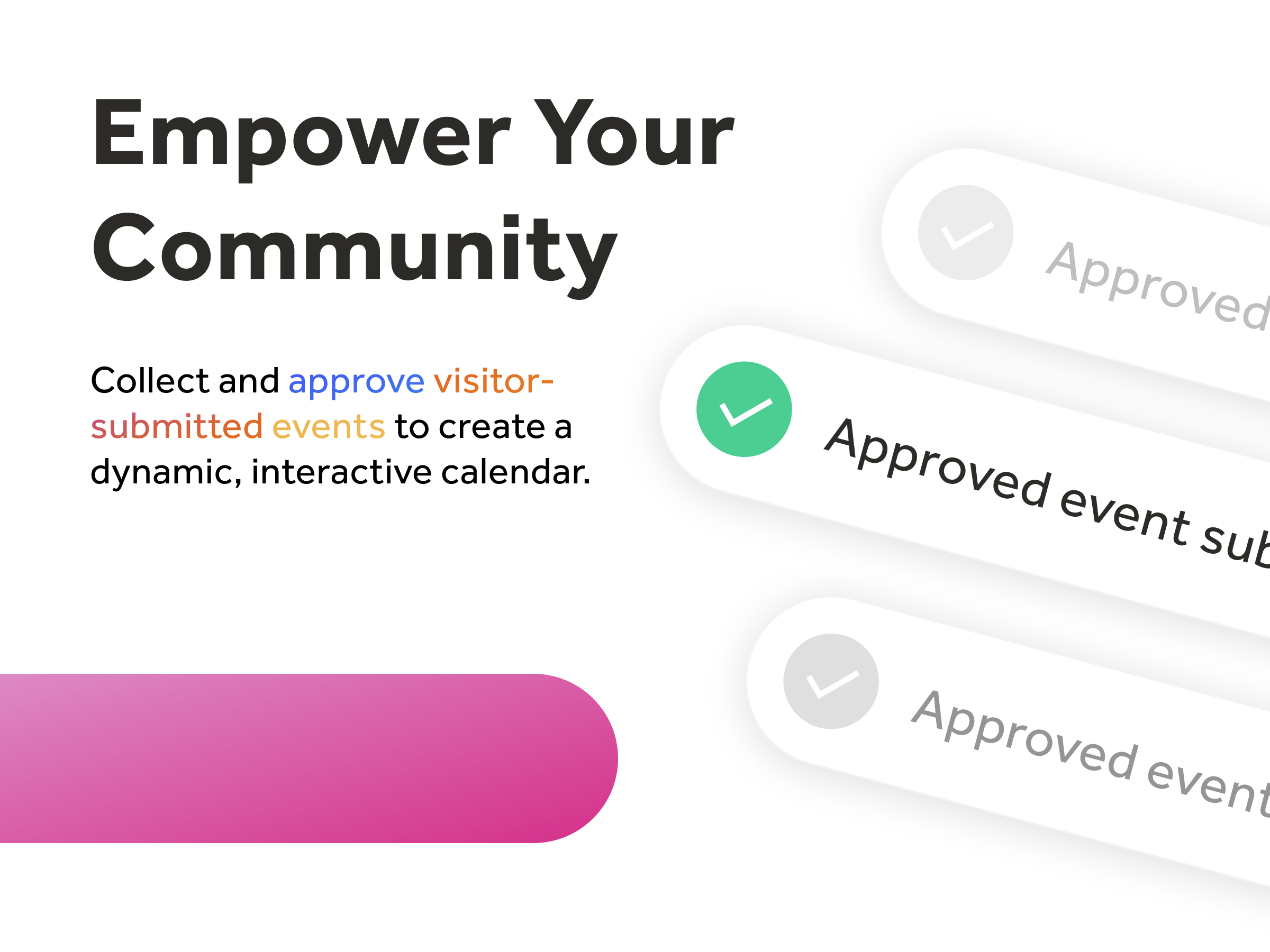
- Create a community calendar with our "Submit Event" feature
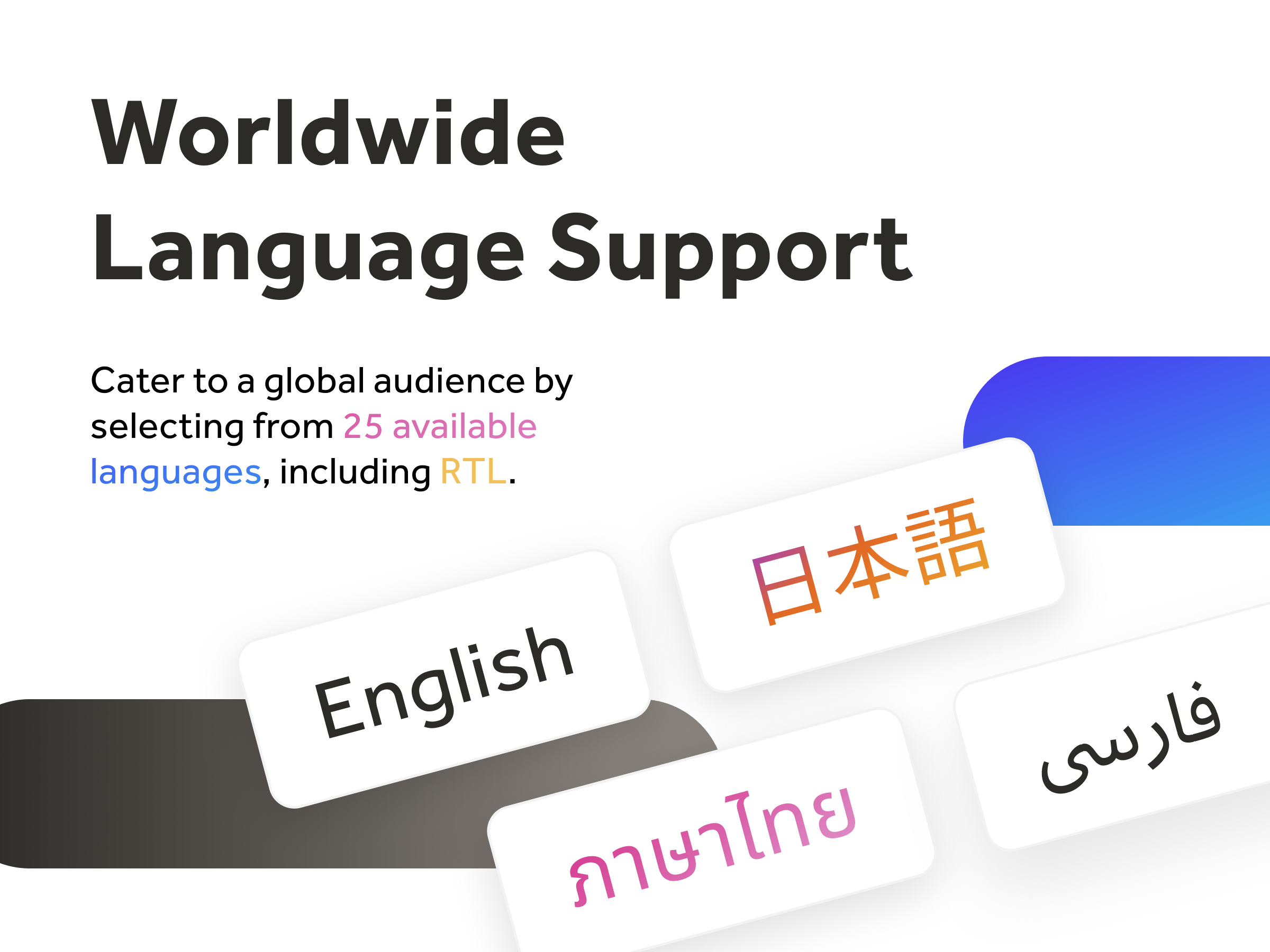
- Choose from over 30 supported languages
앱 지원 국가
해당 앱은 국가와 관계없이 이용 가능합니다.앱 언어
영어,
그리스어,
네덜란드어,
노르웨이어,
덴마크어,
독일어,
라트비아어,
러시아어,
루마니아어,
리투아니아어,
바스크어,
불가리아어,
스웨덴어,
스페인어,
슬로바키아어,
아랍어,
아이스란드어,
에스토니아어,
우크라이나어,
이탈리아어,
일본어,
조르지아어,
중국어,
체코어,
카탈로니아어,
태국어,
터키어,
페르시아어,
포루투갈어,
폴란드어,
프랑스어,
필란드어,
헝가리어,
히브리어
평균 평점 4.3
후기 329
개
5
179
4
37
3
27
2
21
1
65
정렬:
KA
Kaitlynwilliams03/ May 23, 2026
thumbs up
(0)
의견을 남겨주셔서 감사합니다!
MA
Mail785031/ Apr 14, 2026
Great Support!Works like a charm!
IN
inlight labs 팀
Thanks a ton for your kind feedback - we're grateful!(0)
의견을 남겨주셔서 감사합니다!
AN
Anniescottage1/ Apr 13, 2026
The events calendar is excellent and so easy to useThe Events Calendar has changed and is now so easy to use. Love it. That will make putting in my bookings so much easier. Good job everyone!
IN
inlight labs 팀
We truly appreciate your kind review - thanks for being with us!(0)
의견을 남겨주셔서 감사합니다!
DA
Davidemassarini/ Apr 8, 2026
ottimo
IN
inlight labs 팀
We're so happy to hear this - thank you for your support!(0)
의견을 남겨주셔서 감사합니다!
OT
Ottaroberto/ Apr 8, 2026
bom
IN
inlight labs 팀
This means a lot to us - thank you for taking the time to share!(0)
의견을 남겨주셔서 감사합니다!
요금 및 플랜
Free 플랜
무료
10 events
Recurring events
1 calendar per site
1 external calendar
Manual syncing
Choose from 4 calendar views
Full design customization
Professional 플랜
$
8
00
/월
Unlimited events
Filter by categories
3 calendars per site
2 external calendars
Automatic syncing
Custom start date
Advanced timezone control
Multiple calendar views
100 calendar subscribers
50 RSVPs per event
Expanded month layout
Remove branding
Priority support
Business 플랜
$
20
00
/월
Everything in Professional
5 external calendars
8 calendars per site
1000 calendar subscribers
200 RSVPs per event
100 guest submissions per month
Business+ 플랜
$
40
00
/월
Everything in Business
15 external calendars
25 calendars per site
5000 calendar subscribers
1000 RSVPs per event
500 guest submissions per month
*가격은 USD 기준입니다.