Wix App Market Logo

wix logo


Trending Topics
쇼핑카트
예약 관리
이벤트
팝업
Accessibility Toolbar logo

Accessibility Toolbar

-
Let visitors adjust text, contrast and motion
후기 0개
무료

Accessibility Toolbar 개요

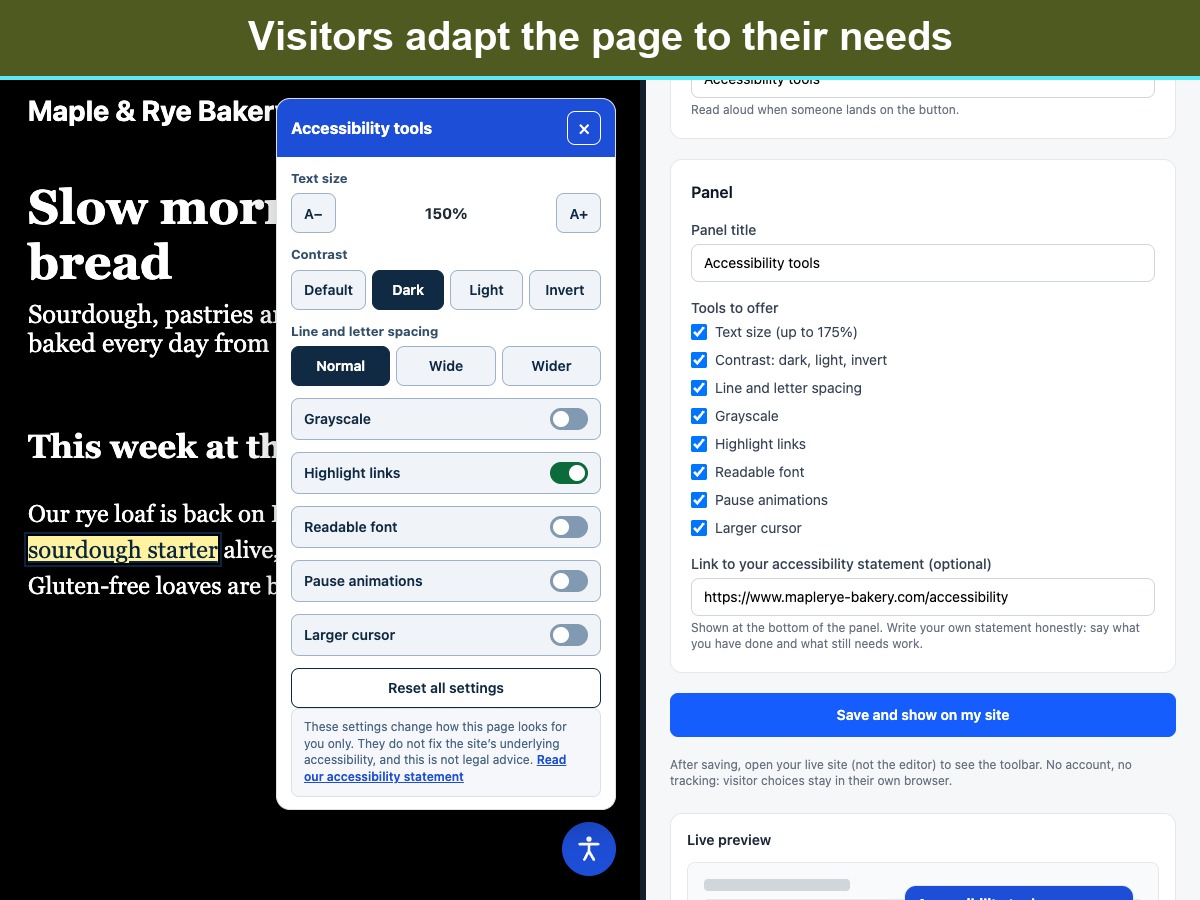
  • Text size up to 175% and wider line and letter spacing
  • Dark, light and inverted contrast, plus grayscale
  • Highlight links, readable font, larger cursor
  • Pause animations; choices are remembered per visitor
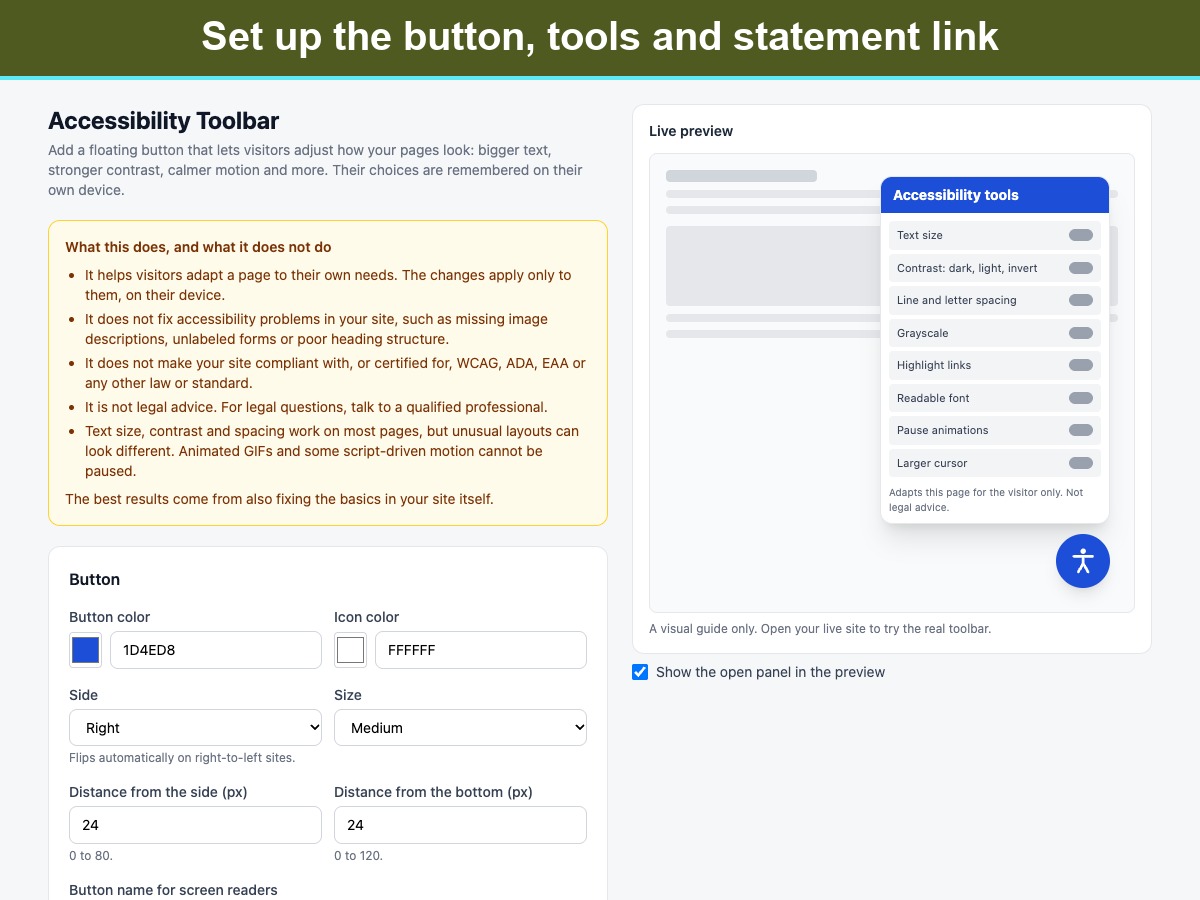
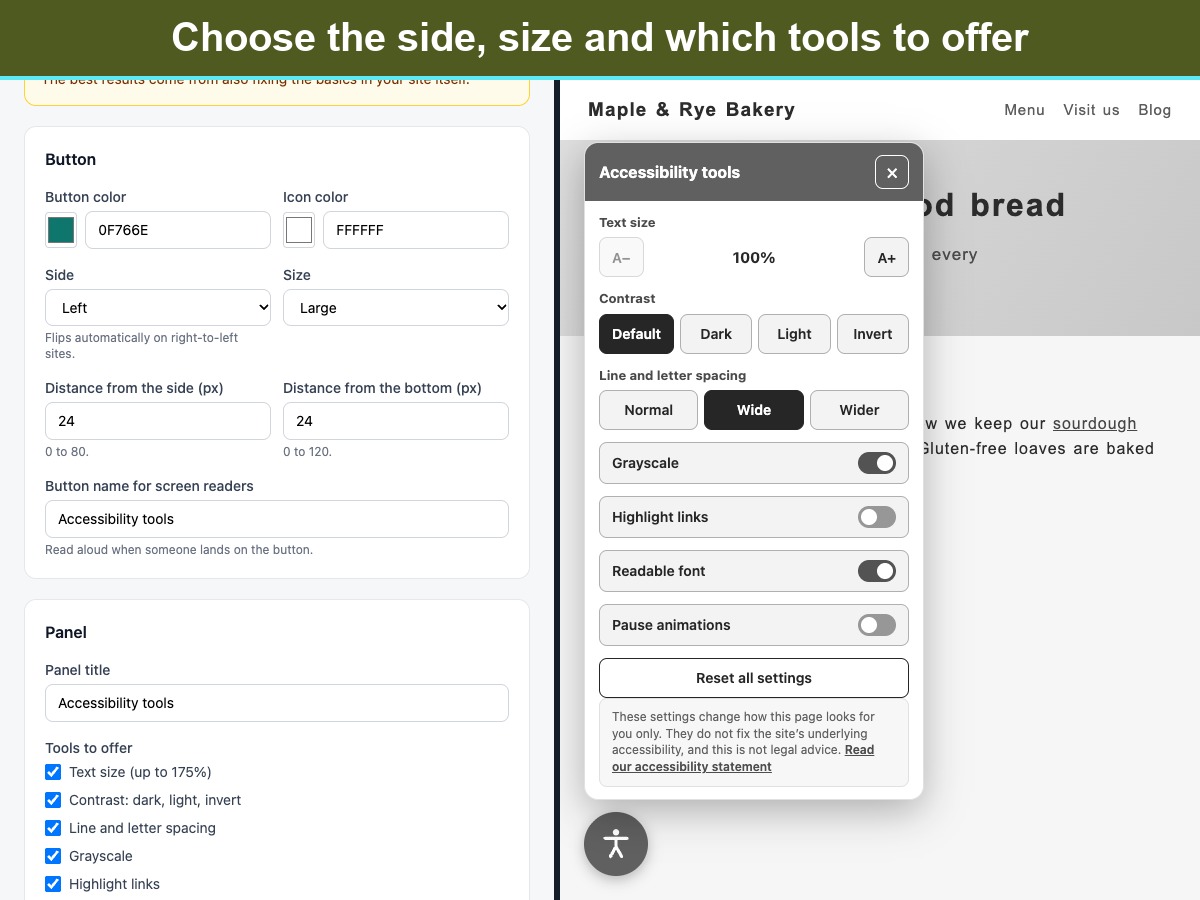
Accessibility Toolbar adds a floating button to your pages. Visitors open a small panel and adjust the page to suit them: larger text, stronger contrast (dark, light or inverted), grayscale, highlighted links, a plain readable font, wider line and letter spacing, paused animations and a larger cursor. A reset button undoes it all. Their choices are saved in their own browser, so the page looks the same on their next visit. The panel works with a keyboard (Tab, Enter, Esc to close), is announced properly to screen readers, flips sides on right-to-left sites, and follows the visitor's reduced-motion setting. There is nothing to sign up for. The toolbar loads no outside services, sets no cookies and collects no data. It has no visitor limits or usage caps. You choose the button color, size and position, which tools to offer, and an optional link to your own accessibility statement. Please note what it is. A toolbar helps visitors adapt a page, but it does not fix accessibility problems in the site itself, it does not make a site compliant with or certified for any law or standard, and it is not legal advice. Animated GIFs cannot be paused.
앱 지원 국가
해당 앱은 국가와 관계없이 이용 가능합니다.
앱 언어
영어
사이트에 표시된 모든 앱 콘텐츠를 원하는 언어로 번역할 수 있습니다.
카테고리

평점 및 후기

아직 등록된 후기가 없습니다. 가장 먼저 후기를 남겨보세요.

2억 3천만 명 이상의 Wix 사용자를 위한 앱을 제작 및 출시하세요.