Wix App Market Logo

wix logo


Trending Topics
쇼핑카트
예약 관리
이벤트
팝업
Easy Menu logo

Easy Menu

-
Site menus with dropdowns, mega menus and more
후기 0개
무료 플랜 가능

Easy Menu 개요

  • Build your menu in one place, then drop it in your header
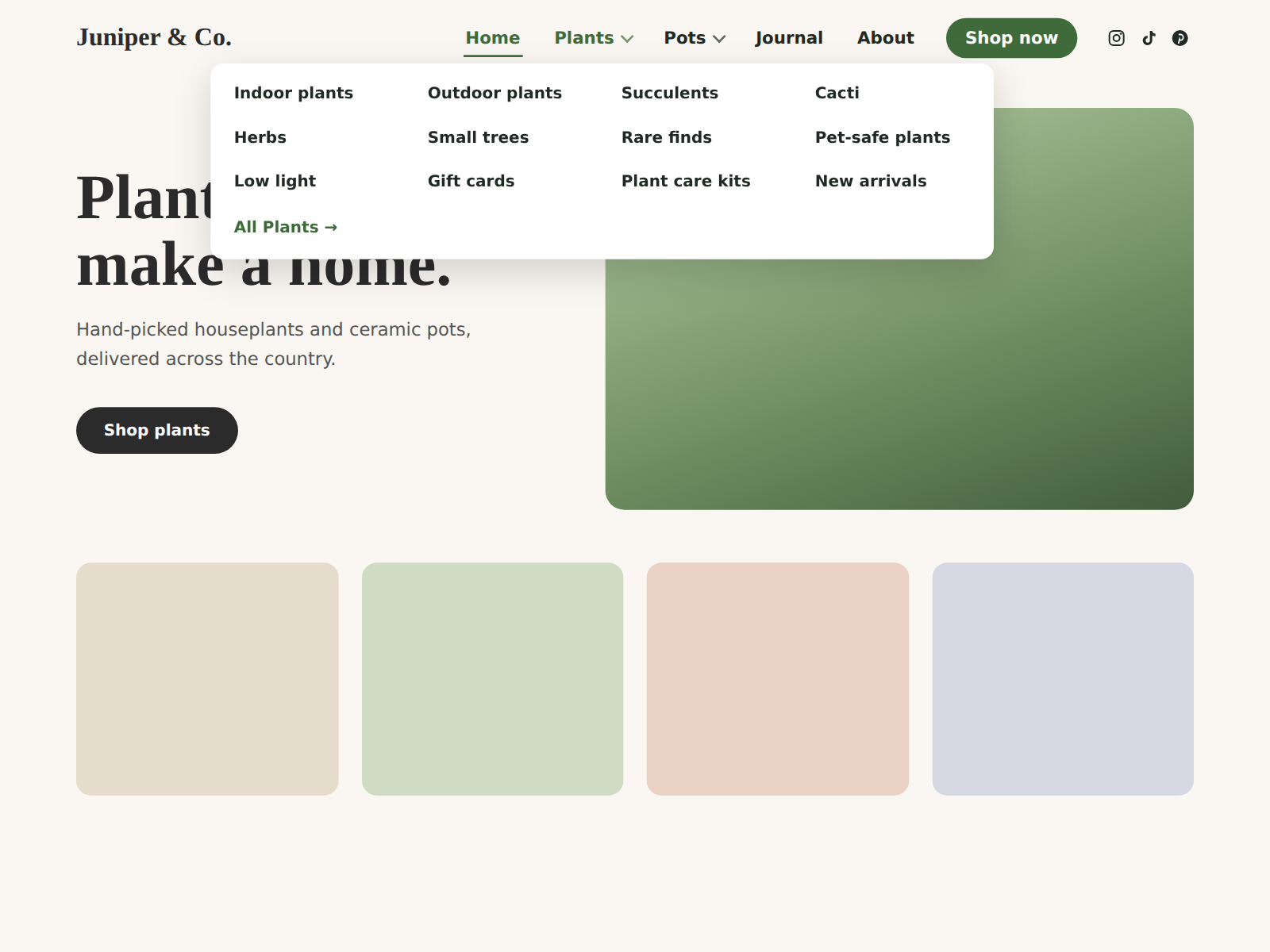
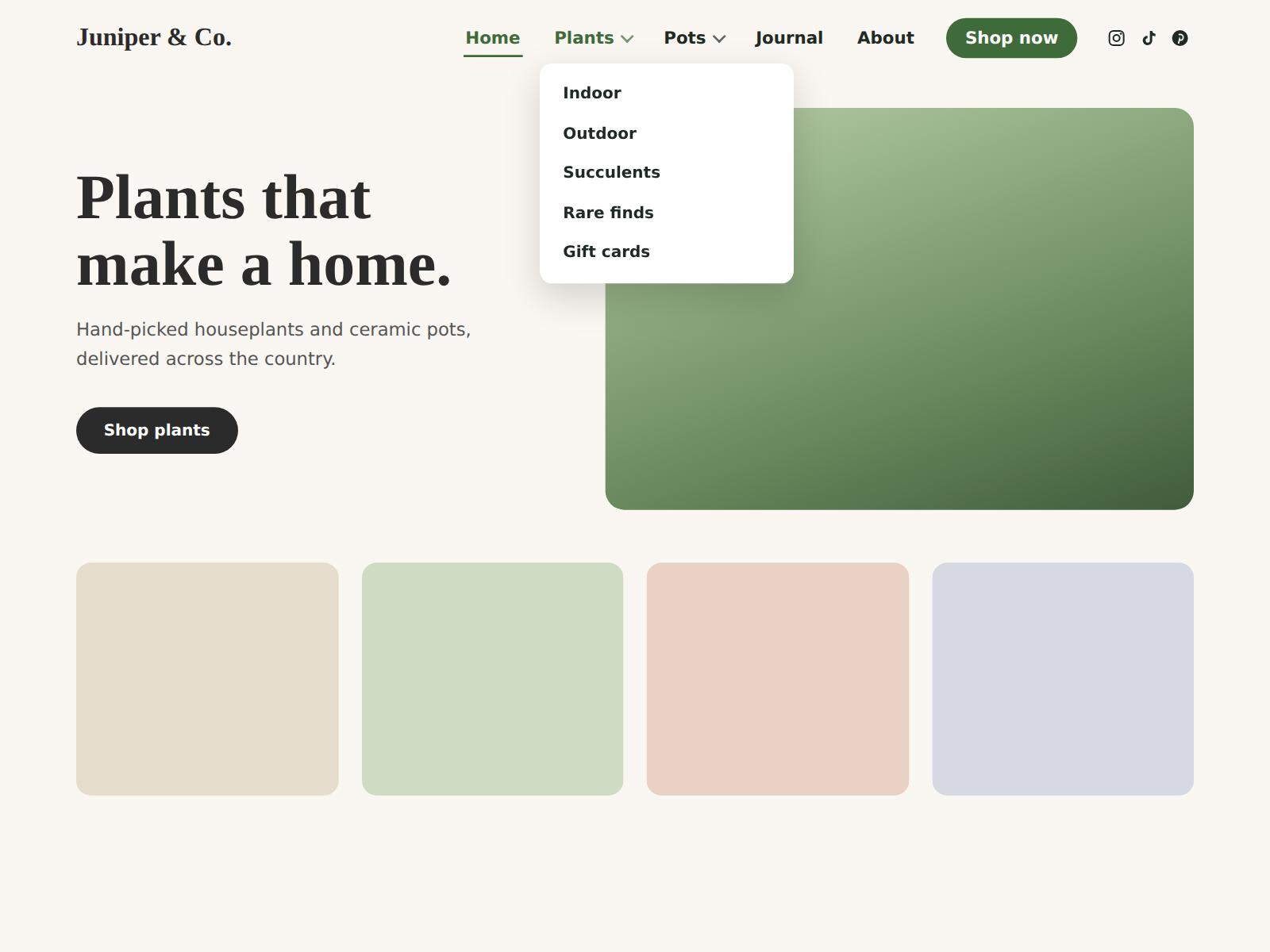
  • Dropdowns, mega menus and a call-to-action button
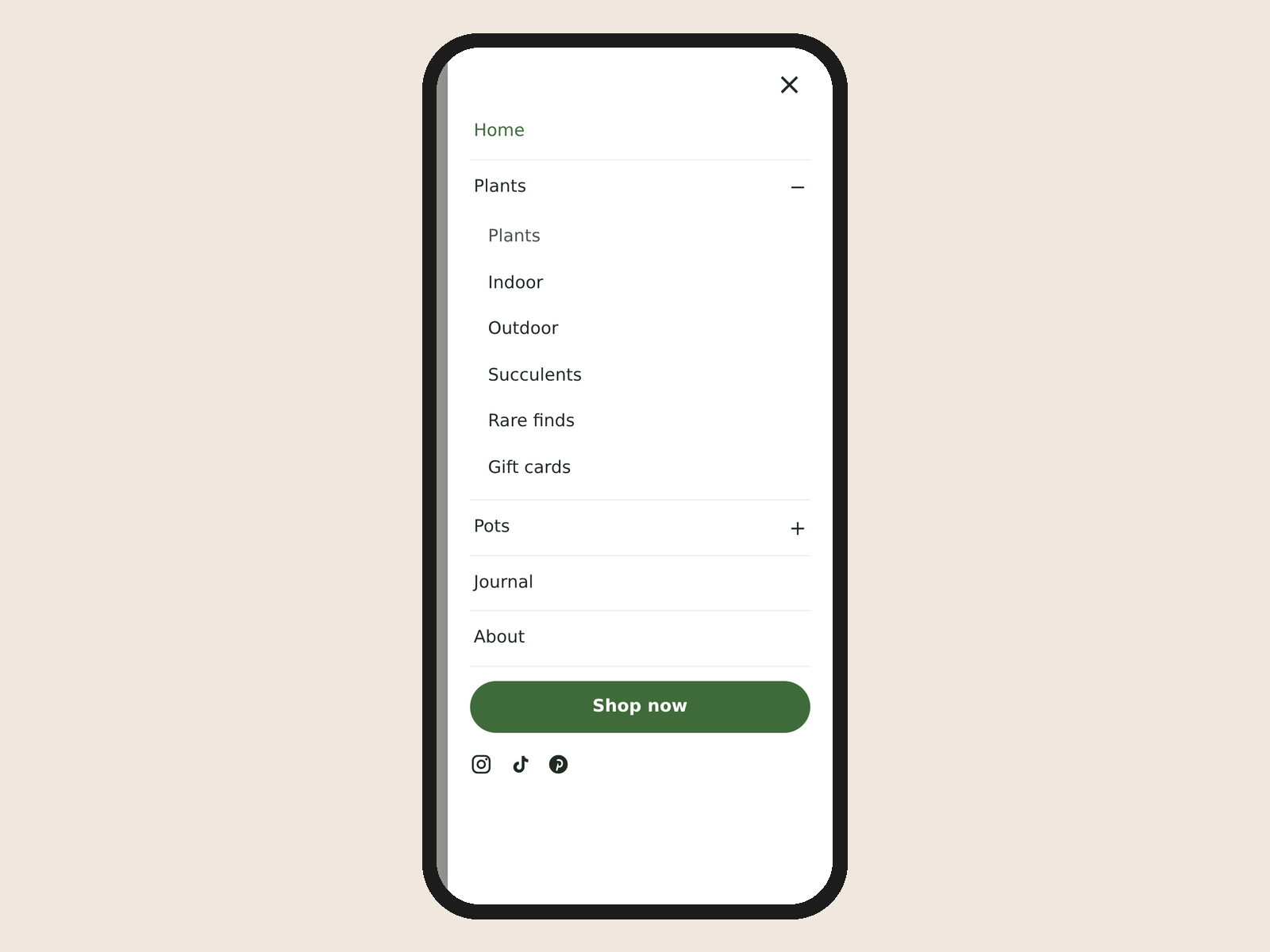
  • Automatic tap-to-open panel on phones
  • Match your fonts and colors, pin the bar while scrolling
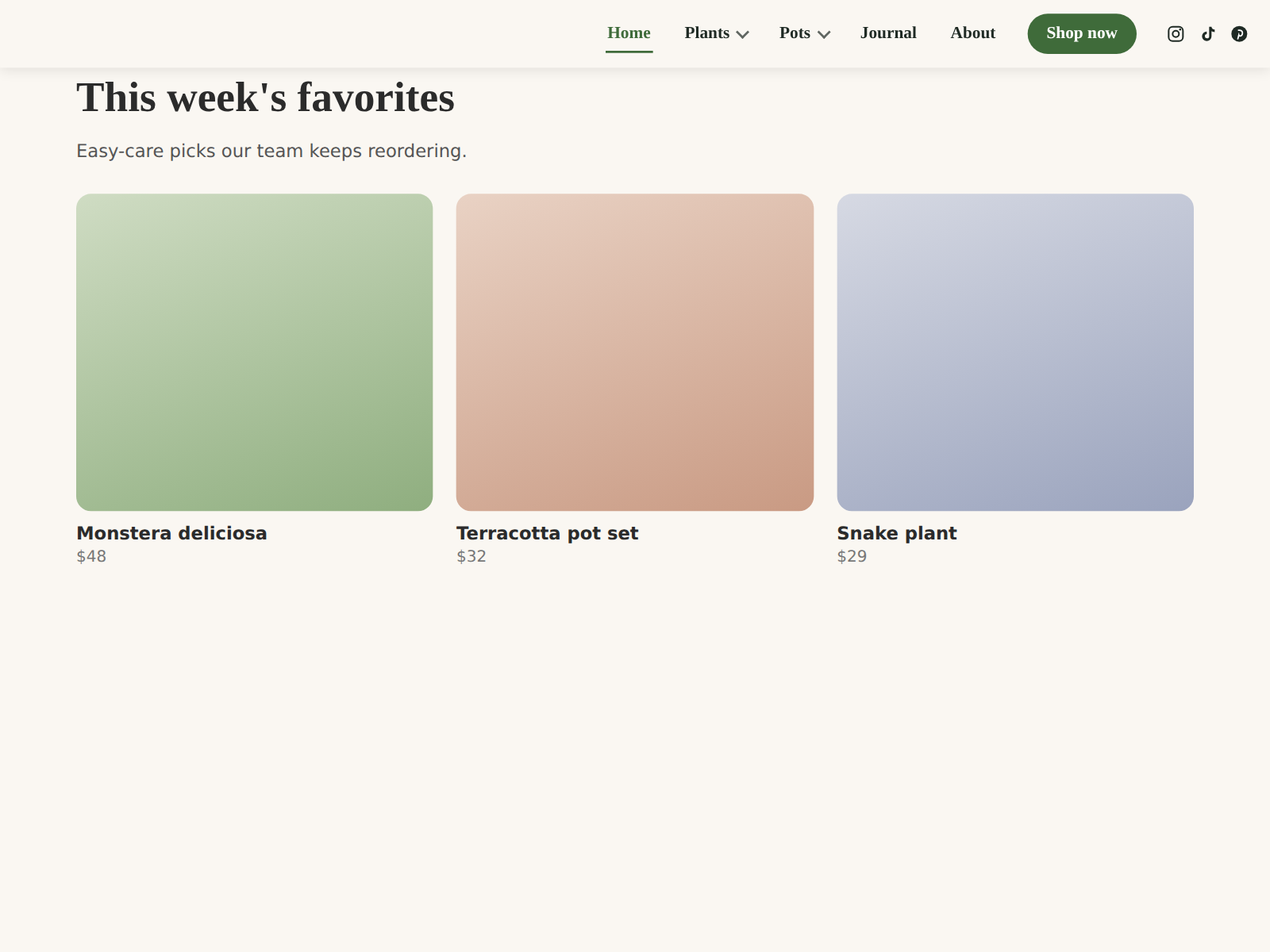
Easy Menu gives your site a clean navigation bar you can set up in a few minutes. Build your menu in your dashboard: add items, rename them, put them in order, and nest pages under dropdowns. Click Import my pages to pull in your existing pages in one step. Then place the menu in your header and publish. On phones, the menu turns into a tap-to-open panel by itself, with expandable sections for dropdown items. There is no second menu to build. Style it to fit your site: font, size, weight, colors, hover and active colors, spacing and alignment. Add icons for Instagram, Facebook, TikTok, YouTube, X, LinkedIn, Pinterest, WhatsApp, email and phone. The free plan includes up to 8 menu items and 3 social icons. Pro adds up to 200 items, mega menus for big catalogs, a call-to-action button like Book now or Shop, a menu bar that stays pinned while visitors scroll, up to 12 social icons, and removes the small credit line in the phone panel. There is no visitor limit on any plan.
앱 지원 국가
해당 앱은 국가와 관계없이 이용 가능합니다.
앱 언어
영어

평점 및 후기

아직 등록된 후기가 없습니다. 가장 먼저 후기를 남겨보세요.

요금 및 플랜

Basic 플랜

무료

Menu bar with dropdowns
Up to 8 menu items
Phone slide-out menu
Up to 3 social icons
Pro 플랜
$

3

49
/월
Up to 200 menu items with dropdowns
Mega menu and call-to-action button
Menu stays pinned while scrolling
No credit line, up to 12 social icons
*가격은 USD 기준입니다.

2억 3천만 명 이상의 Wix 사용자를 위한 앱을 제작 및 출시하세요.