Wix App Market Logo

wix logo


Trending Topics
쇼핑카트
예약 관리
이벤트
팝업
CMS Import: CSV Preview logo

CMS Import: CSV Preview

-
See every CSV change before it hits your CMS
후기 0개
7일 무료 체험

CMS Import: CSV Preview 개요

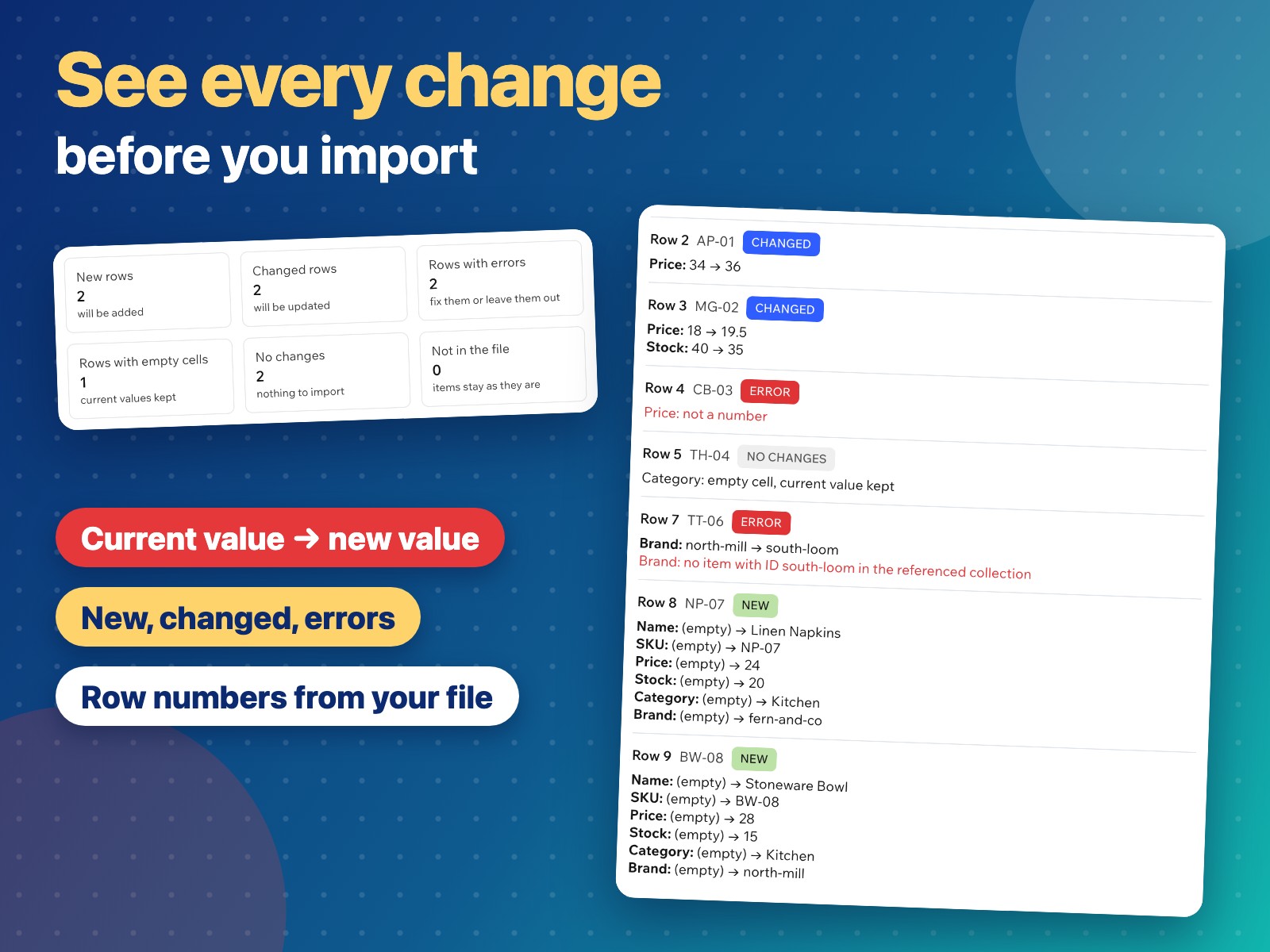
  • Cell-by-cell preview: current value and new value for every row in your CSV
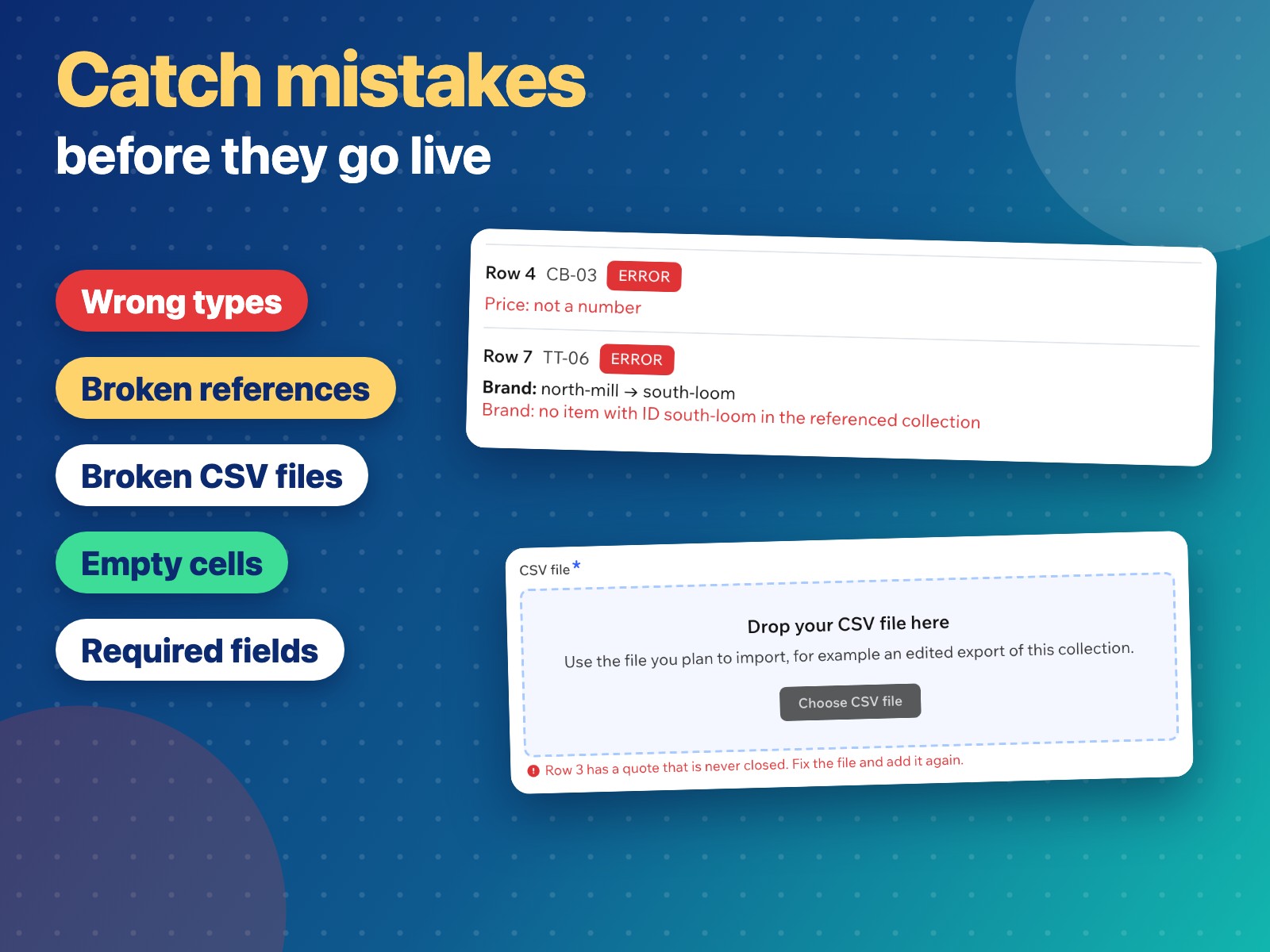
  • Catches duplicate keys, wrong types, broken references and empty cells
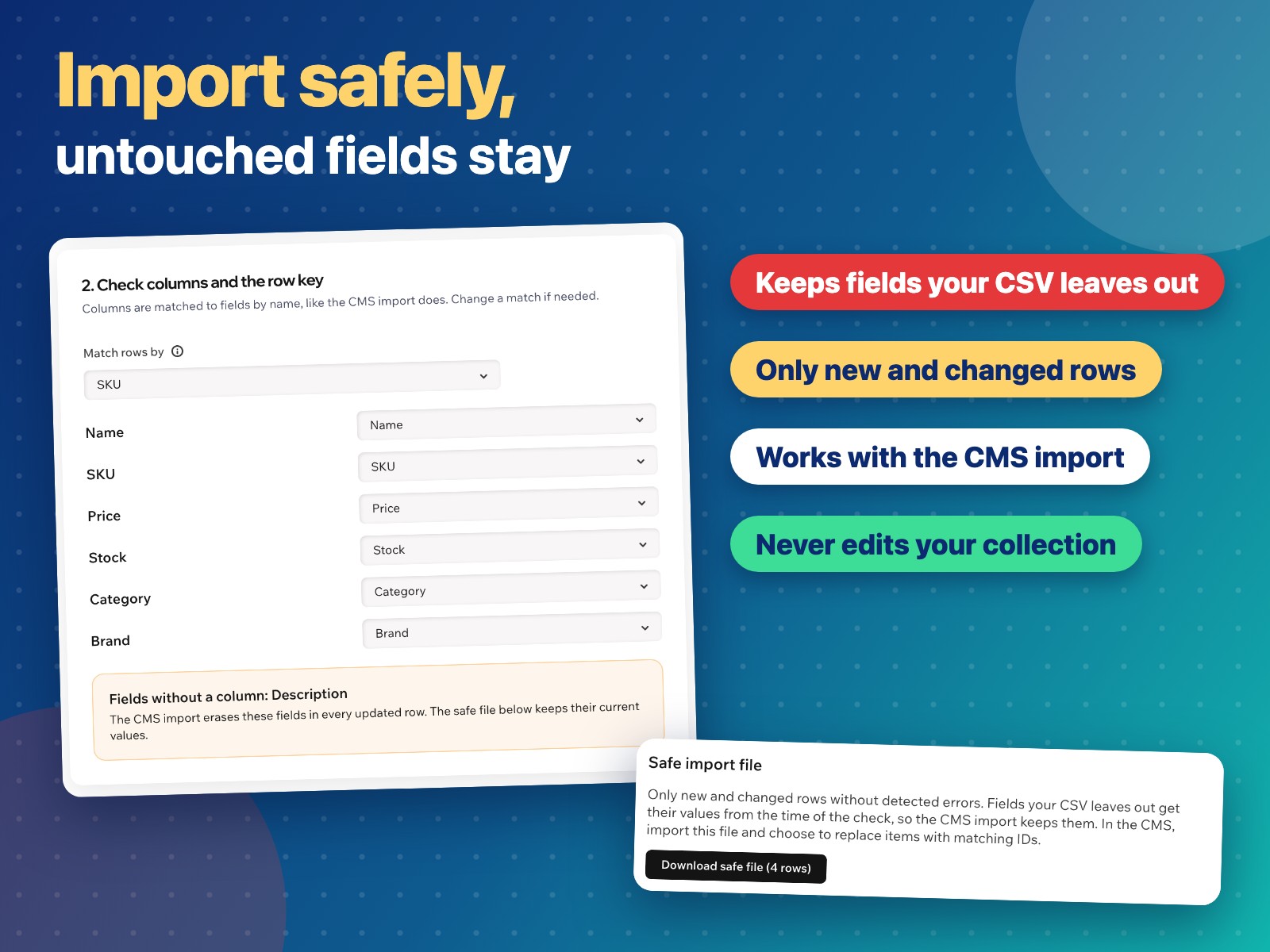
  • Safe import file keeps the values of fields your CSV leaves out
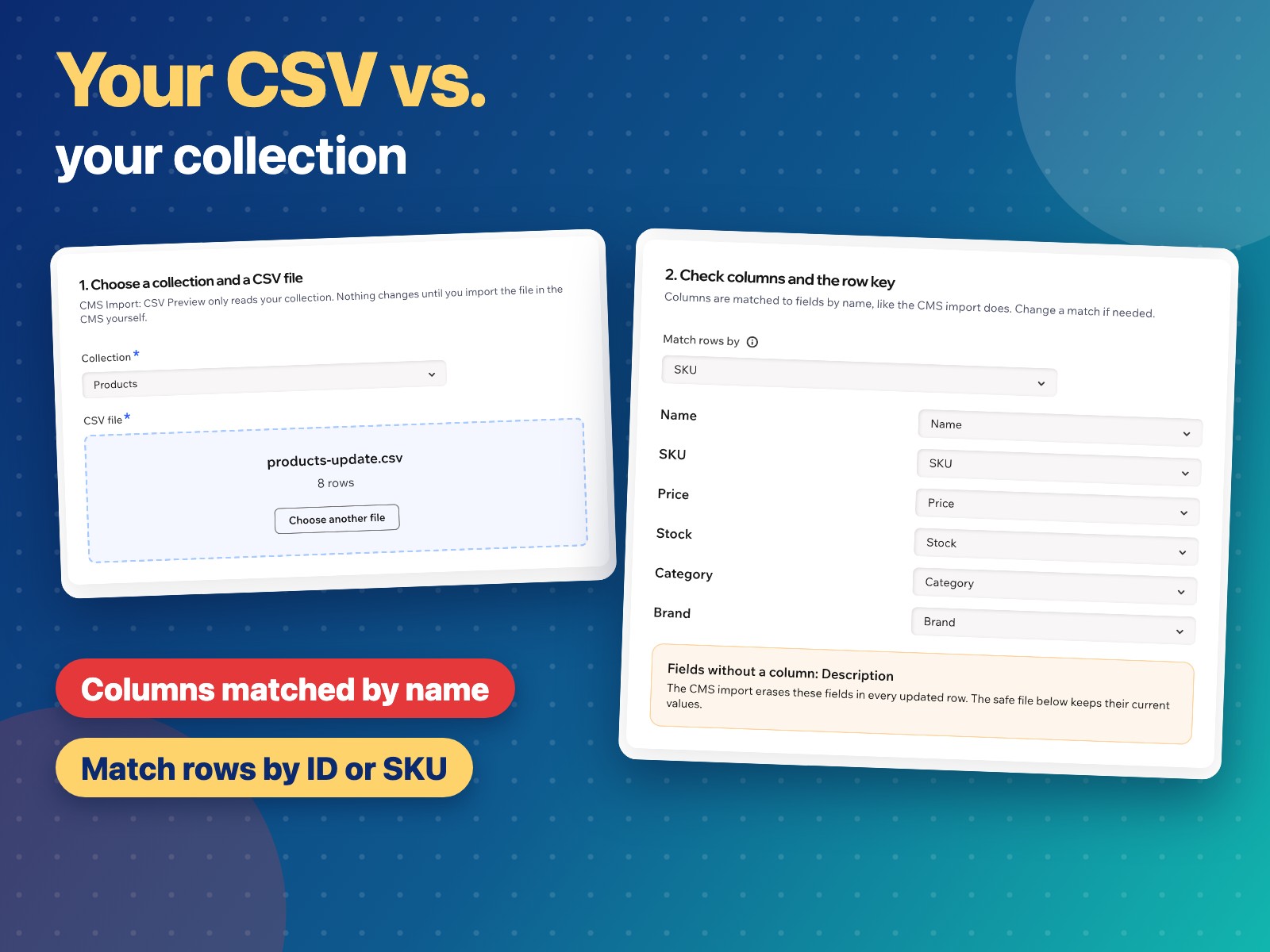
  • Match rows by ID or by your own field, such as SKU or slug
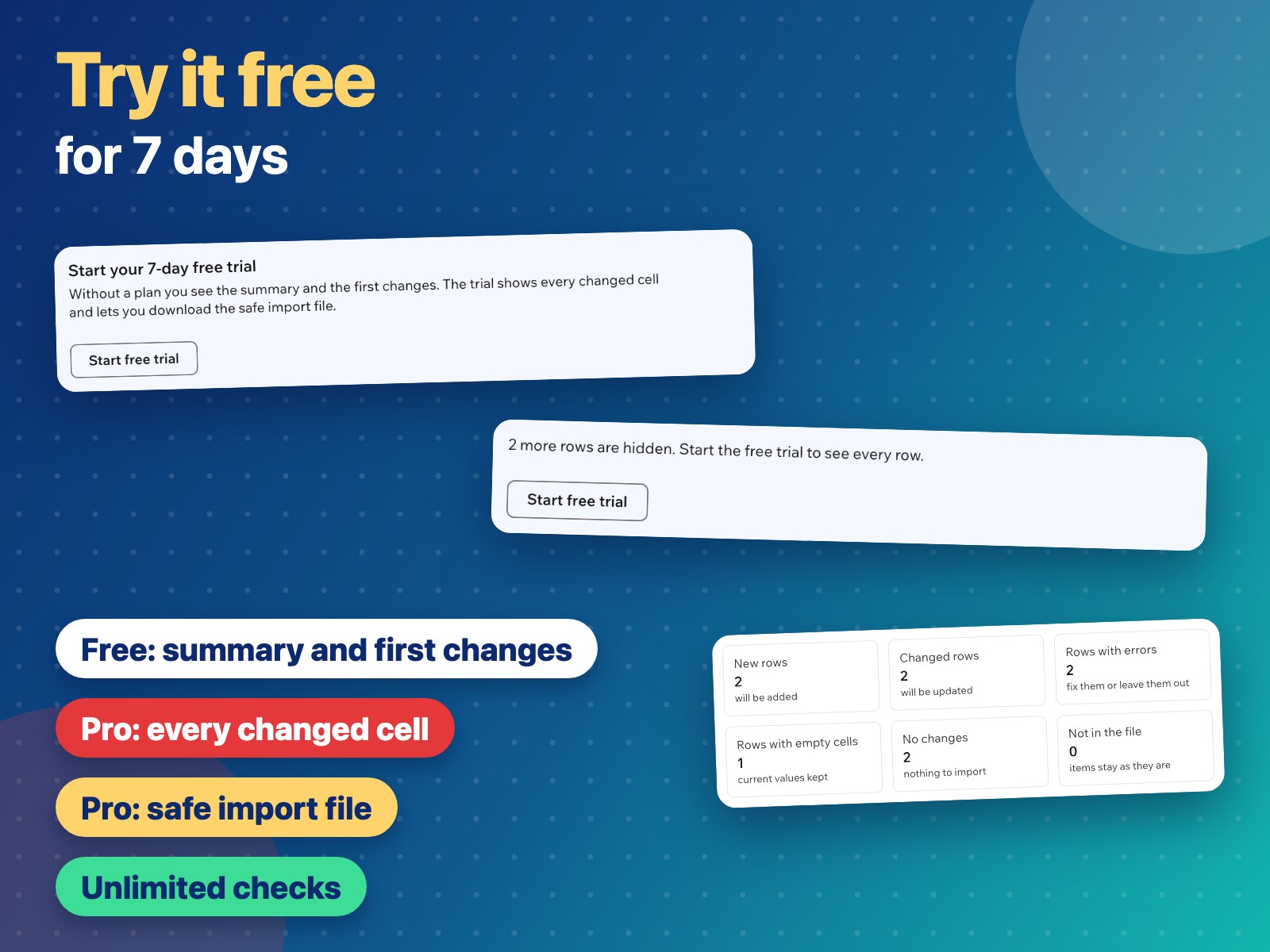
Importing a CSV into a CMS collection replaces values without showing you what will change, and fields that have no column in your file are cleared in every updated item. CMS Import: CSV Preview compares your file with the collection before you import it. Choose a collection, add the CSV and see how many rows are new, changed, unchanged or have errors, then every changed cell with its current and new value. The check catches the mistakes that break a catalog: the same key in two rows, text in a number or date field, links to items that do not exist, required fields left empty and empty cells that would wipe a value you already have. Each problem shows its row number in your file. When the file looks right, download a safe import file with only the new and changed rows. Every field of the collection is filled in, with the current value wherever your CSV has no column, so the regular CMS import updates what you changed and leaves everything else as it is. Collections with fields a CSV cannot carry, such as multi-reference, get the preview only. The app only reads your collections and never edits them. Rows can be matched by ID or by a field such as SKU.
앱 지원 국가
해당 앱은 국가와 관계없이 이용 가능합니다.
앱 언어
영어, 
스페인어
카테고리

평점 및 후기

아직 등록된 후기가 없습니다. 가장 먼저 후기를 남겨보세요.

요금 및 플랜

본 앱은 7일 동안 무료 체험이 가능합니다.
Pro 플랜
$

4

79
/월
Every changed cell, all rows
Full error details for each row
Safe CSV file for the CMS import
Unlimited checks and collections
*가격은 USD 기준입니다.

2억 3천만 명 이상의 Wix 사용자를 위한 앱을 제작 및 출시하세요.