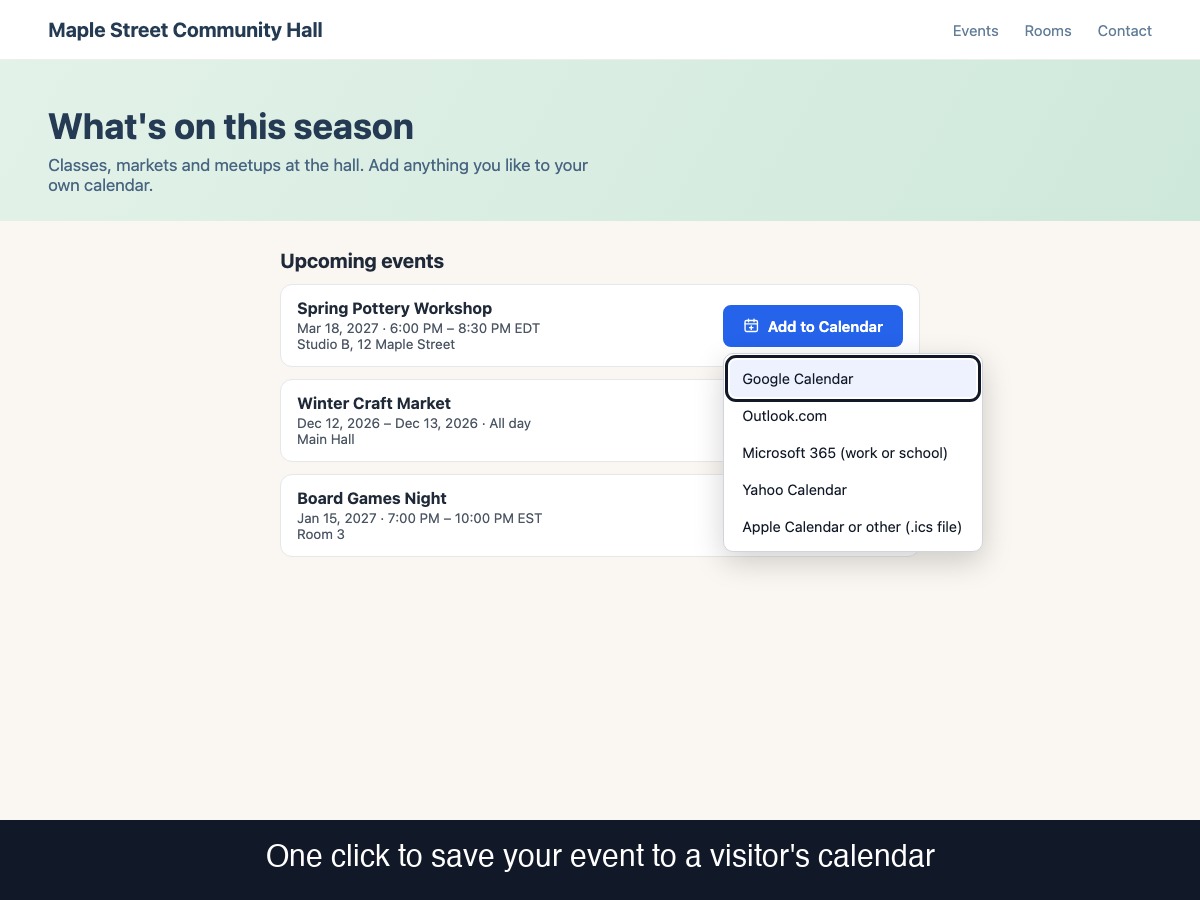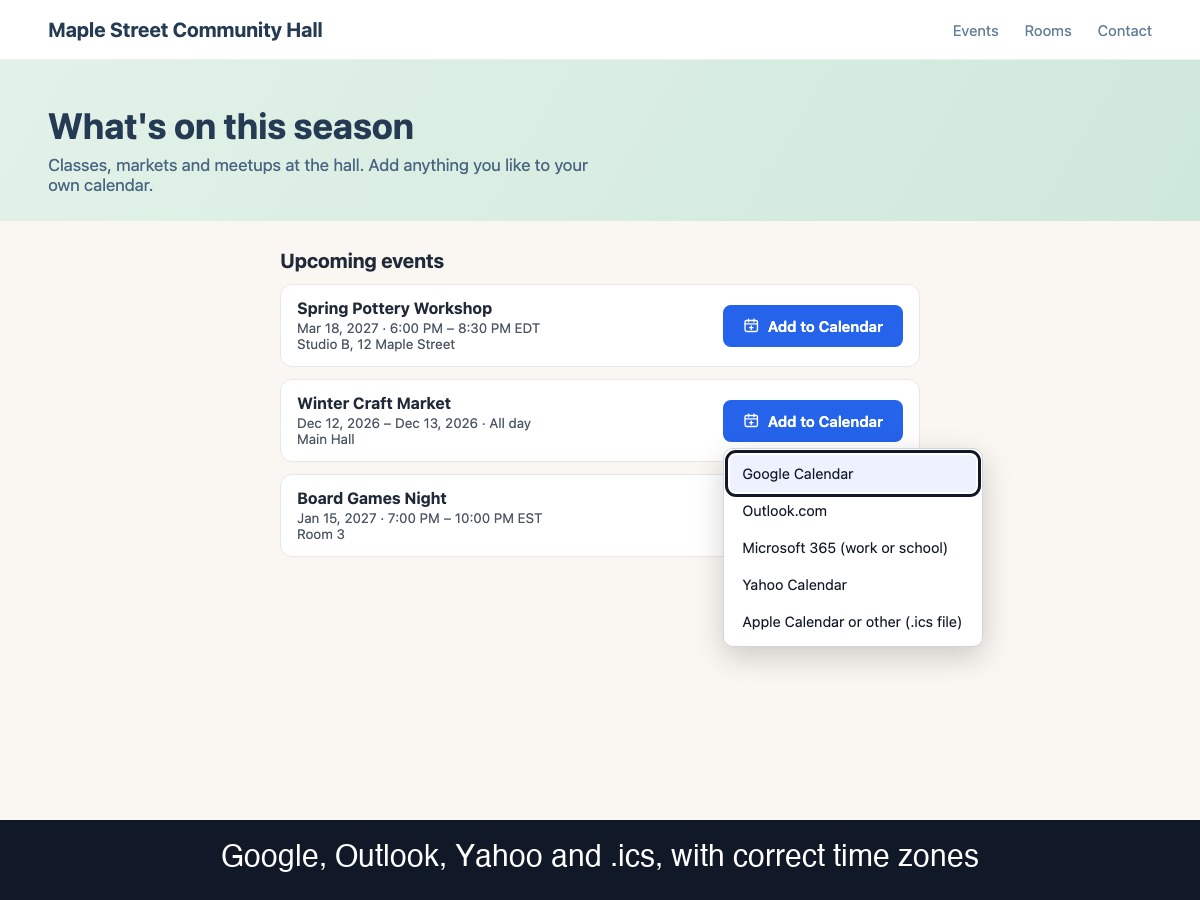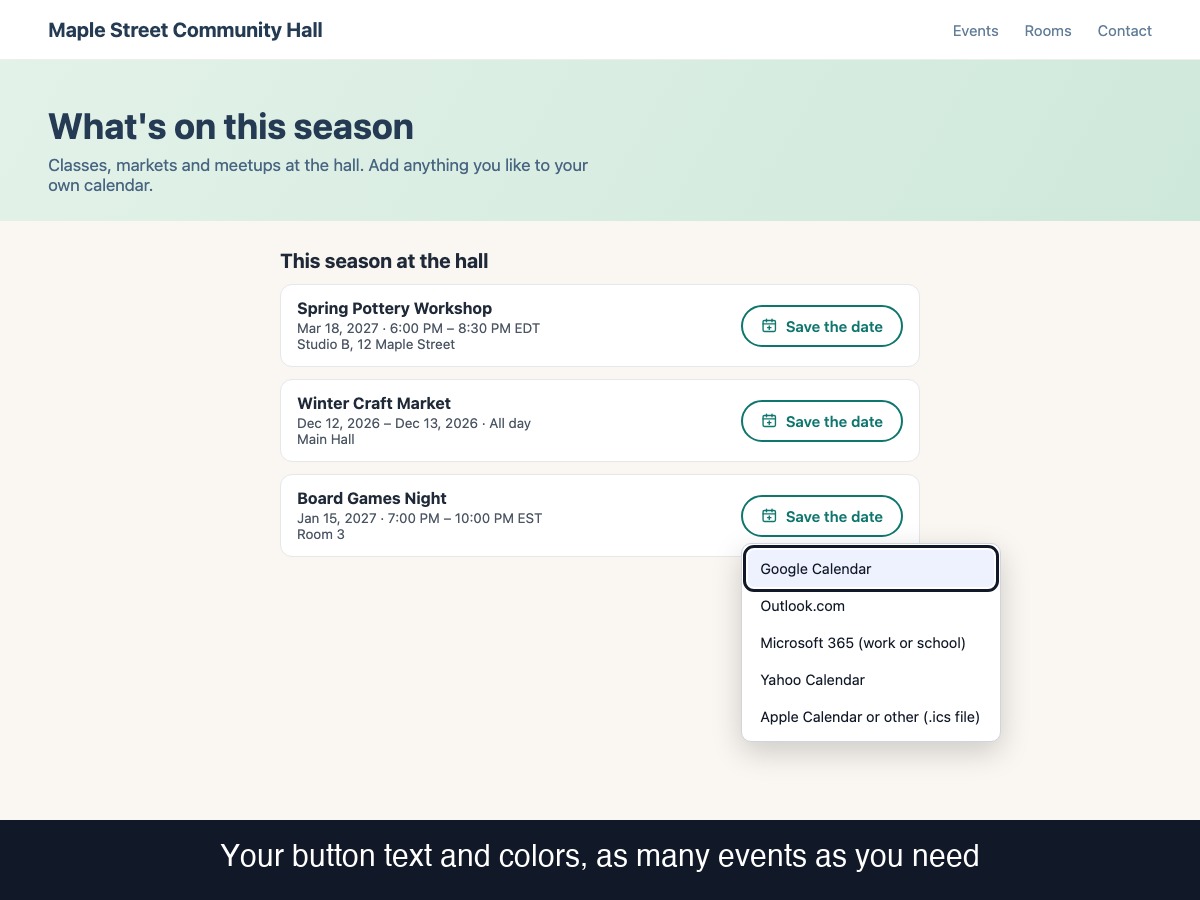
Add to Calendar puts a button on your site that lets visitors save your event to their own calendar: Google Calendar, Outlook.com, Microsoft 365, Yahoo Calendar, or a downloadable .ics file for Apple Calendar and most other calendar apps. Enter a title, start and end (or all-day), location, description, link and an optional reminder. Times are set in the event's own time zone and converted correctly, including daylight saving changes. Add as many events as you like and show them as a list with one button each, or as buttons only. Choose the button text, colors, style, size and which calendars appear in the menu (menu text can be renamed to translate it). The menu works with a keyboard, closes with Escape and returns focus to the button. Place it at the bottom of the page or inside any element using a CSS selector, and limit it to chosen pages. Honest limits: the app does not send invitations or reminders, cannot tell whether anyone added or attended the event, and has no tracking. The reminder is stored only in the .ics file; web calendars use their own default. No server, no account, no watermark.