

쇼핑카트
예약 관리
이벤트
팝업

- 20%
Wix 인증
Spotify Stream Player
-
Embed Spotify on your site
4.7
무료 플랜 가능

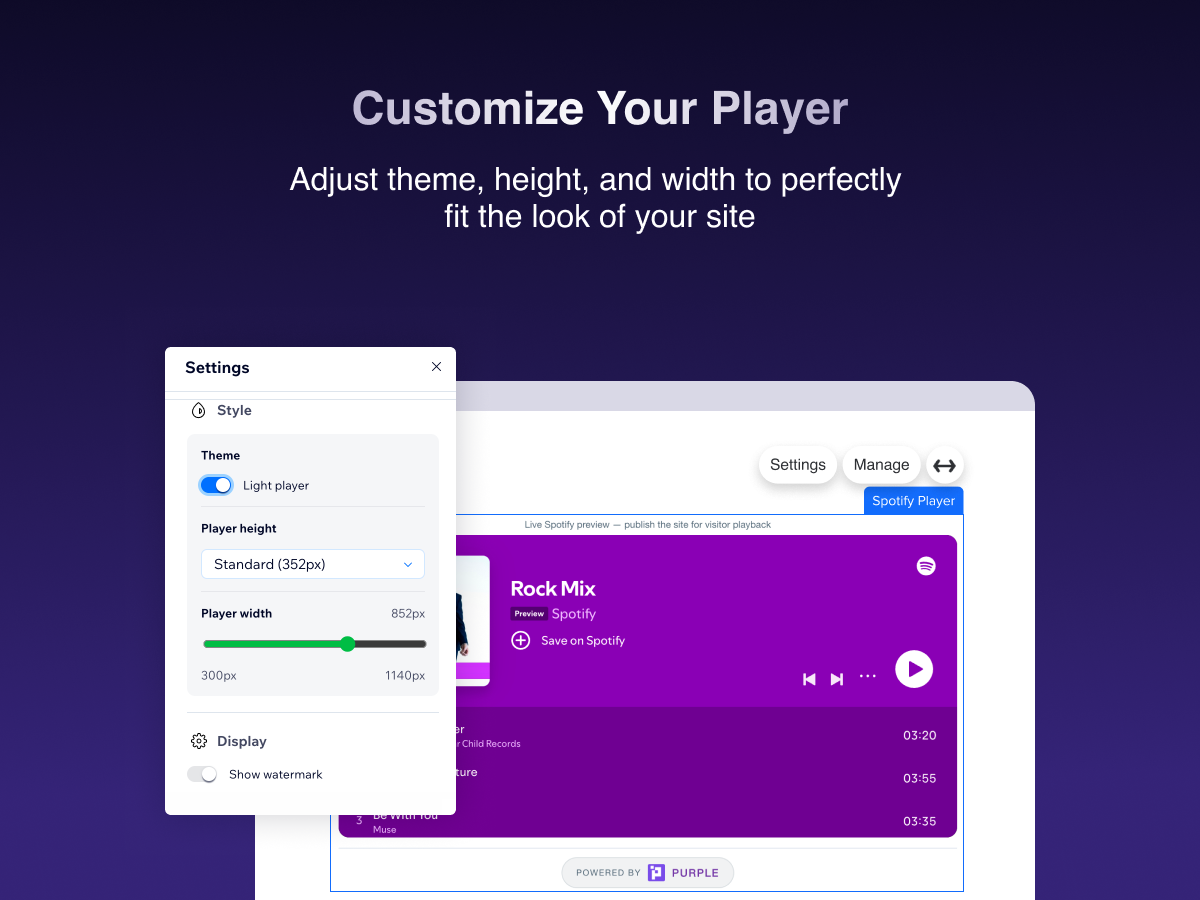
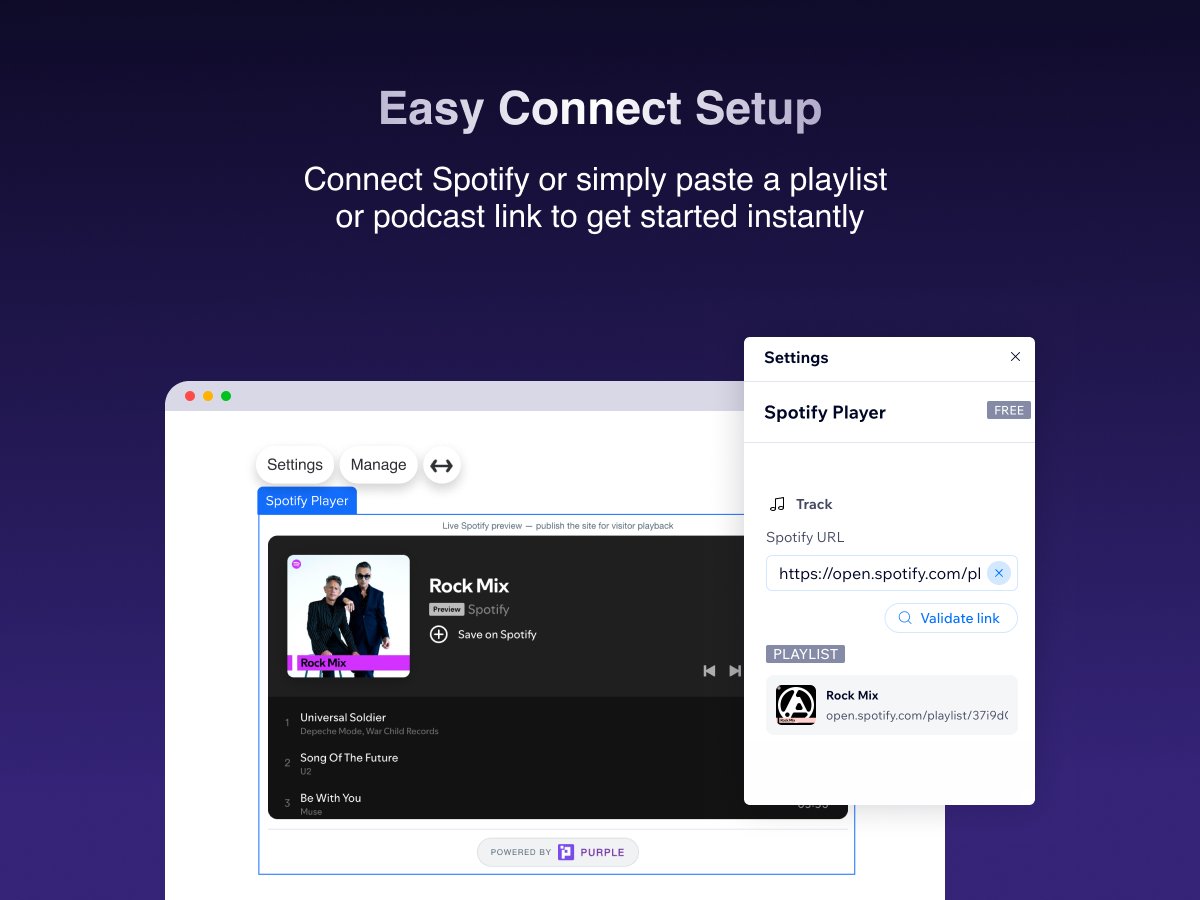
Spotify Stream Player 개요
- Embed tracks, playlists, albums & podcasts
- Paste a Spotify link — live preview in the editor
- Match your site: theme, width & player size
- Official Spotify player with full playback controls
평균 평점 4.7
후기 39
개
5
35
4
0
3
2
2
0
1
2
정렬:
NA
Naiadesccruz/ Oct 19, 2026
amei
(0)
의견을 남겨주셔서 감사합니다!
CO
Contatoaiguaria/ Oct 13, 2026
ok
PU
PURPLE 팀
Hi there,
Thank you for the five-star rating! We're glad Spotify Stream Player is working well for you. We appreciate you choosing our app and hope it continues to make sharing your favorite music...(0)
의견을 남겨주셔서 감사합니다!
RI
Richmondjamescc/ Oct 8, 2026
Love it
PU
PURPLE 팀
Hi there,
We're so happy to hear that you love the app! Thank you for taking the time to leave us a review. We hope Spotify Stream Player continues to bring your music closer...(0)
의견을 남겨주셔서 감사합니다!
CO
Cobrastrikestudio3/ Sep 14, 2026
Dose not work
PU
PURPLE 팀
Hi there,
We’re sorry to hear that the Spotify Stream Player isn’t working as expected. We’d like to understand what’s happening on your site so we can help identify the issue and get the...(0)
의견을 남겨주셔서 감사합니다!
PA
Paoladommont/ Sep 14, 2026
Me encanta
PU
PURPLE 팀
Hi there,
Thank you so much for the 5 star review! We’re really happy to hear that you’re enjoying Spotify Stream Player.
We truly appreciate your support and hope you continue having a great experience...(0)
의견을 남겨주셔서 감사합니다!
요금 및 플랜
Basic 플랜
무료
Embed any Spotify track, album or play
Light & dark player theme
Resize player height & width
Watermark shown on player
Pro 플랜
- 20%
$
2
39
/월
$299
Remove "Upgrade" watermark from player
Manage all players from the dashboard
Priority support
Light & dark player theme
*가격은 USD 기준입니다.
* 할인은 2026년 10월 31일 오후 11시 59분(UTC)에 만료됩니다. 앱 개발자는 언제든지 할인을 종료할 수 있는 권한을 보유하며, 할인 약관은 변경될 수 있습니다.