

쇼핑카트
예약 관리
이벤트
팝업

QuickSync for Xero
-
Xero connector for tracked inventory & items
후기 0개
무료 플랜 가능

QuickSync for Xero 개요
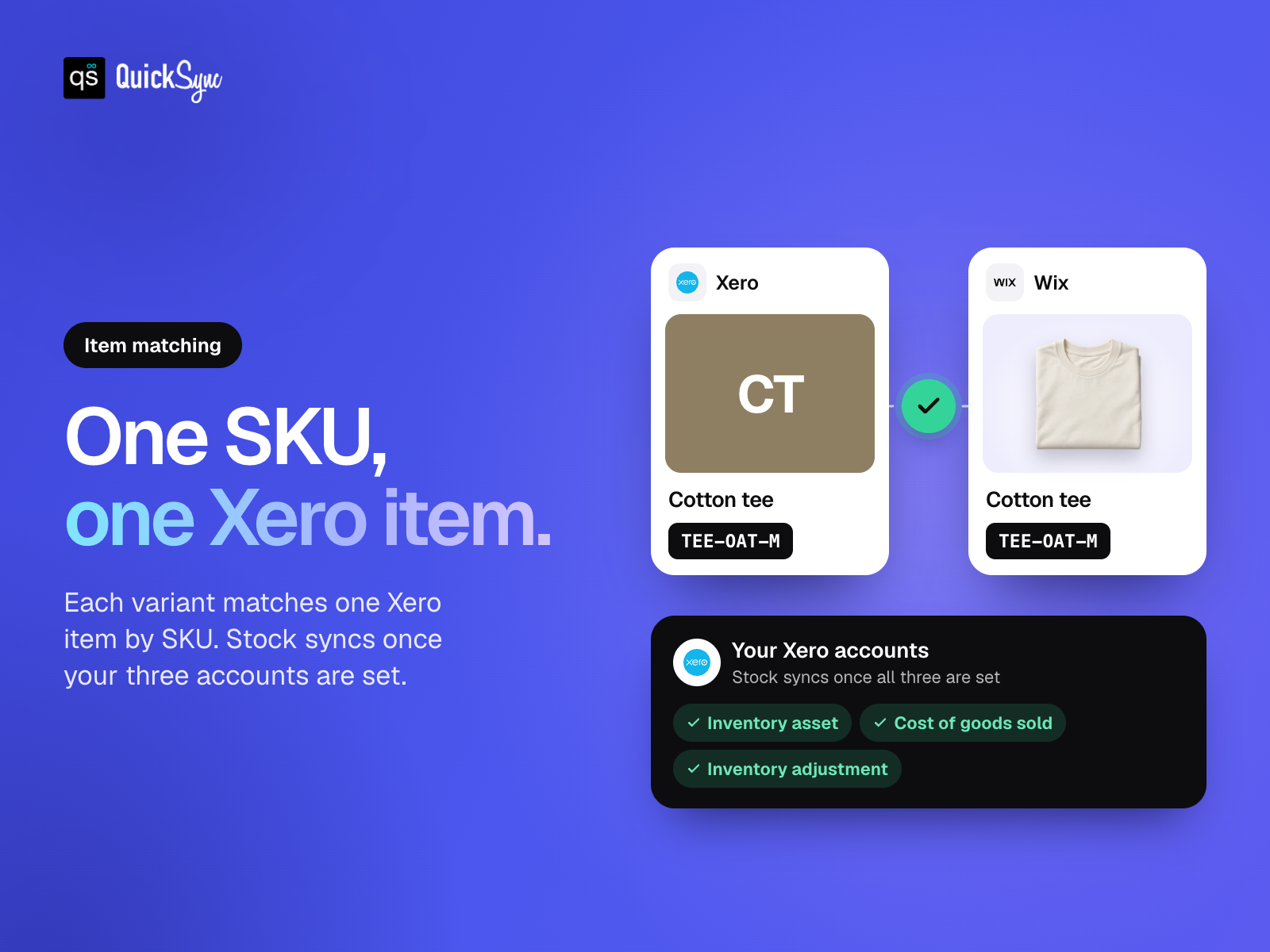
- Match your items. Link store variants to Xero using their SKUs
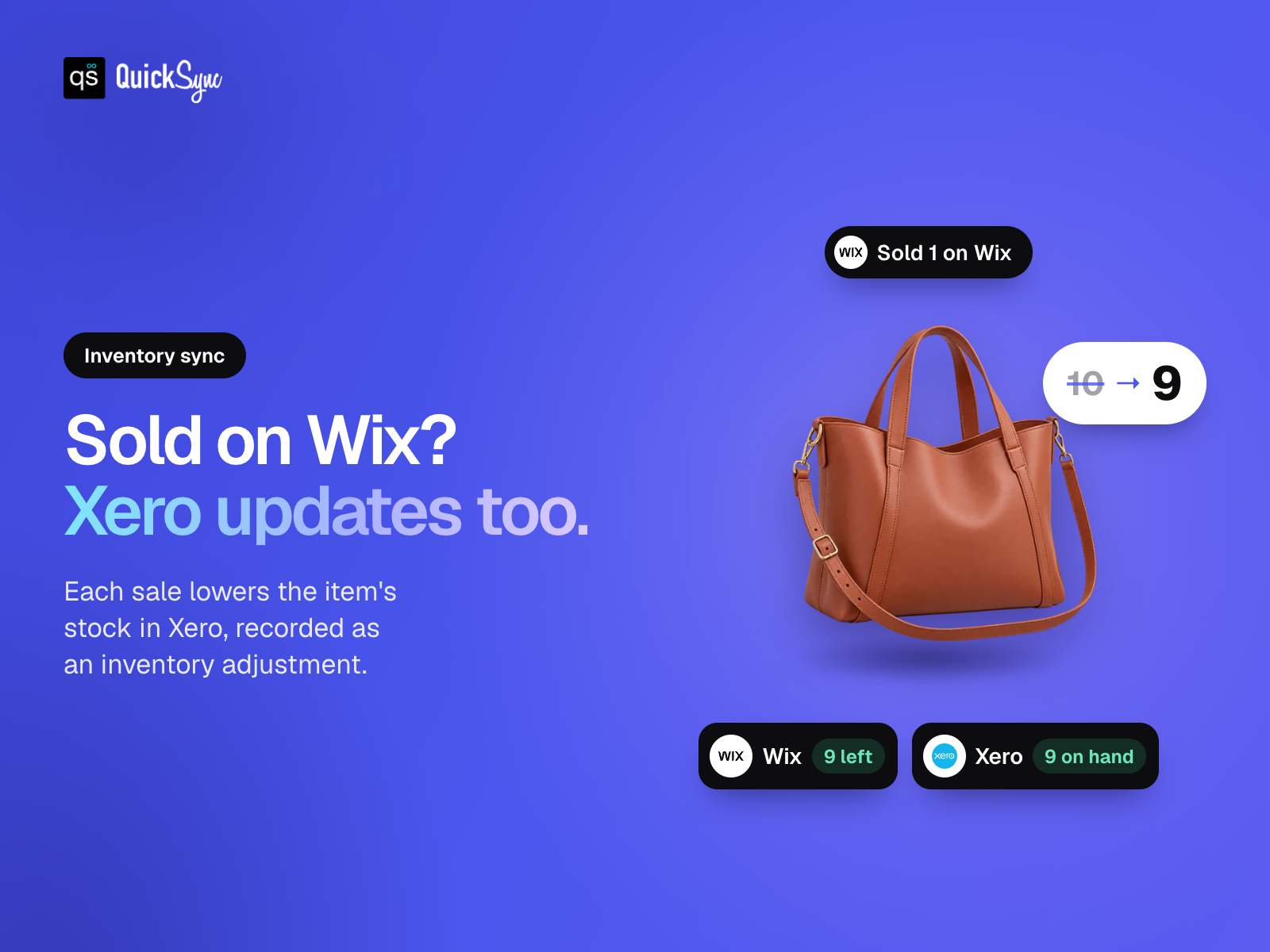
- Keep stock in sync. Connect tracked Xero items after setting up your accounts
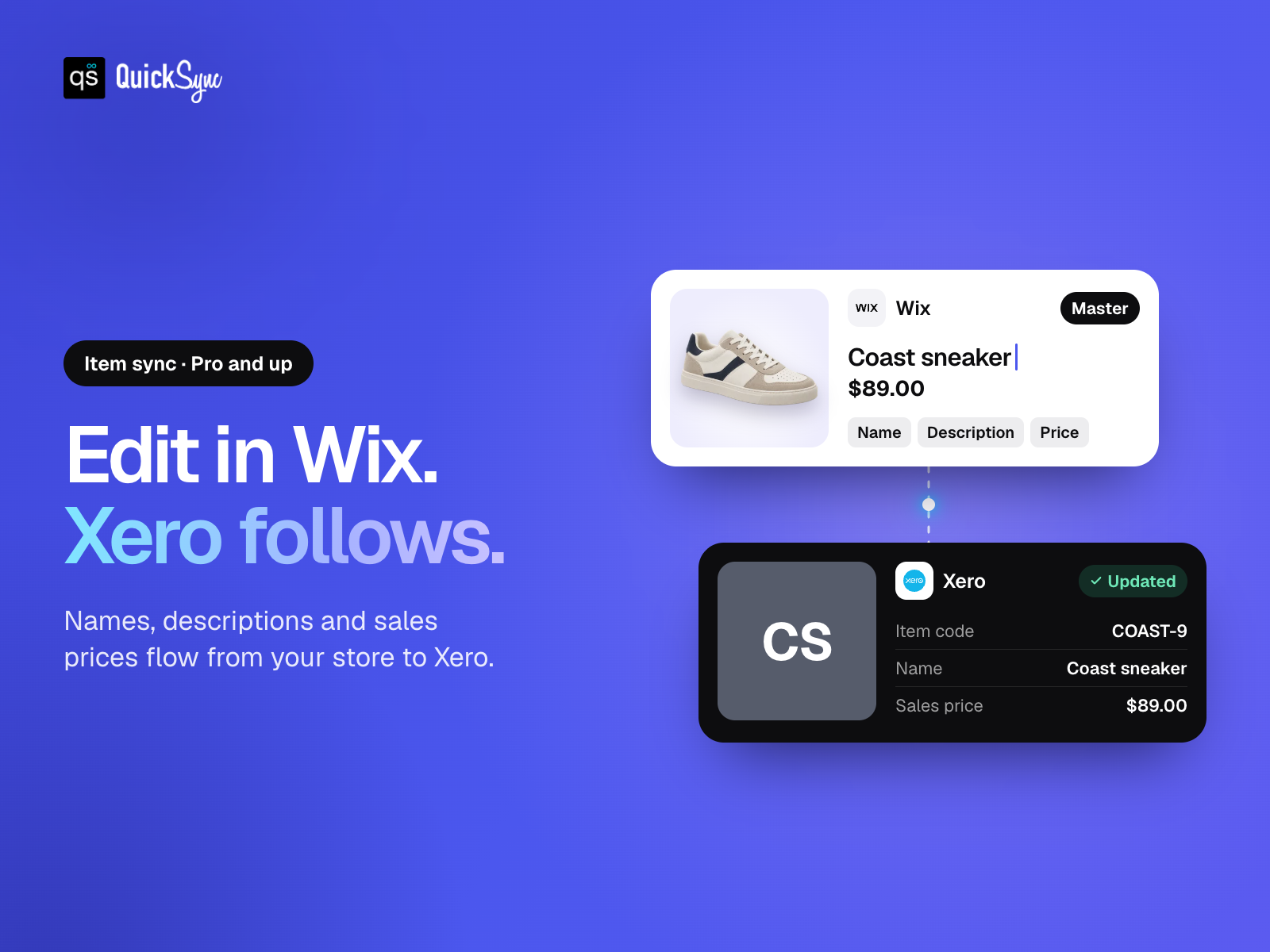
- Update items once. Send supported details from your store to Xero
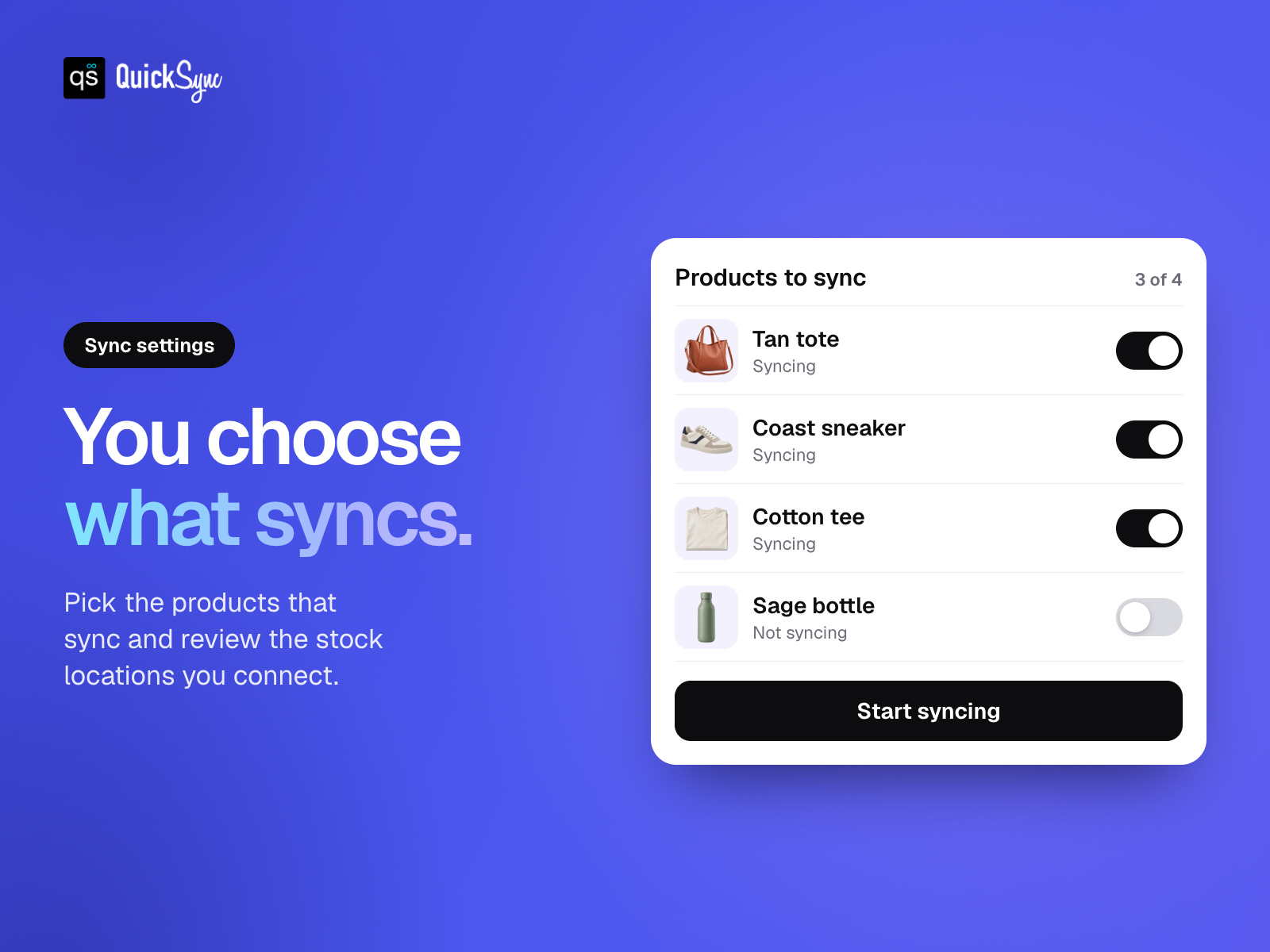
- Choose what syncs. Select your products and review connected stock locations
평점 및 후기
아직 등록된 후기가 없습니다. 가장 먼저 후기를 남겨보세요.요금 및 플랜
Basic 플랜
무료
Tracked inventory with account setup
Up to 100 syncing variants
Choose which products sync
Standard support
Pro 플랜
$
26
00
/월
Supported item and inventory syncing
Up to 2,500 syncing variants
Use your store as product master
Review SKUs and account mappings
Ultra Standard 플랜
$
62
00
/월
Everything in Pro
Up to 10,000 syncing variants
Choose which products sync
Review SKUs and account mappings
Ultra Plus 플랜
$
89
00
/월
Everything in Ultra Standard
Up to 20,000 syncing variants
Choose which products sync
Review SKUs and account mappings
*가격은 USD 기준입니다.