

쇼핑카트
예약 관리
이벤트
팝업

Ask in Aria
ChatGPT Pixel
-
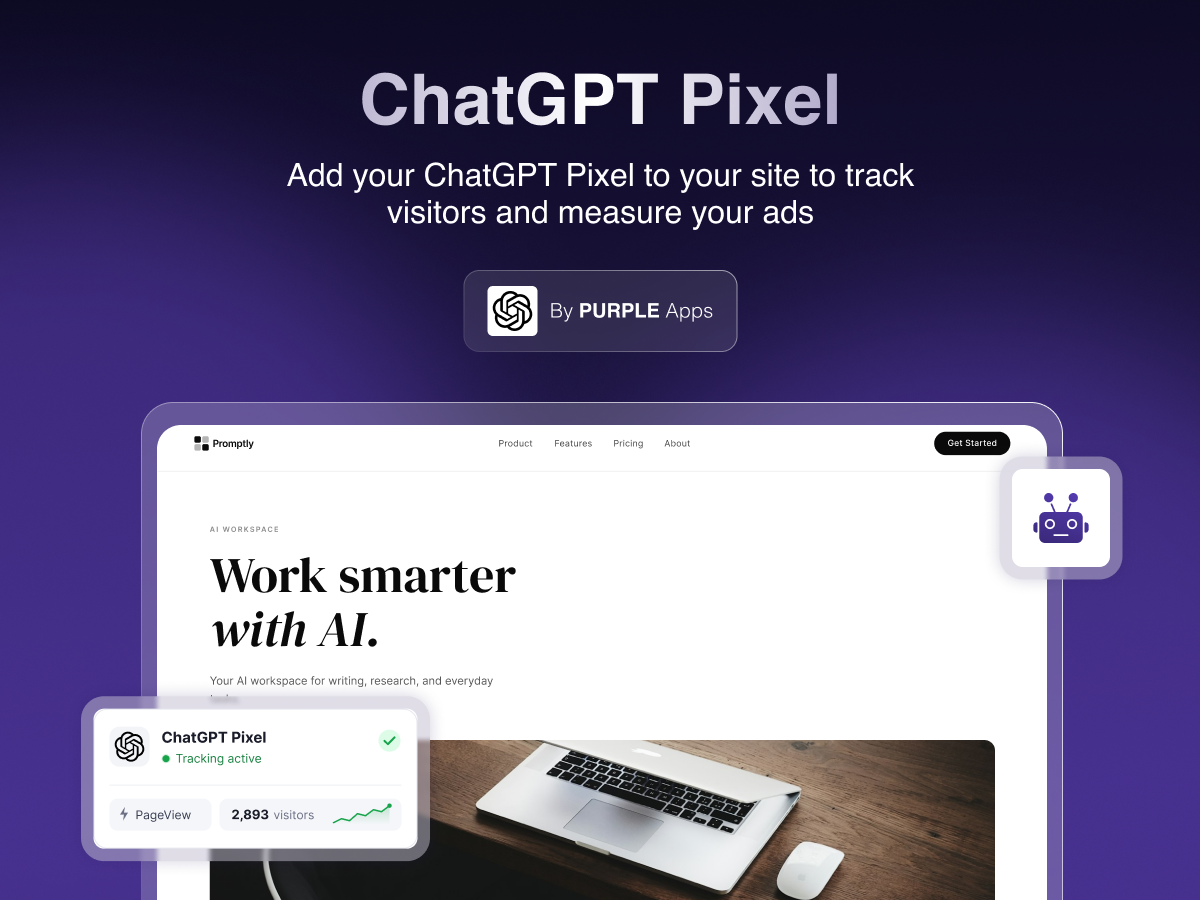
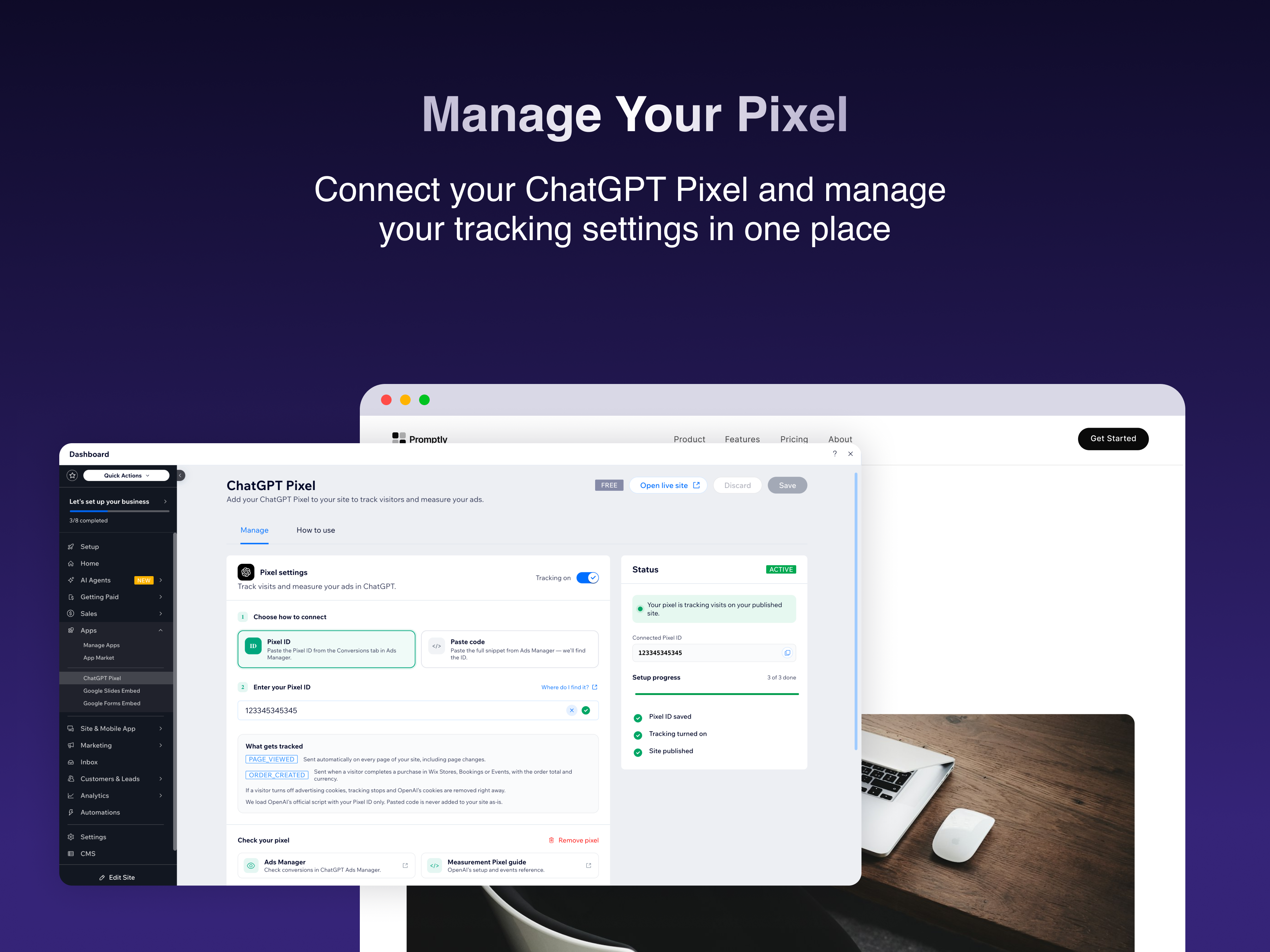
Connect your ChatGPT Ads pixel without code
5.0
무료 플랜 가능

ChatGPT Pixel 개요
- Paste your Pixel ID or the full snippet, and we find the ID
- Tracks page views on every page, including in-site navigation
- Ignores stray snippet lines, so page loads aren’t miscounted
- Works with your cookie banner; pause or remove anytime
평균 평점 5.0
후기 1개
5
1
4
0
3
0
2
0
1
0
PP
Pprimtongtrakul/ Sep 29, 2026
Very easy to use!
PU
PURPLE 팀
Hi there,
Thank you for your great feedback! We're glad to hear that ChatGPT Pixel is easy to use and provides a smooth experience. We truly appreciate your support and are happy to have...(0)
의견을 남겨주셔서 감사합니다!
요금 및 플랜
Basic 플랜
무료
Your ChatGPT Pixel on every page
Page views, including page changes
Paste Pixel ID or the full install
Turn tracking on and off at any time
Premium 플랜
$
3
00
/월
Everything in Free
Store and booking events
Lead from form submissions/sign ups
Priority email support
*가격은 USD 기준입니다.