Wix App Market Logo

wix logo


Trending Topics
쇼핑카트
예약 관리
이벤트
팝업
Social Sharing Button logo

Social Sharing Button

-
Add social share buttons and Ask AI to any page
후기 0개
무료

Social Sharing Button 개요

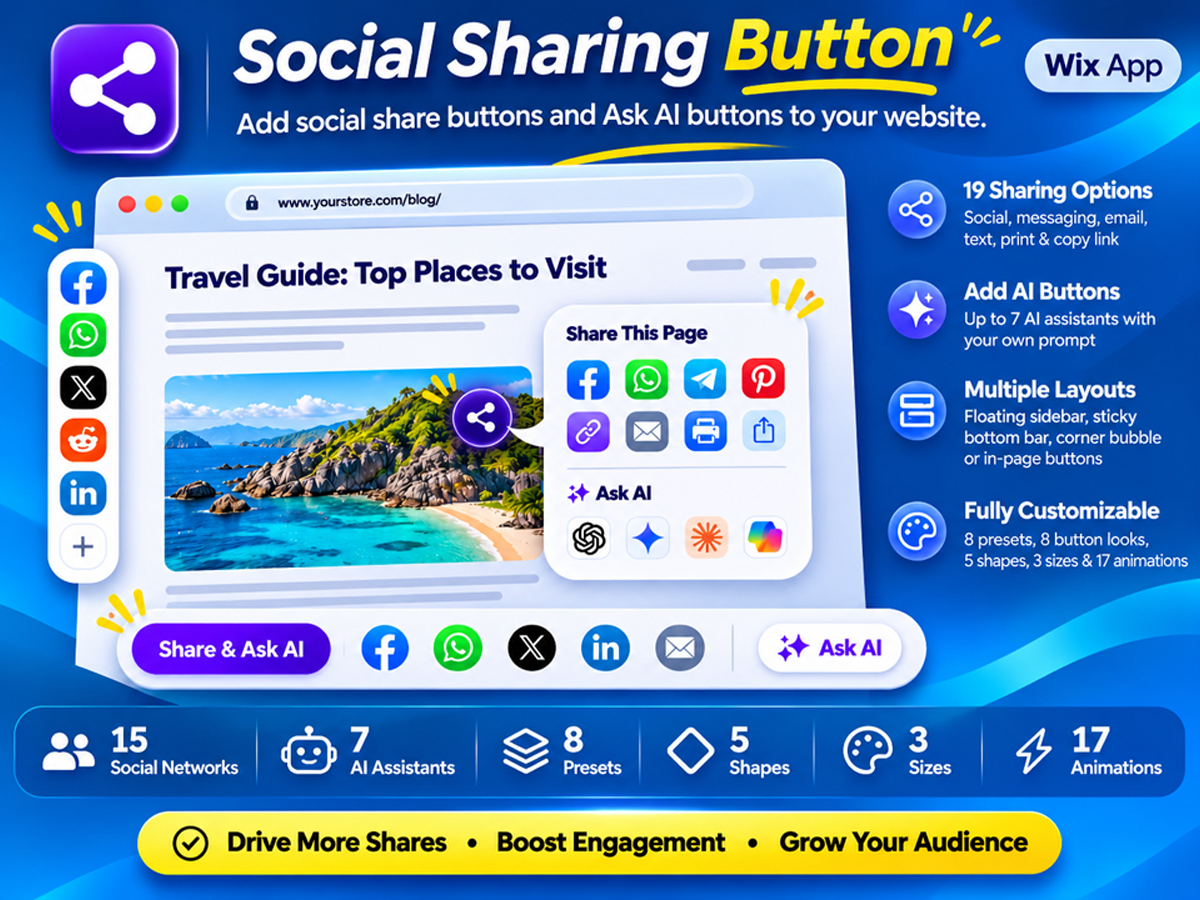
  • Let visitors ask AI about your pages. Add up to 7 assistants with a summary prompt you can edit
  • Offer 19 sharing options. Use 15 social networks and messaging apps, email, text, print and copy link
  • Choose where buttons appear. Use a sidebar, bottom bar, bubble, in-page row or product photo overlay
  • Match your site's style. Start with 8 presets, then adjust 8 looks, 5 shapes and 17 animations
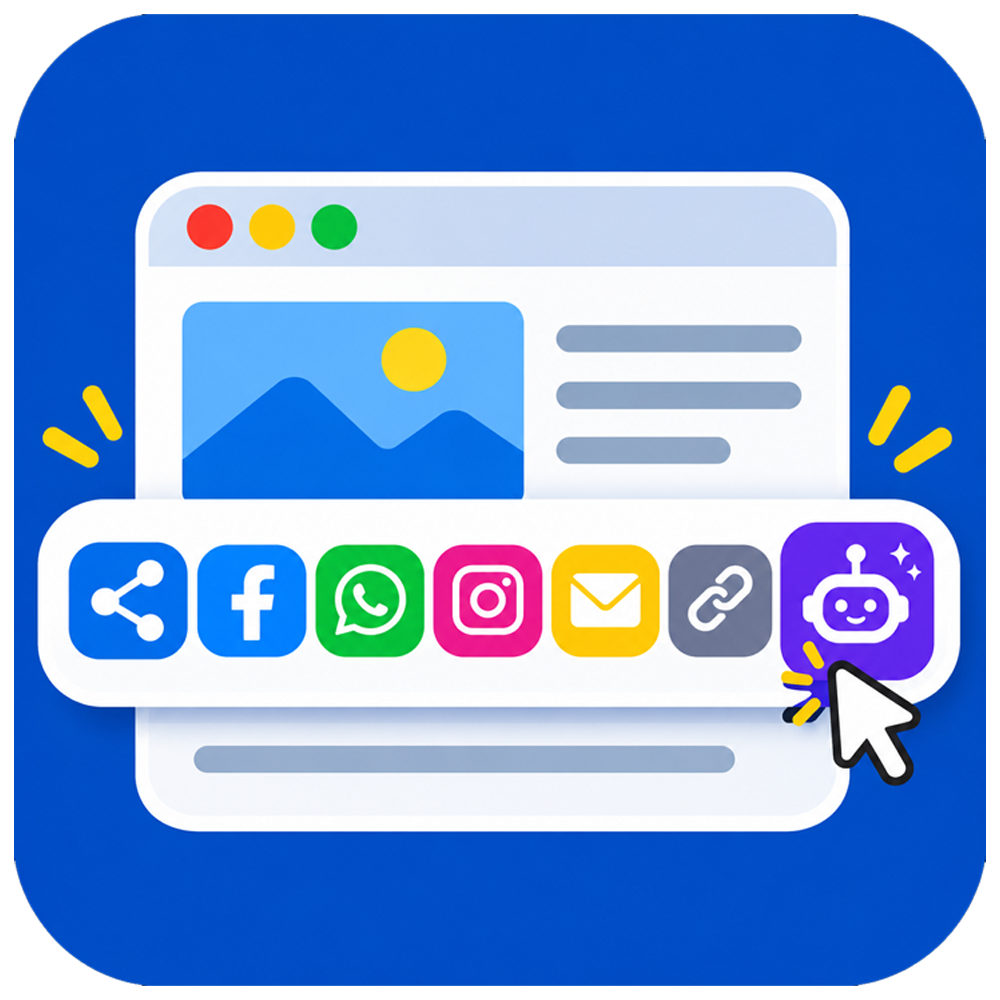
Add social share buttons and Ask AI buttons to your website so visitors can share your pages, products, and blog posts, or open an AI assistant with a ready-made summary prompt. Social Sharing Button gives you 19 sharing options, including 15 social networks and messaging apps, email, text message, print, and copy link. Add up to 7 AI assistants and a native share button that opens the visitor's device share sheet, then set it all up without code using a live preview. Choose a floating sidebar, sticky bottom bar, or corner bubble for desktop and mobile, and add in-page share buttons under the title or at the end of the content. On store product pages, share buttons can also appear on the main product photo. AI buttons can sit with your social icons, form their own group, open from one menu or appear as a content block, and you can edit the prompt. Match your brand with 8 presets, 8 button looks, 5 shapes, 3 sizes, an accent color, and 17 animations. Decide where buttons show by device, page type, or URL, and hide them on pages such as cart or checkout. Add UTM tags to track shared traffic in your analytics, and share canonical URLs for cleaner links.
카테고리
앱 지원 국가
해당 앱은 국가와 관계없이 이용 가능합니다.
앱 언어
영어
사이트에 표시된 모든 앱 콘텐츠를 원하는 언어로 번역할 수 있습니다.
카테고리

평점 및 후기

아직 등록된 후기가 없습니다. 가장 먼저 후기를 남겨보세요.

2억 3천만 명 이상의 Wix 사용자를 위한 앱을 제작 및 출시하세요.