Wix App Market Logo

wix logo


Trending Topics
쇼핑카트
예약 관리
이벤트
팝업
Classic Editor logo

Classic Editor

-
Write posts in a classic Visual & HTML editor
후기 0개
7일 무료 체험

Classic Editor 개요

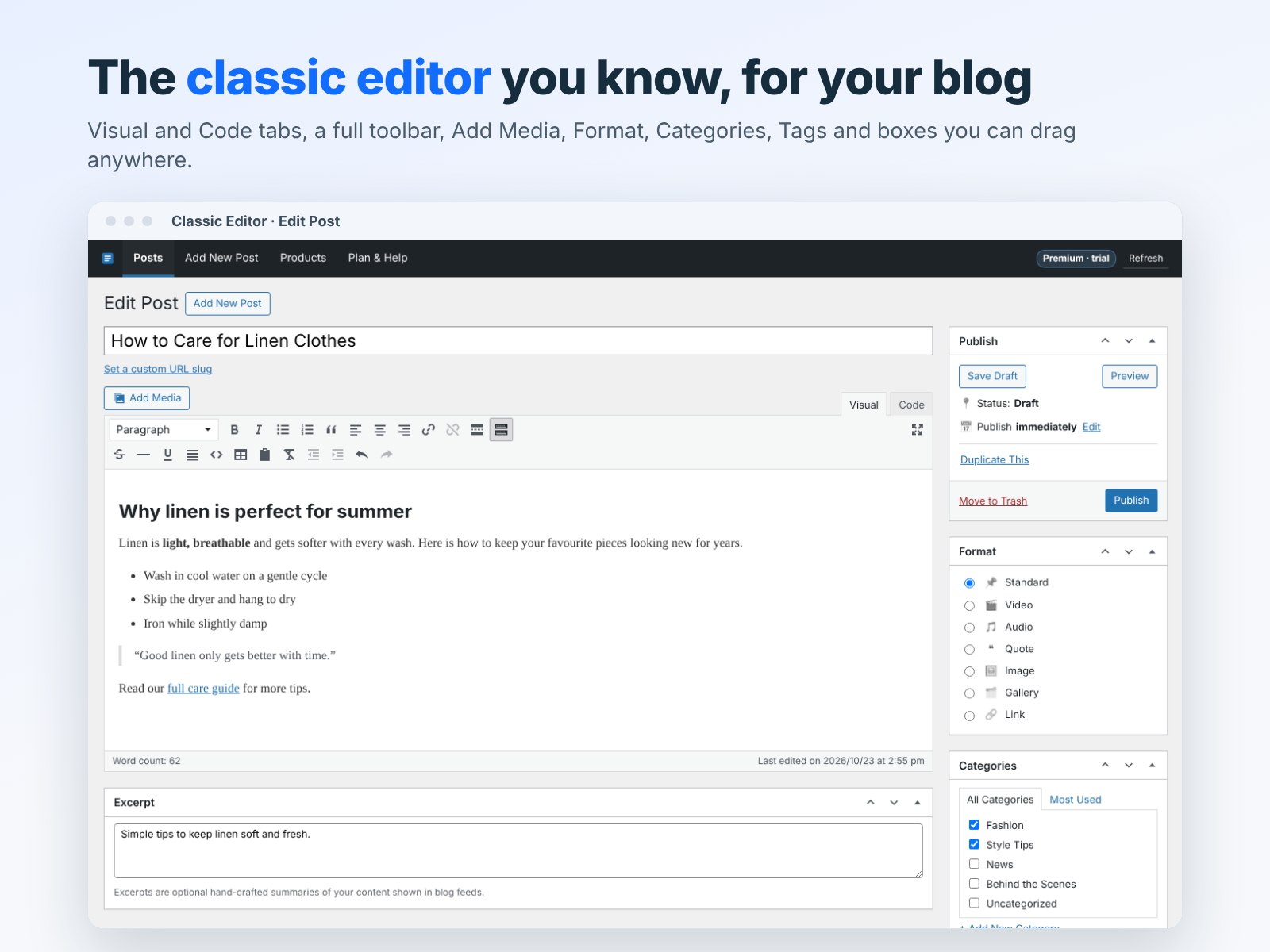
  • Familiar classic toolbar with Add Media button
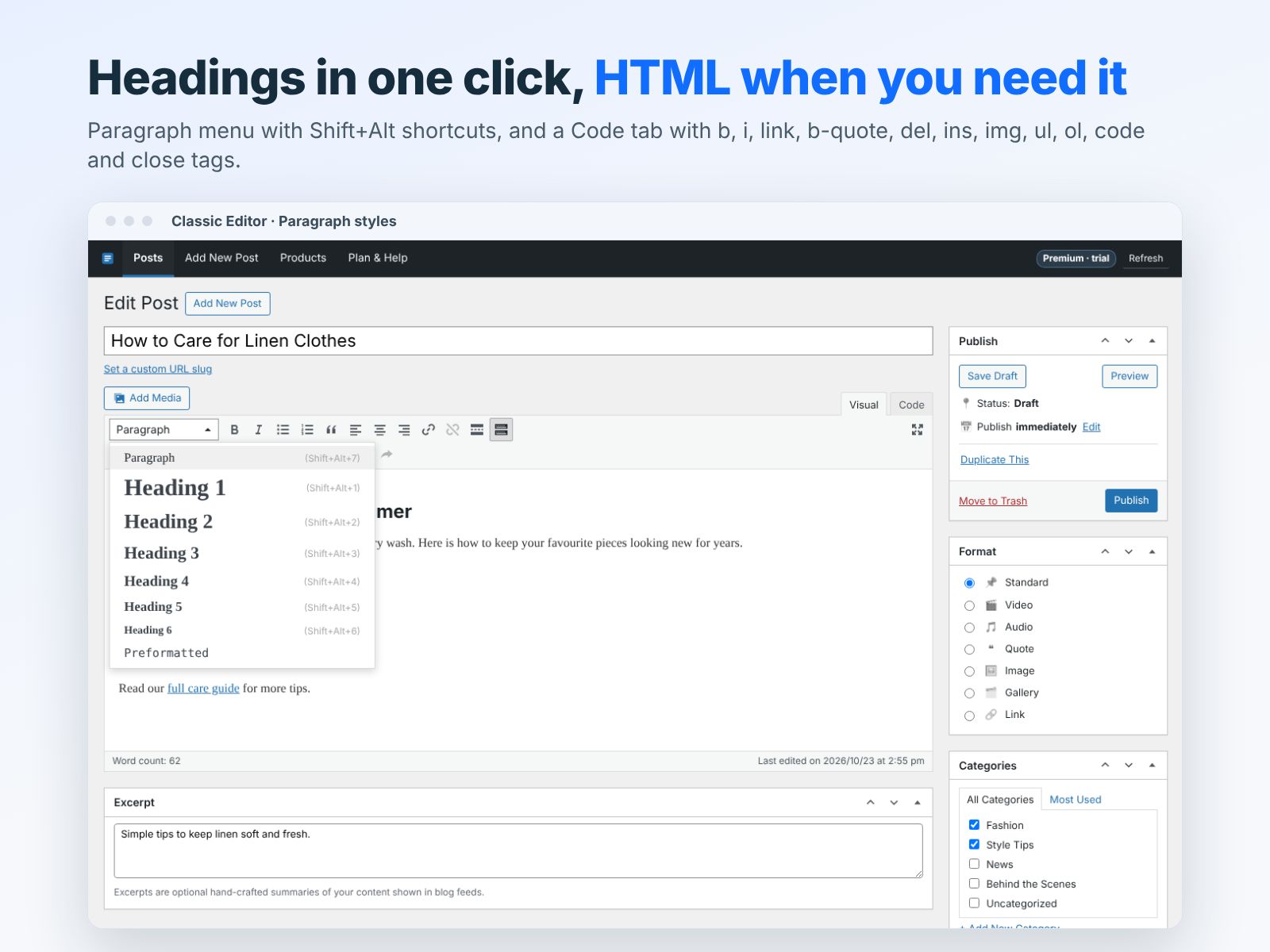
  • Switch between Visual and Text (HTML) modes
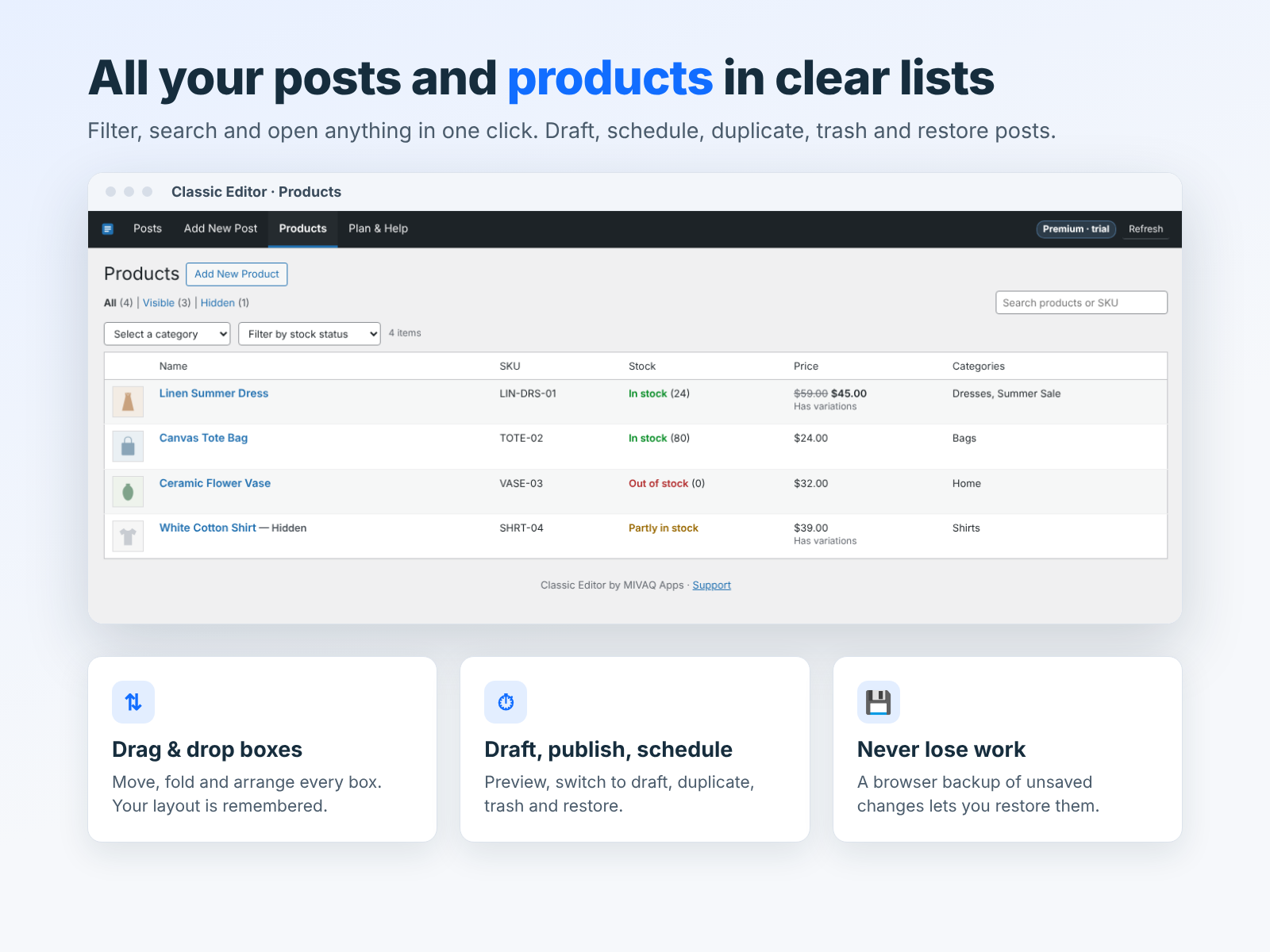
  • Draft, schedule and publish blog posts
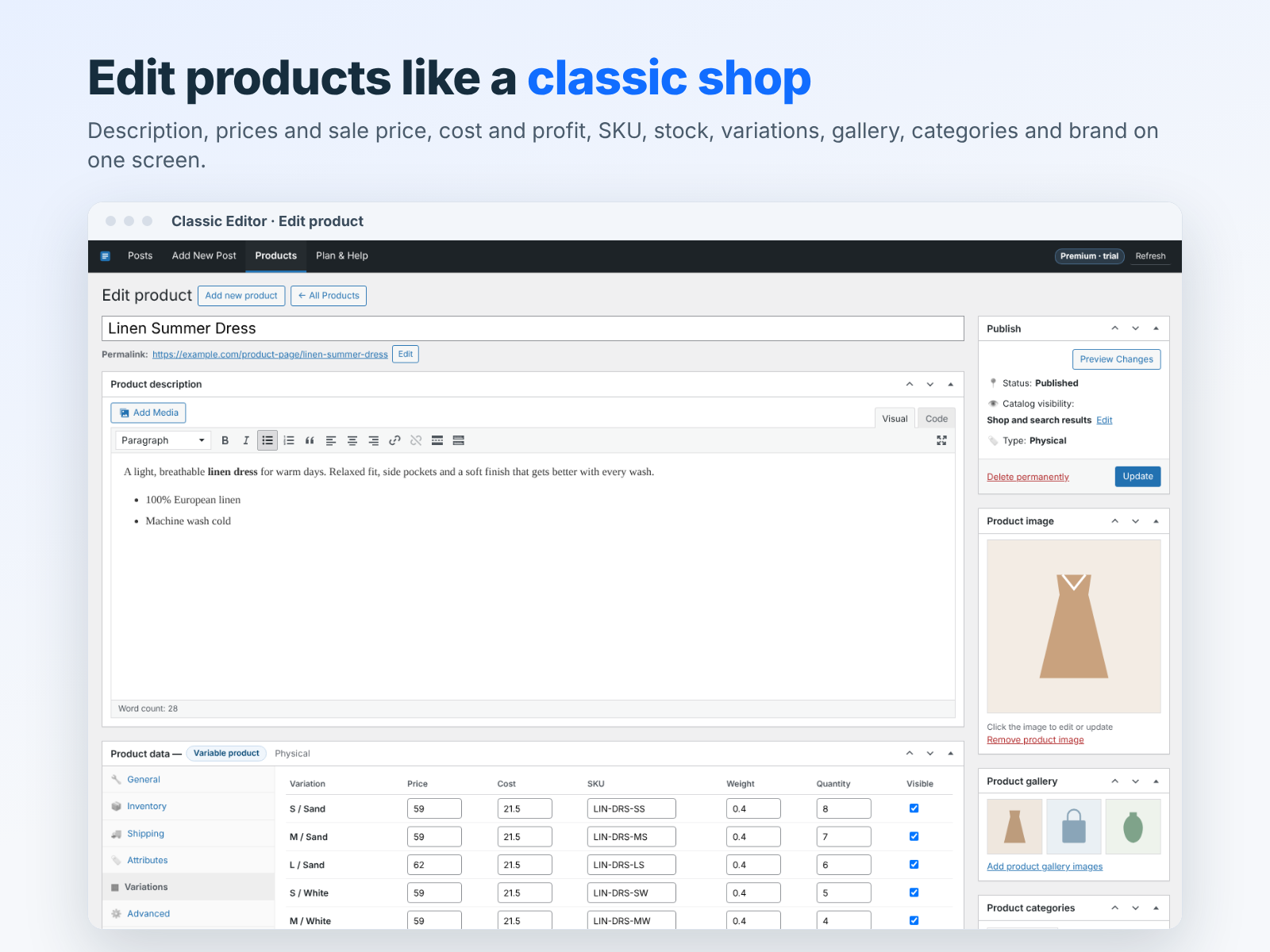
  • Edit store product descriptions the same way
Classic Editor brings the simple, familiar post editor many writers love right into your site dashboard. No drag and drop, no blocks, just a clean writing area with a classic toolbar. Write in the Visual tab with Paragraph and heading styles, bold, italic, underline, strikethrough, bulleted and numbered lists, quotes, alignment, links, tables, horizontal lines, Read More and fullscreen mode. Open the second toolbar row for more tools, or switch to the Text tab to edit clean HTML directly with quick tag buttons. Use Add Media to insert images from your Media Manager. Set the title, custom URL slug, excerpt, categories, tags, featured image and author, turn comments on or off, and save a draft, publish now or schedule a date and time. The All Posts screen lets you search and filter posts by status and open any post in one click. You can also write and edit store product descriptions with the same editor. Your unsaved changes are kept as a local backup in your browser, so you can restore them if something goes wrong. One Premium plan with unlimited use and a 7-day free trial.
앱 지원 국가
해당 앱은 국가와 관계없이 이용 가능합니다.
앱 언어
영어
카테고리

평점 및 후기

아직 등록된 후기가 없습니다. 가장 먼저 후기를 남겨보세요.

요금 및 플랜

본 앱은 7일 동안 무료 체험이 가능합니다.
Premium 플랜
$

3

99
/월
Unlimited posts and product texts
Visual and HTML (Text) editing
Schedule, categories, tags, images
Auto backup while you write
*가격은 USD 기준입니다.

2억 3천만 명 이상의 Wix 사용자를 위한 앱을 제작 및 출시하세요.