Wix App Market Logo

wix logo


Trending Topics
쇼핑카트
예약 관리
이벤트
팝업
Auto Order Tagger logo

Auto Order Tagger

-
Tag orders automatically when they are approved
후기 0개
무료 플랜 가능

Auto Order Tagger 개요

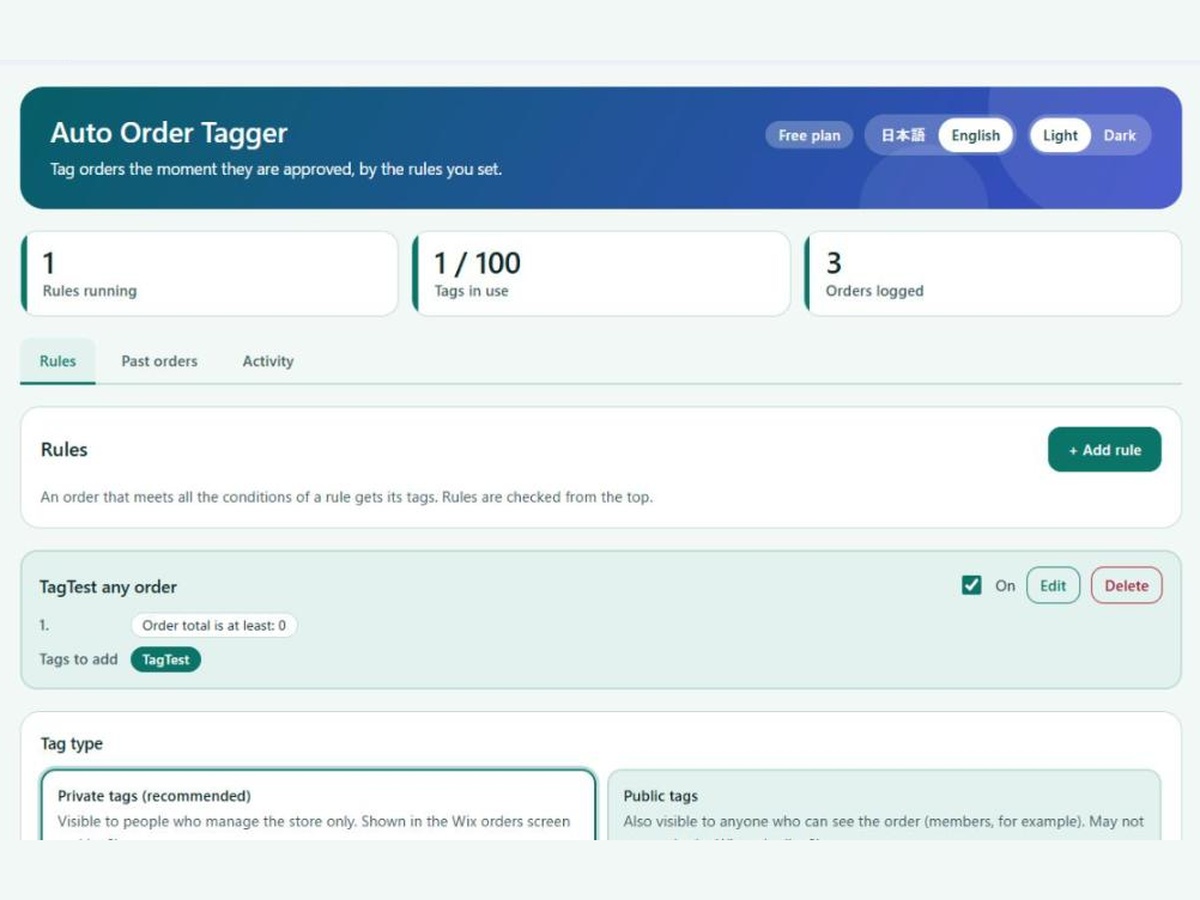
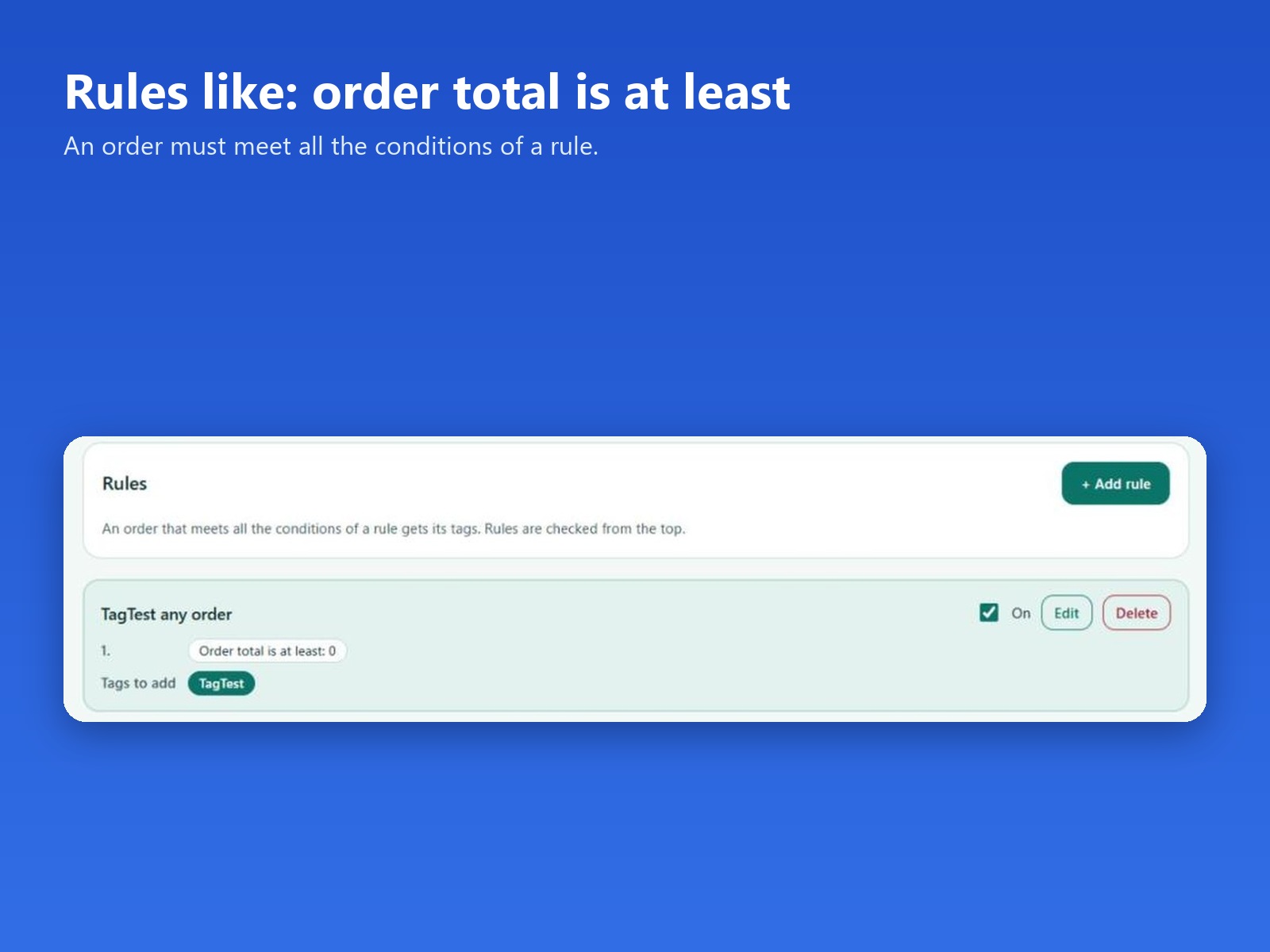
  • Tag orders when the total is at least an amount you set
  • Tags are added when an order is approved
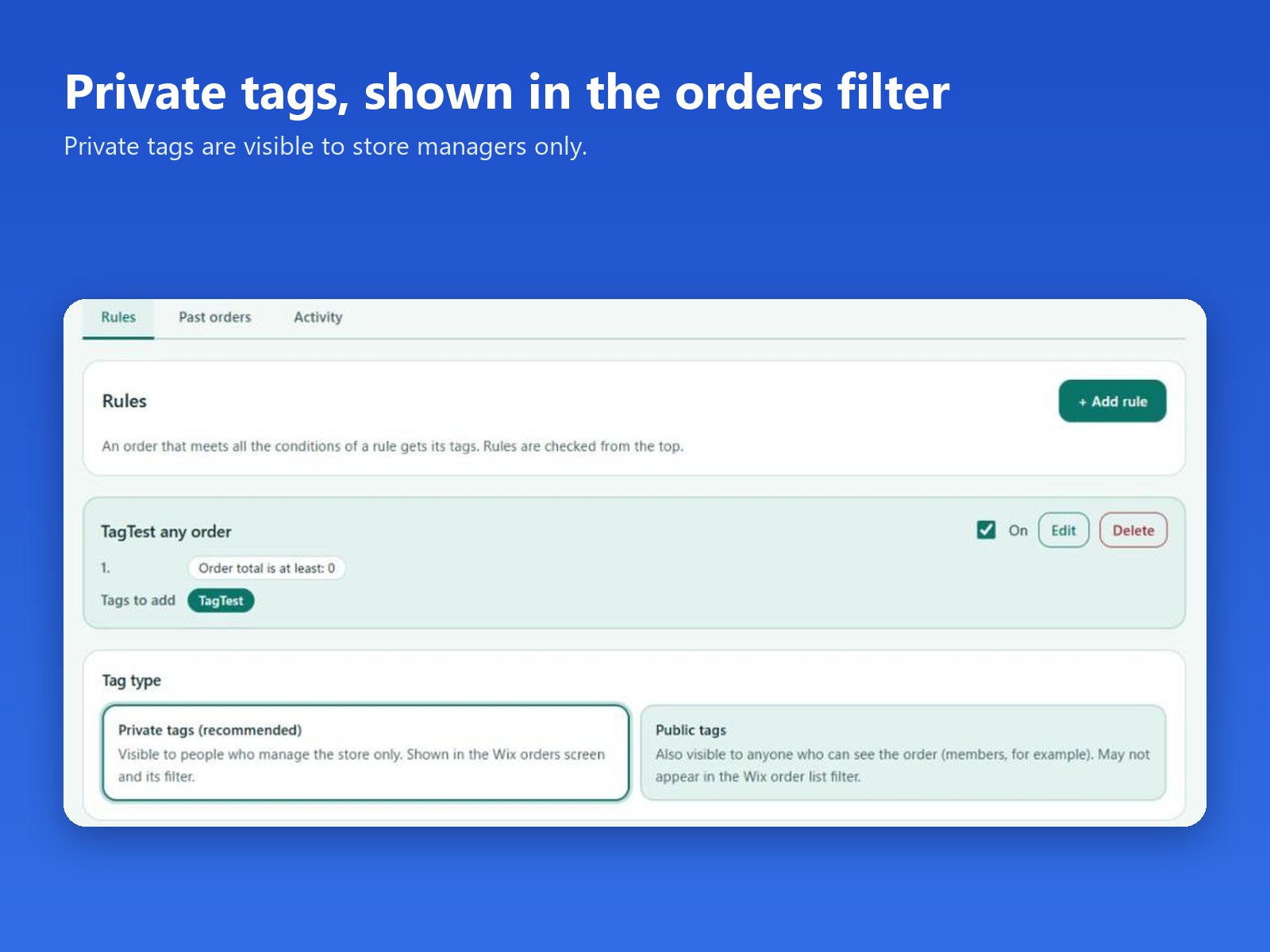
  • Private tags by default, shown in the order list filter
  • Free plan: 2 rules. Pro: up to 100 rules, plus past orders
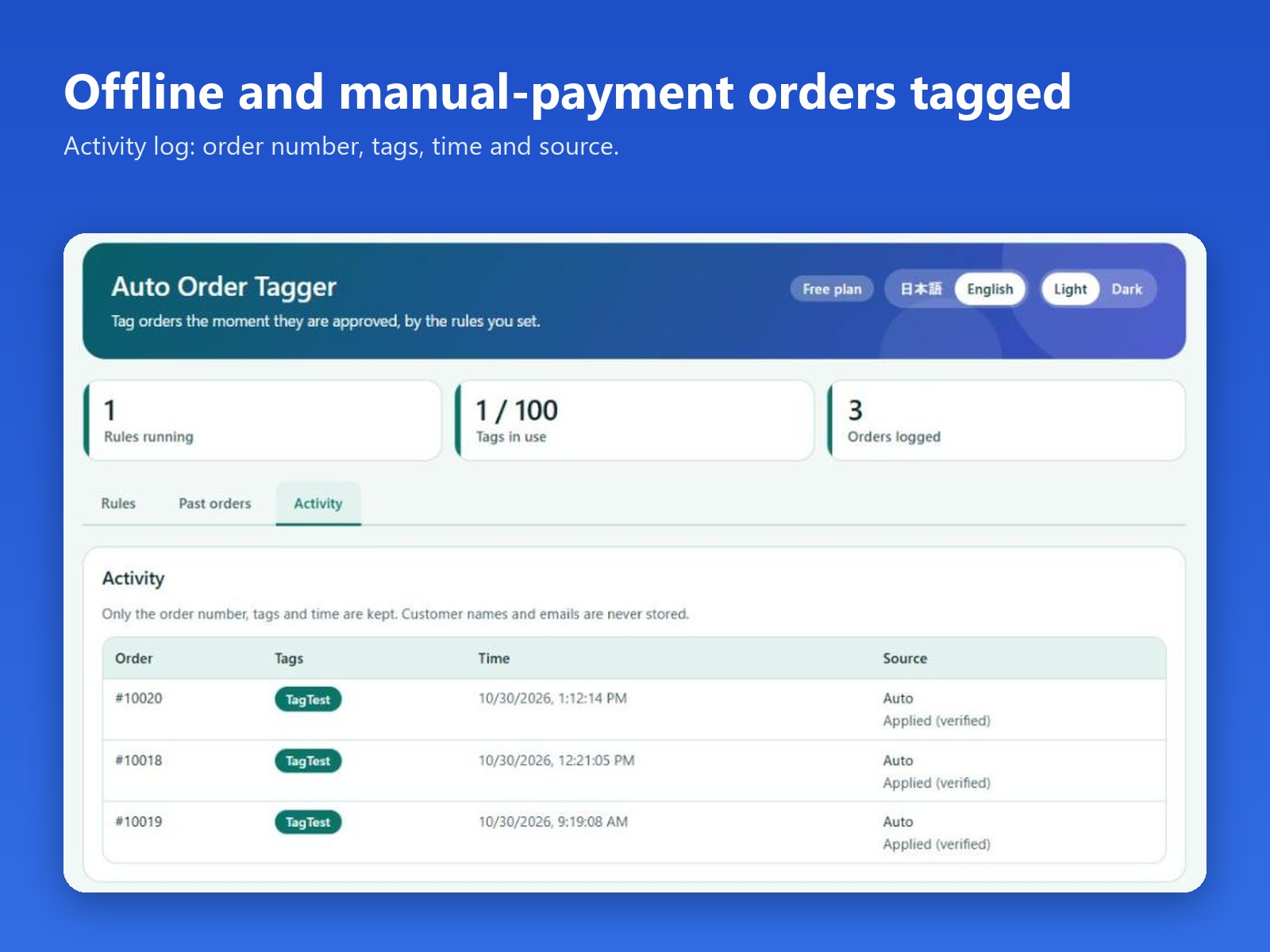
When large orders are mixed in with everyday ones, finding them usually means opening each order by hand. Auto Order Tagger adds the tags for you, so the order list can be filtered by what matters today. Open the app from your site dashboard and add a rule: enter an order total and the tags to add. When an approved order's total is at least that amount, the order gets the rule's tags. Rules run when an order is approved, including orders paid offline, such as manual payment. Tags are private by default: they are visible only to people who manage the store, and they appear on the orders page and in its tag filter. Public tags are also visible to anyone who can see the order. The Activity tab lists the order number, the tags, the time and the source. Customer names, emails and addresses are not stored. The free plan runs 2 rules on every new order. Pro allows up to 100 rules and can apply your rules to past orders for a date range you choose.
앱 지원 국가
해당 앱은 국가와 관계없이 이용 가능합니다.
앱 언어
영어
사이트에 표시된 모든 앱 콘텐츠를 원하는 언어로 번역할 수 있습니다.
카테고리

평점 및 후기

아직 등록된 후기가 없습니다. 가장 먼저 후기를 남겨보세요.

요금 및 플랜

Basic 플랜

무료

Up to 2 tagging rules
Auto-tags new approved orders
Activity log of tagged orders
Pro 플랜
$

3

99
/월
Up to 100 tagging rules
Tag past orders in bulk
Everything in the free plan
*가격은 USD 기준입니다.

2억 3천만 명 이상의 Wix 사용자를 위한 앱을 제작 및 출시하세요.