

쇼핑카트
예약 관리
이벤트
팝업

- 10%
Wix 인증
Google Slides
-
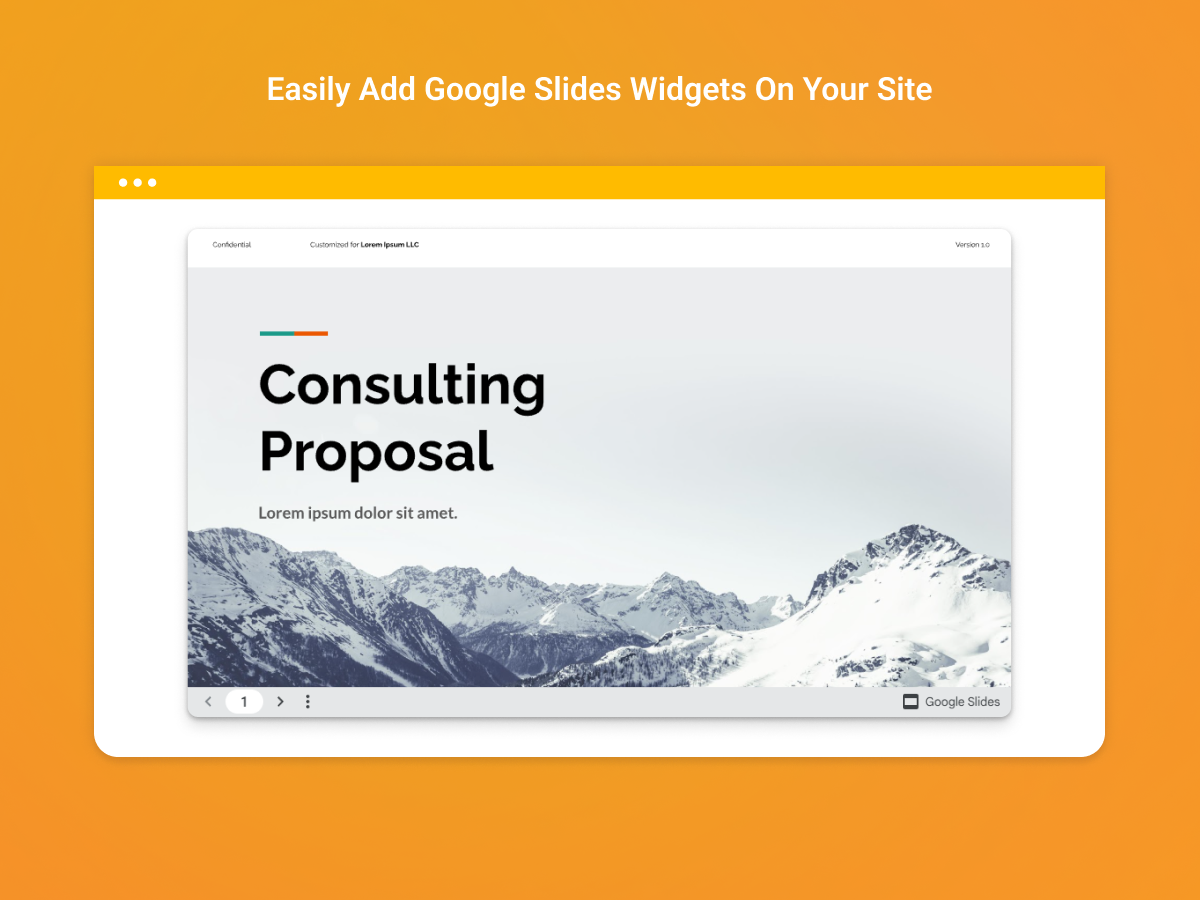
Embed a Google Slides presentation or slideshow
후기 0개
14일 무료 체험

Google Slides 개요
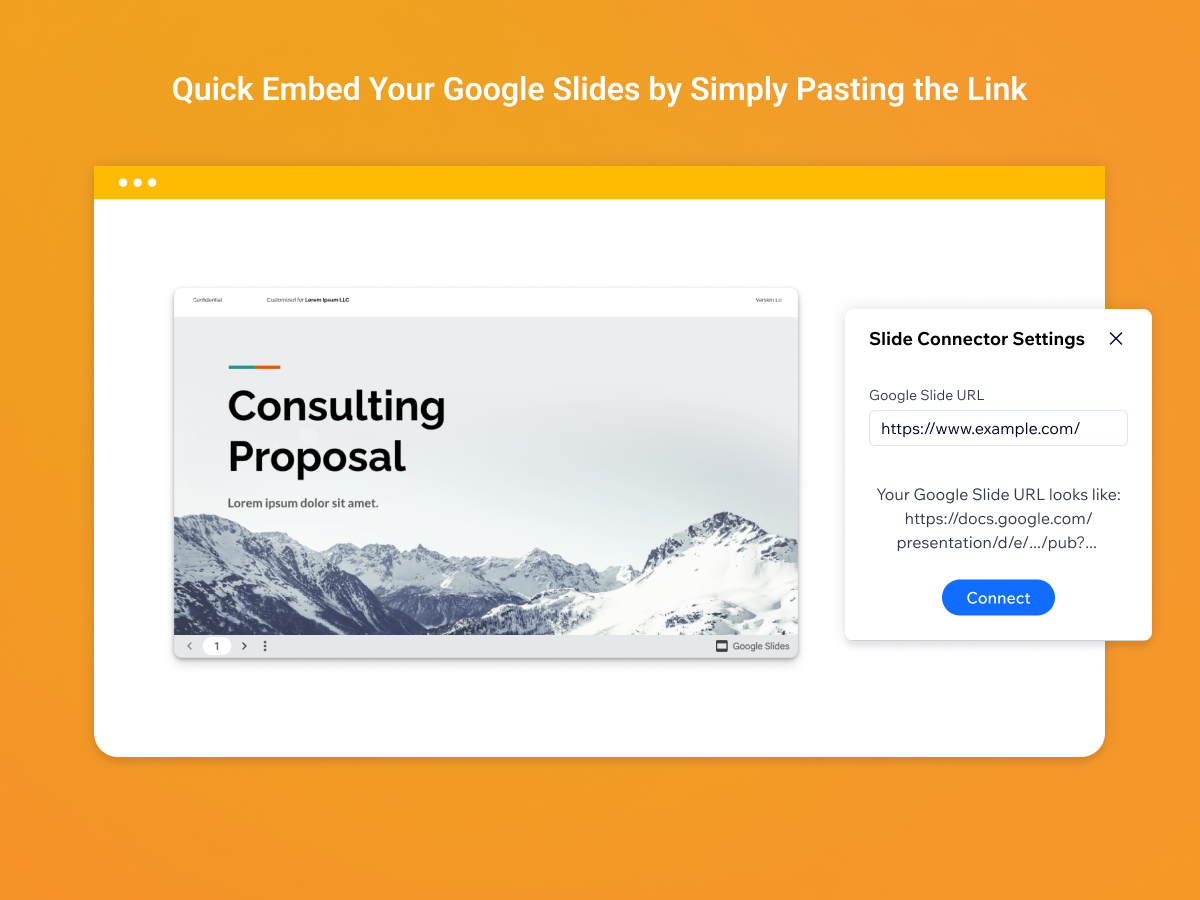
- Easy Connecting: Add Google Slides to your site with a simple URL
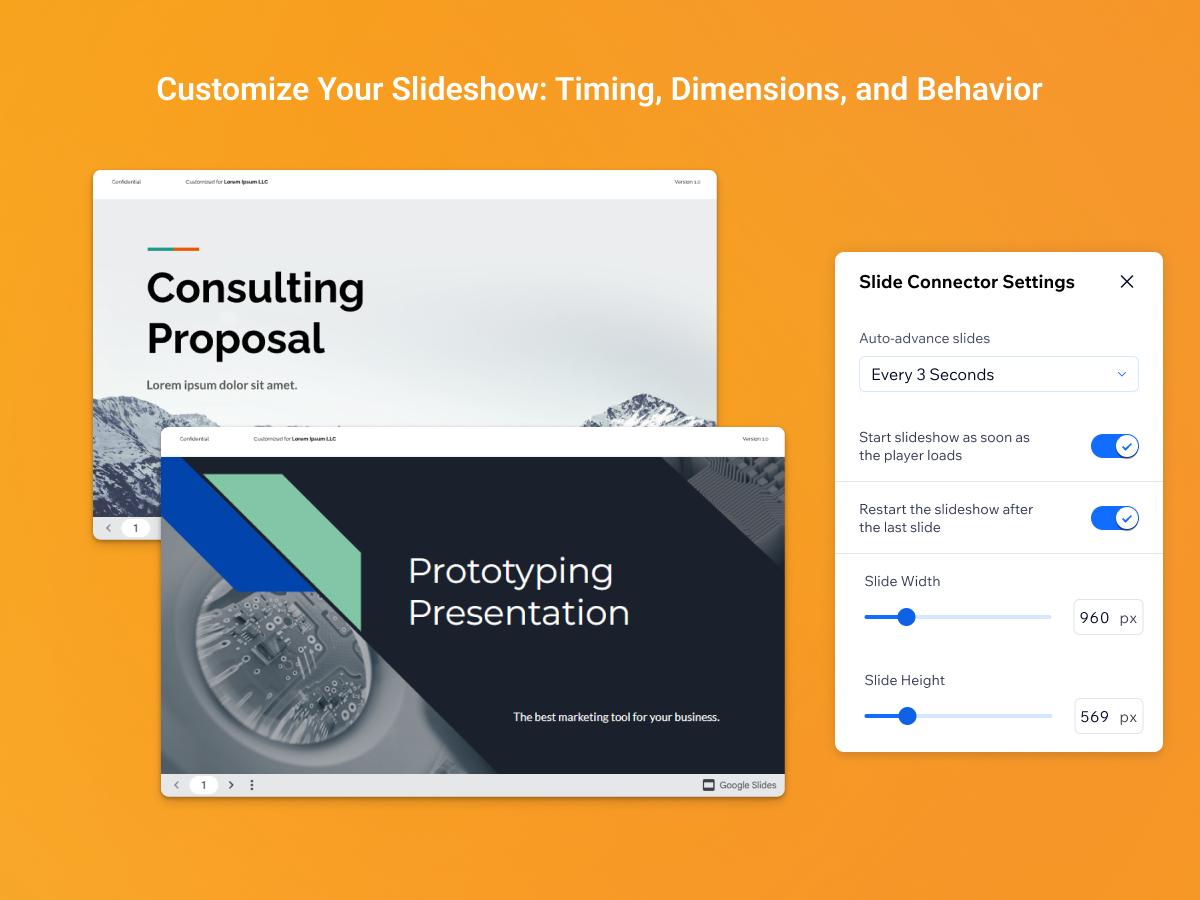
- Auto Advance Control: Set slide transition speeds for smooth presentations
- Custom Sizing: Adjust width and height to fit your layout perfectly
- Loop & Autoplay: Enable autoplay and looping for seamless slideshows
평점 및 후기
아직 등록된 후기가 없습니다. 가장 먼저 후기를 남겨보세요.요금 및 플랜
본 앱은 14일 동안 무료 체험이 가능합니다.Premium 플랜
- 10%
$
1
79
/월
$199
Add Google Slides on your Site
Advanced autoplay & loop options
Custom slide transition timing
Add multiple Slides
*가격은 USD 기준입니다.
* 할인은 2026년 11월 5일 오후 11시 59분(UTC)에 만료됩니다. 앱 개발자는 언제든지 할인을 종료할 수 있는 권한을 보유하며, 할인 약관은 변경될 수 있습니다.