Wix App Market Logo

wix logo


Trending Topics
쇼핑카트
예약 관리
이벤트
팝업
Sale Sync - Category & Ribbon logo

Sale Sync - Category & Ribbon

-
Auto-sync your Sale category and ribbons
후기 0개
무료

Sale Sync - Category & Ribbon 개요

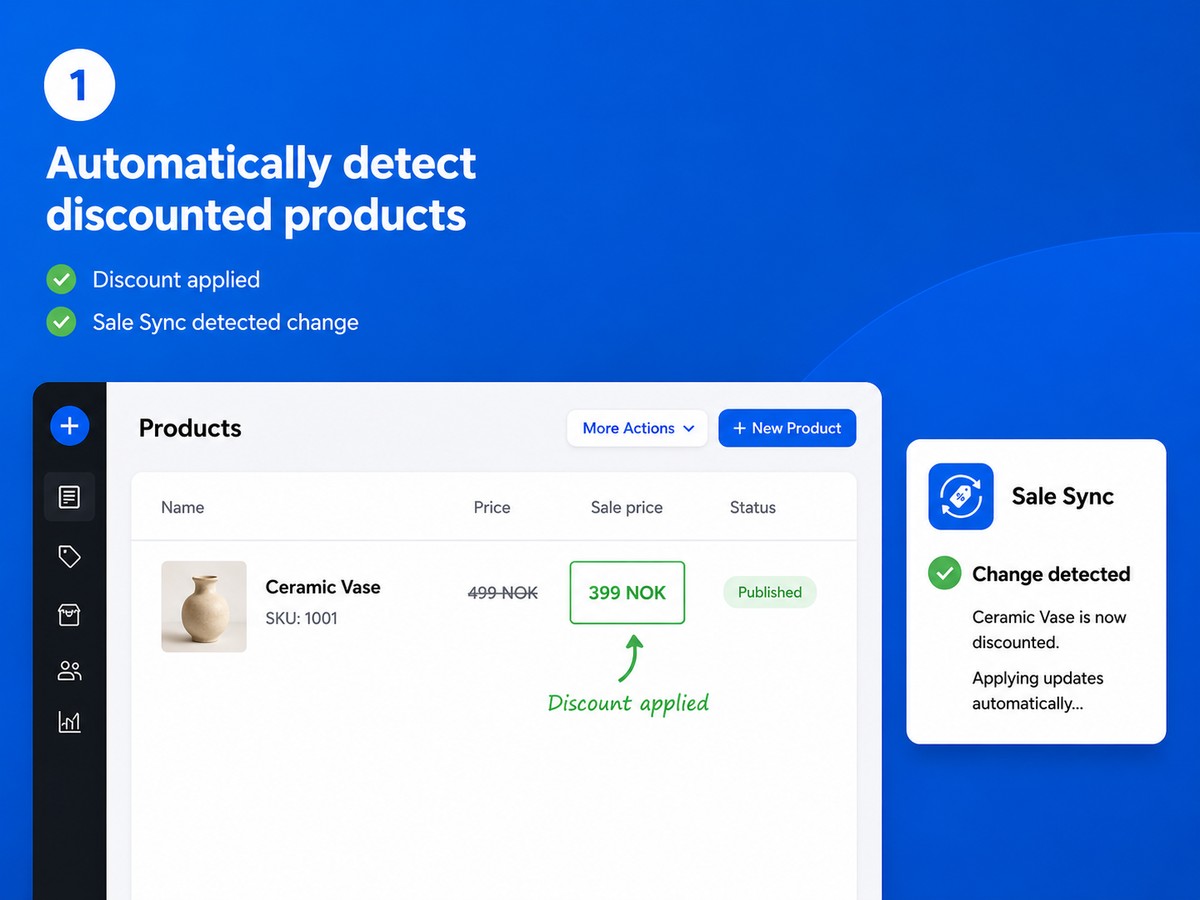
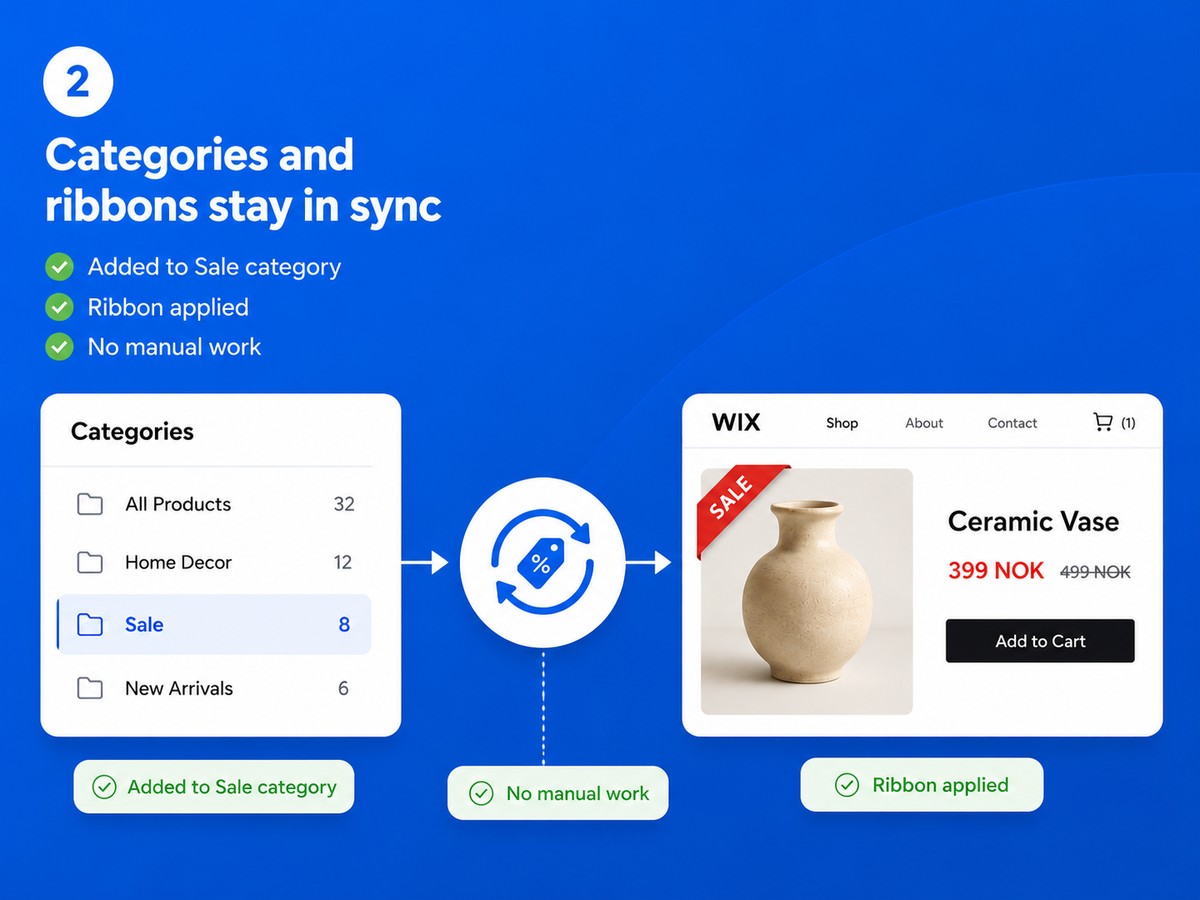
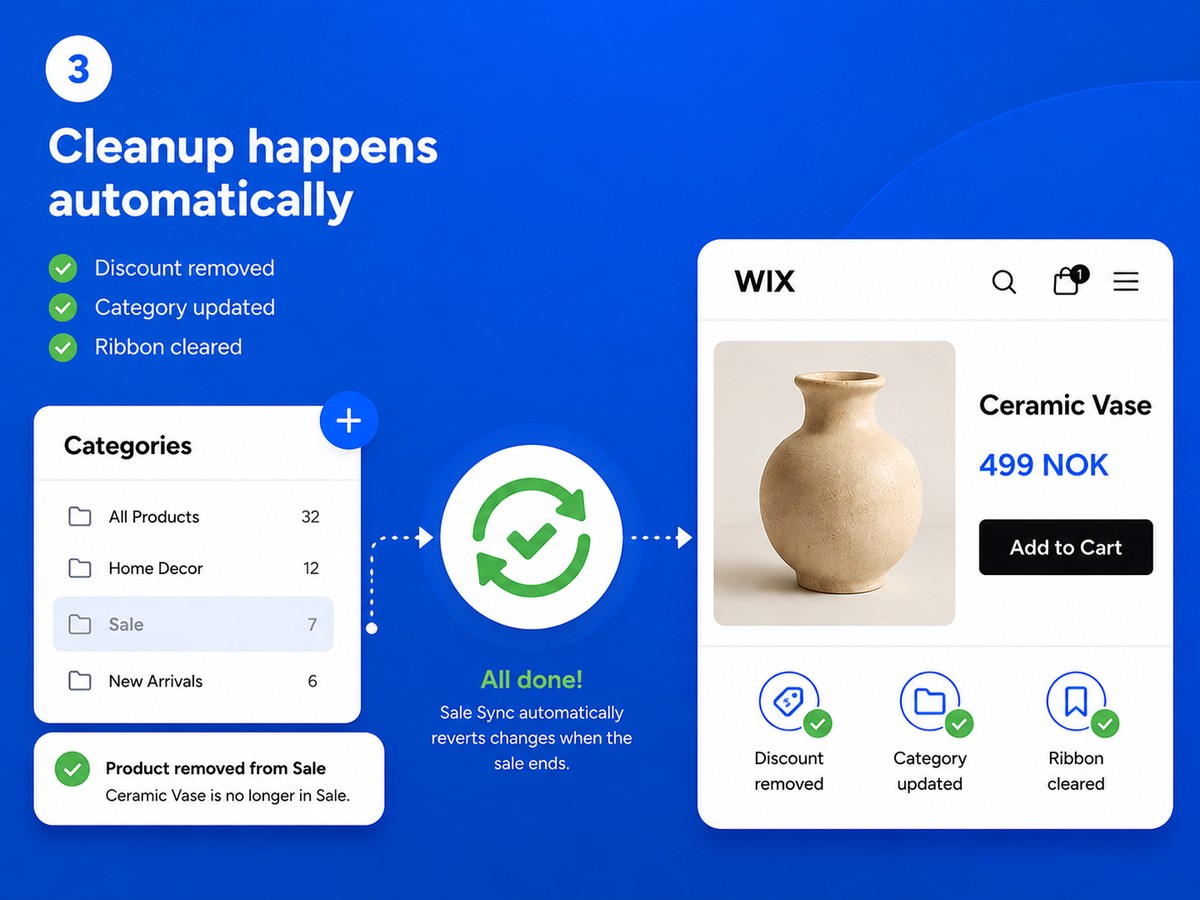
  • Discounted products are added to your Sale category automatically - and removed the moment the discount ends
  • A custom ribbon label appears on sale products and is cleared automatically when the sale is over
  • Your Sale category is always accurate - no forgotten products, no stale ribbons
  • Set up in one minute: choose your category and ribbon text, and Sale Sync handles the rest
Running a sale means more than just setting a discount. You also need to add products to your Sale category so customers can find them, and tag them with a ribbon so they stand out. When the sale ends, you need to undo all of that. Do this across dozens of products and multiple sales and it becomes a real chore - and easy to forget. Sale Sync does all of this for you, automatically. Setup takes a minute: choose which category you use for sale products and what text you want on the ribbon. That's it. Every time you discount a product it is added to your Sale category and the ribbon is applied. When you remove the discount it is taken out of the category and the ribbon is cleared. Your Sale category is always accurate. Your ribbons always reflect current pricing. And you never have to think about it again.
앱 지원 국가
해당 앱은 국가와 관계없이 이용 가능합니다.
앱 언어
영어
사이트에 표시된 모든 앱 콘텐츠를 원하는 언어로 번역할 수 있습니다.
사이트 이용 시 필요한 Wix 제품
-
카테고리
GT
앱 개발자Glimm Tech

사이트 방문하기고객지원 문의하기개인정보 처리방침
Glimm AS의 EU 통상법 준수를 보장합니다.

평점 및 후기

아직 등록된 후기가 없습니다. 가장 먼저 후기를 남겨보세요.

2억 3천만 명 이상의 Wix 사용자를 위한 앱을 제작 및 출시하세요.