

쇼핑카트
예약 관리
이벤트
팝업

Video Captions & Transcripts
-
Automatic captions for the videos on your site
후기 0개
무료 플랜 가능

Video Captions & Transcripts 개요
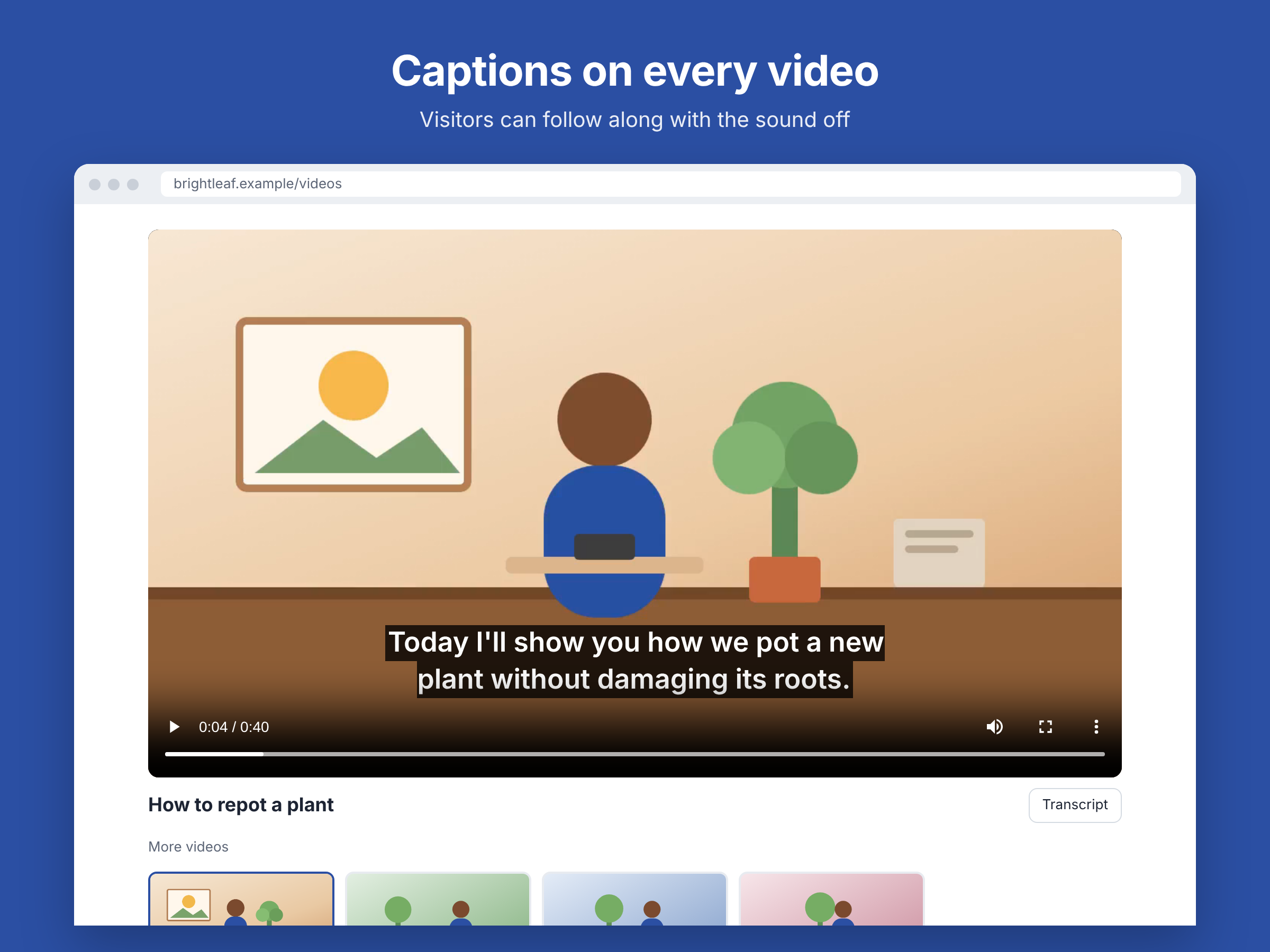
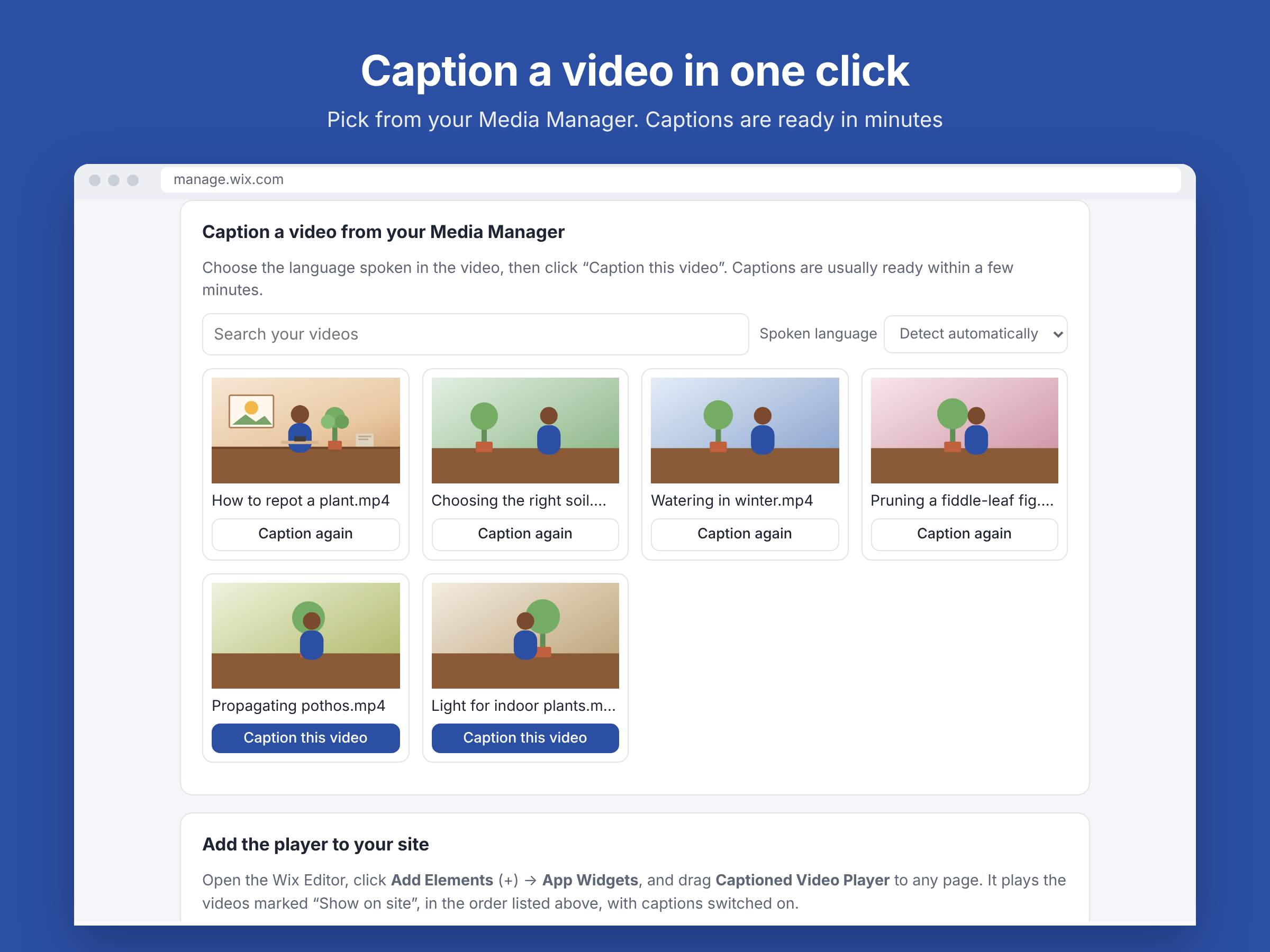
- Writes captions for your videos automatically
- Plays your videos with captions switched on
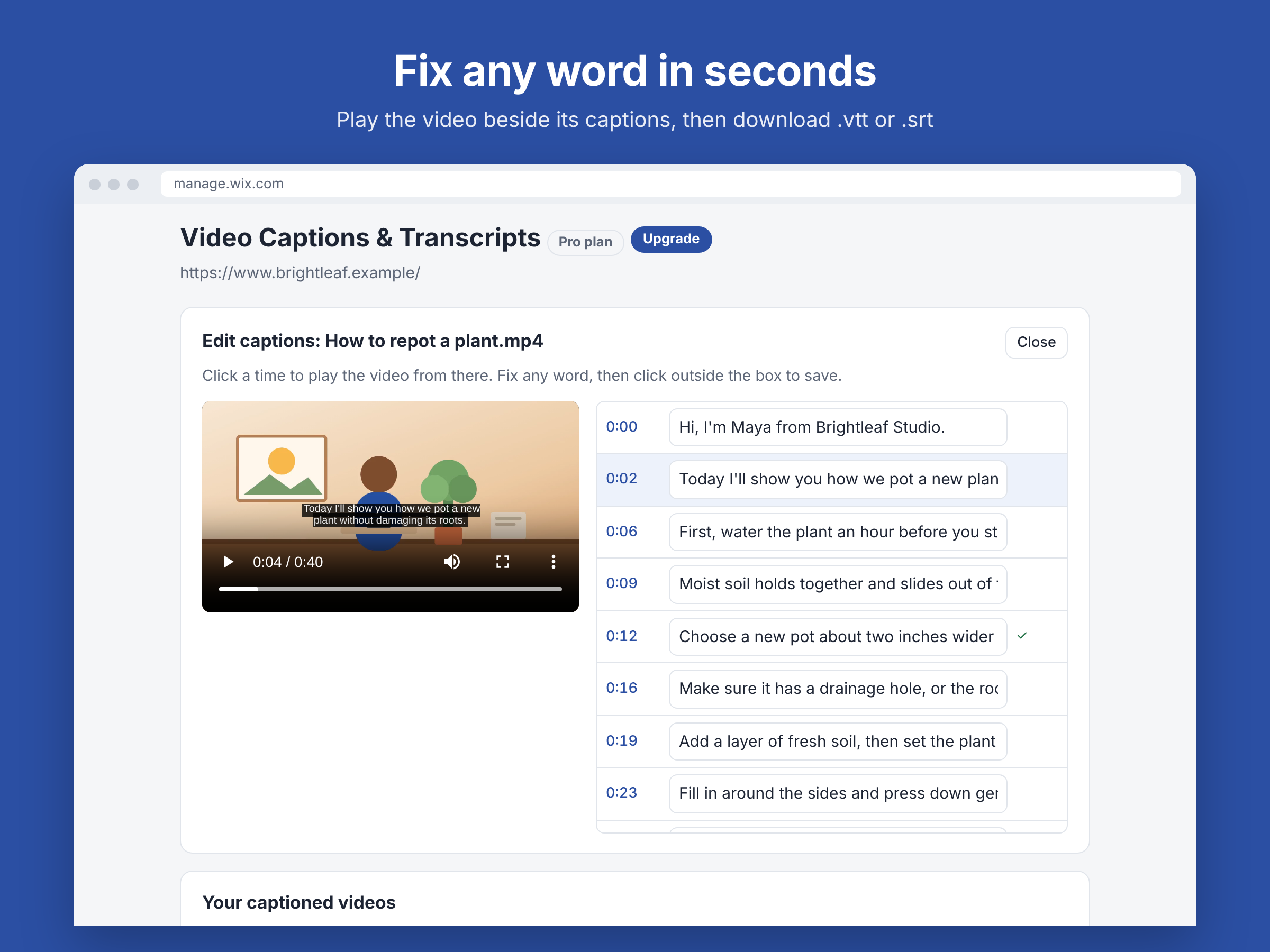
- Fix any word, then download .vtt or .srt files
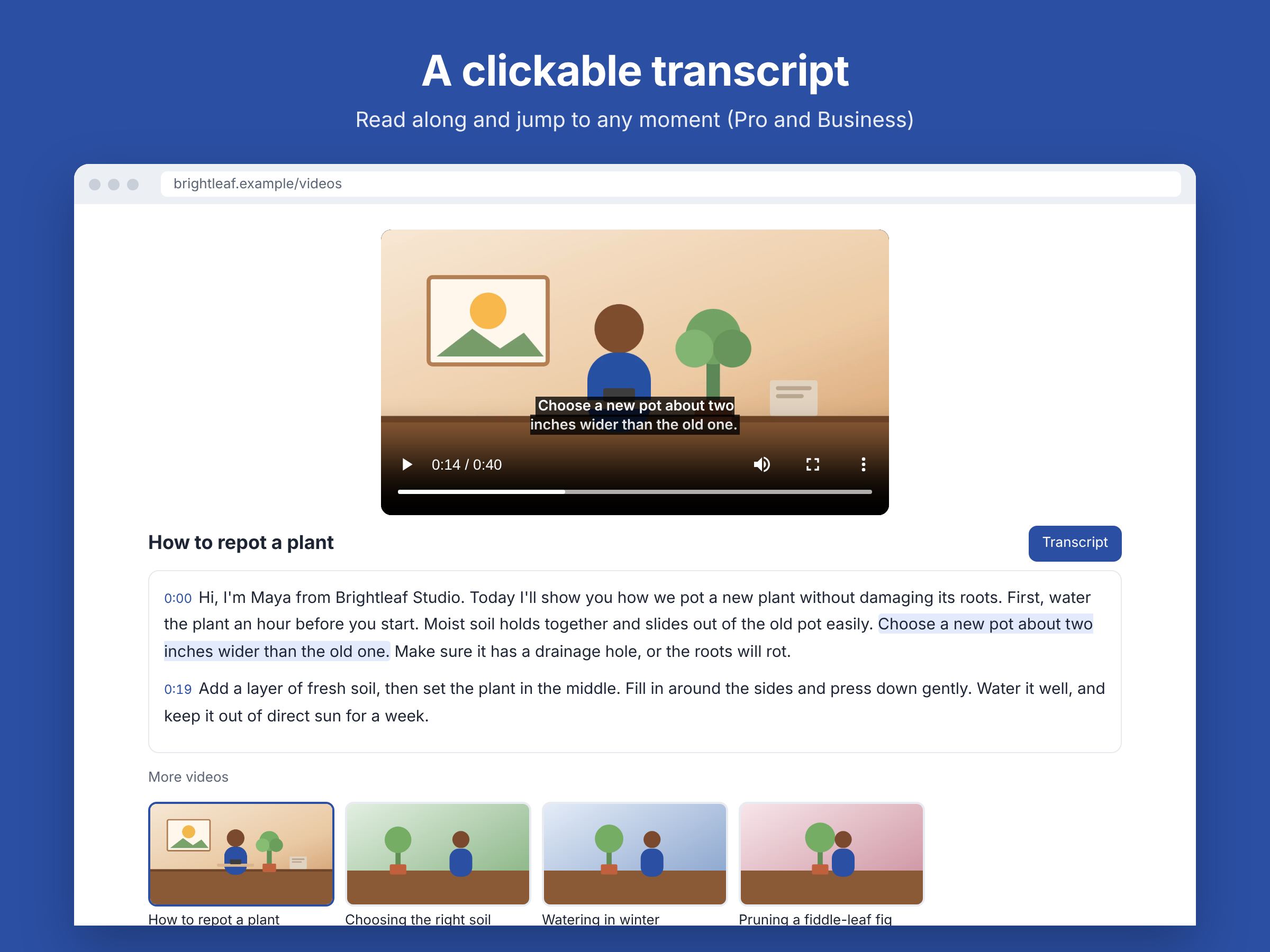
- On paid plans, a clickable transcript under each video
평점 및 후기
아직 등록된 후기가 없습니다. 가장 먼저 후기를 남겨보세요.요금 및 플랜
Basic 플랜
무료
15 minutes of video a month
Captions you can edit
Download .vtt and .srt files
Pro 플랜
$
6
49
/월
150 minutes of video a month
Clickable transcript for visitors
Everything in Basic
Business 플랜
$
15
99
/월
500 minutes of video a month
Clickable transcript for visitors
Everything in Pro
*가격은 USD 기준입니다.