

쇼핑카트
예약 관리
이벤트
팝업
Barcode Order Picking
-
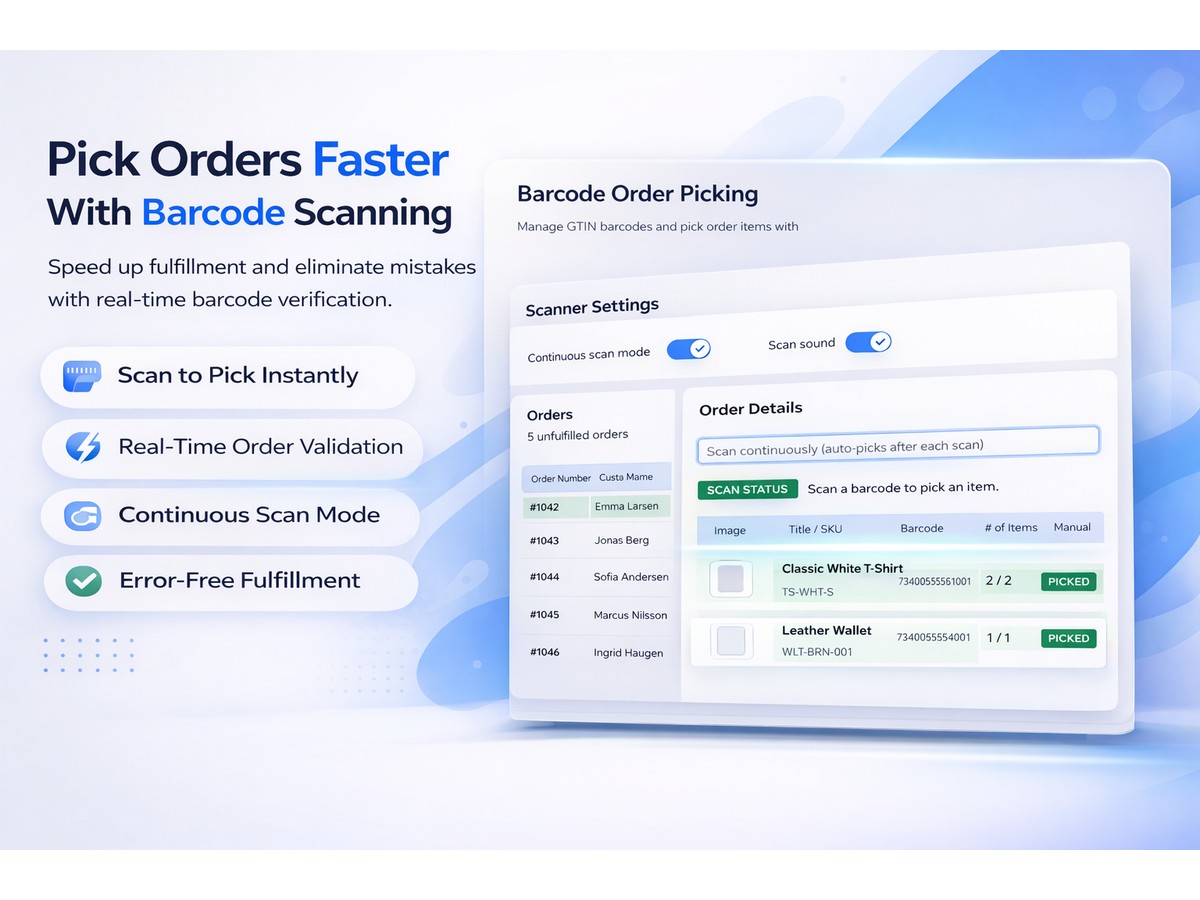
Pick orders faster with barcode scanning
5.0
무료 플랜 가능

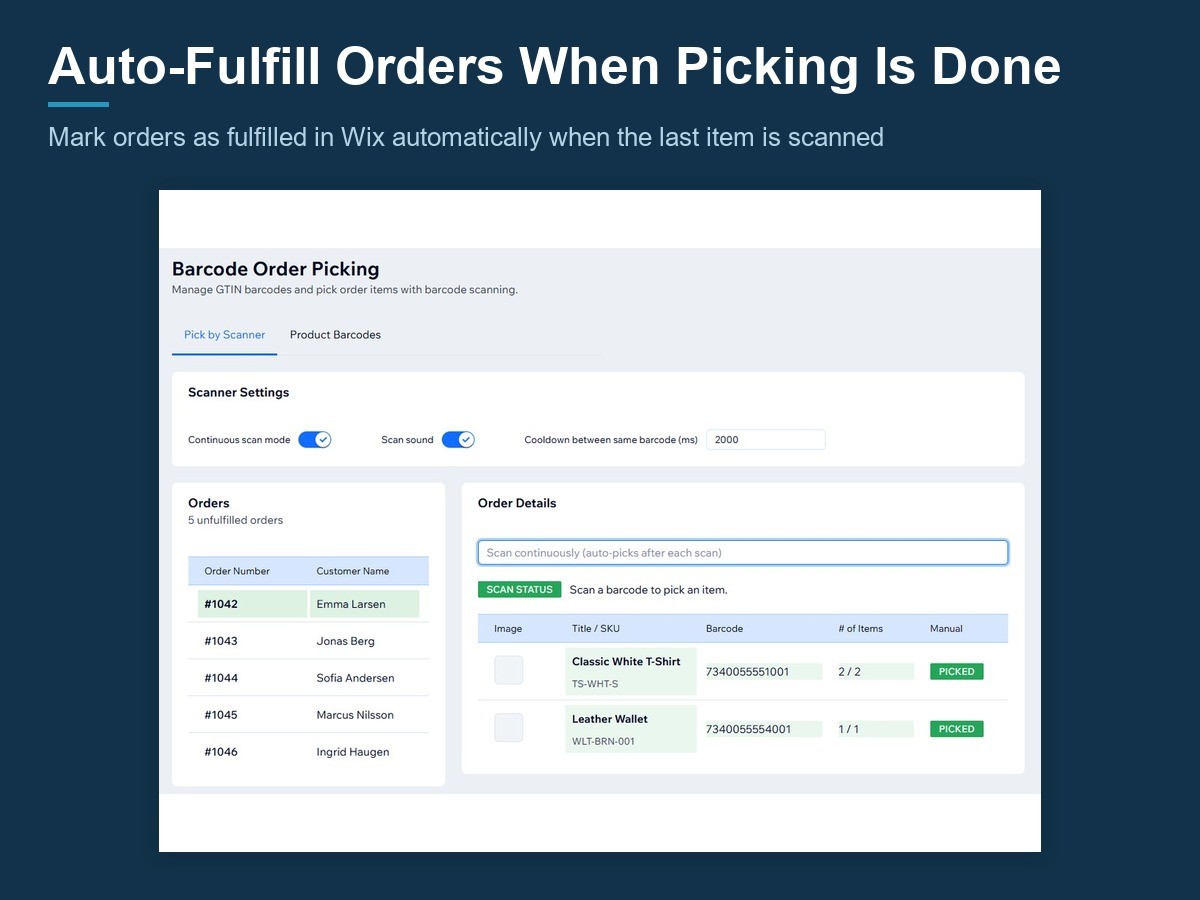
Barcode Order Picking 개요
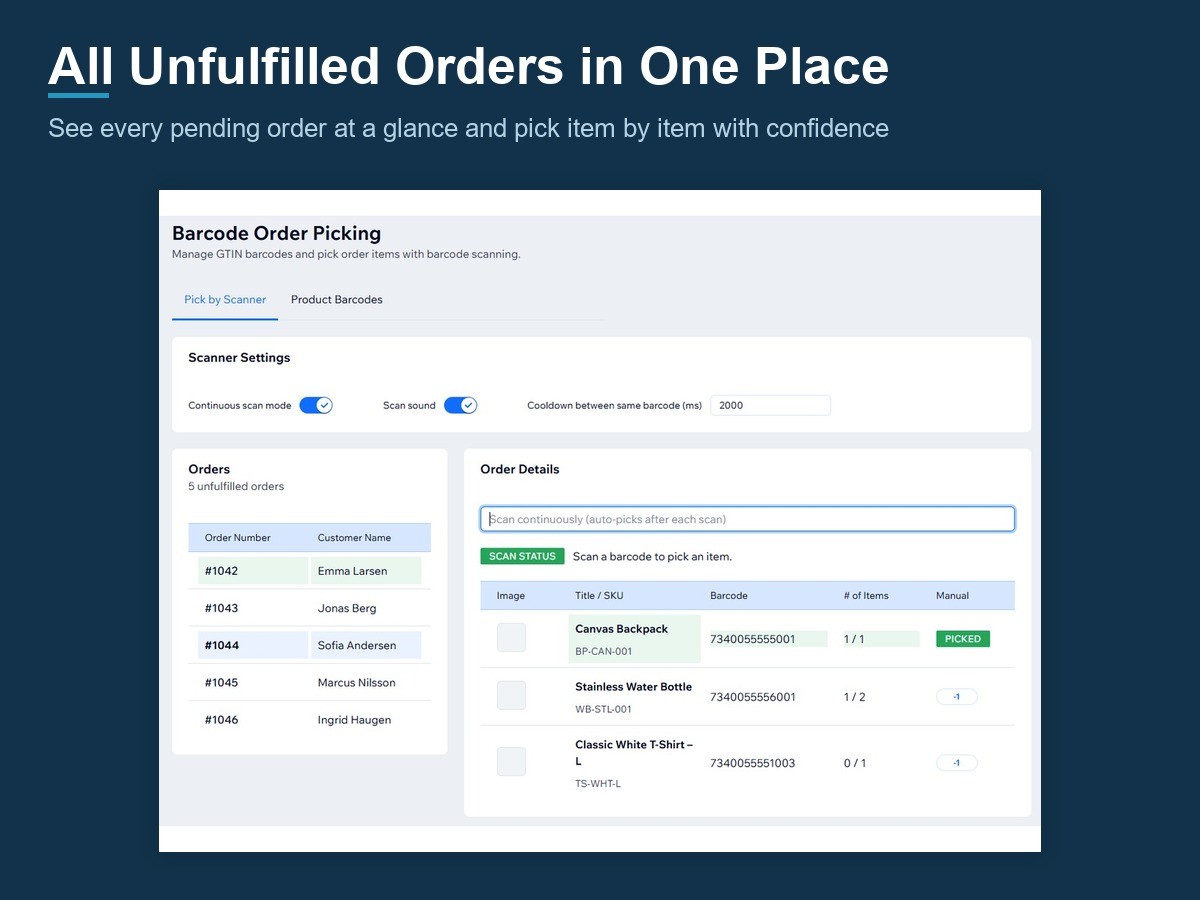
- Scan barcodes to pick order items instantly
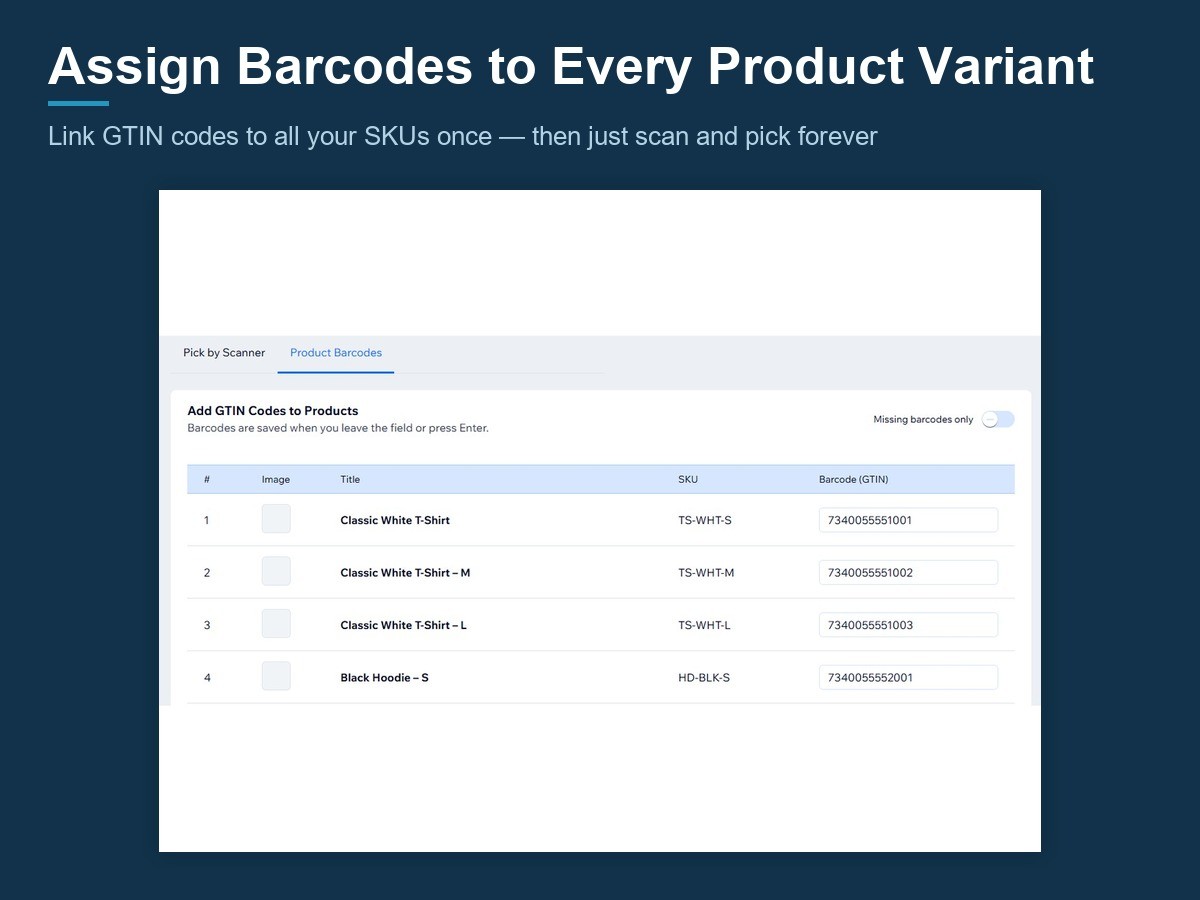
- Manage GTIN barcodes per product and variant
- Real-time picking progress with visual status
- Continuous scan mode with audio feedback
평균 평점 5.0
후기 1개
5
1
4
0
3
0
2
0
1
0
YA
Yasirshopify33/ Sep 9, 2026
Faster Order PickingSuper useful for packing orders! Scanning barcodes makes the whole picking process faster and helps avoid mistakes. Simple and works great.
(0)
의견을 남겨주셔서 감사합니다!
요금 및 플랜
Basic 플랜
무료
Scan barcodes to pick orders
Manage product and variant GTINs
Saved progress and manual picking
Continuous scan and auto-fulfill
Pro 플랜
$
4
99
/월
Batch picking across many orders
Packing verification by re-scan
Order locks, picker history & stats
Everything in Free
*가격은 USD 기준입니다.