

쇼핑카트
예약 관리
이벤트
팝업

Accounting Sync for Stores
-
Paid orders to Xero invoices, payments, refunds
후기 0개
14일 무료 체험

Accounting Sync for Stores 개요
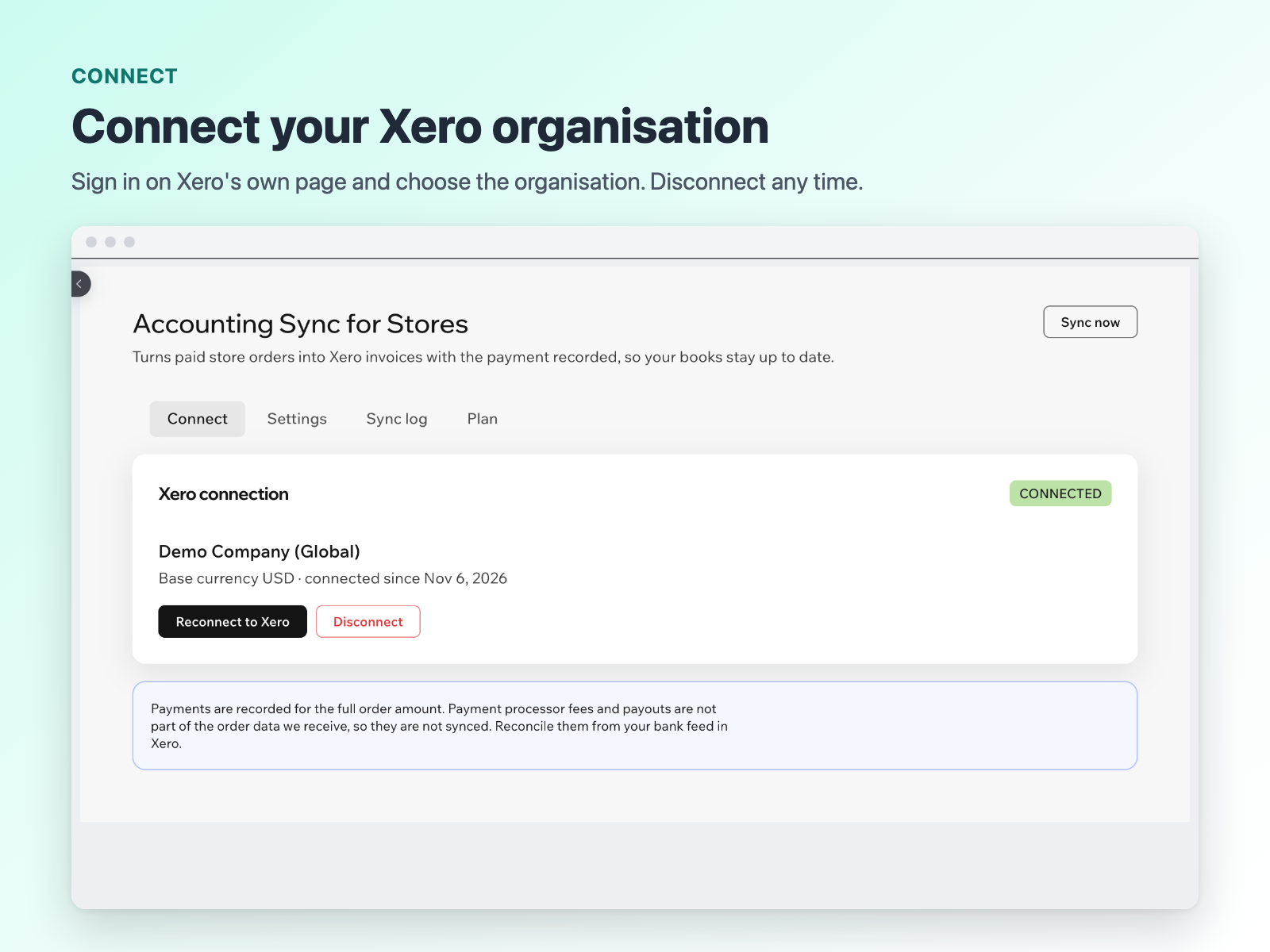
- Paid orders become Xero invoices
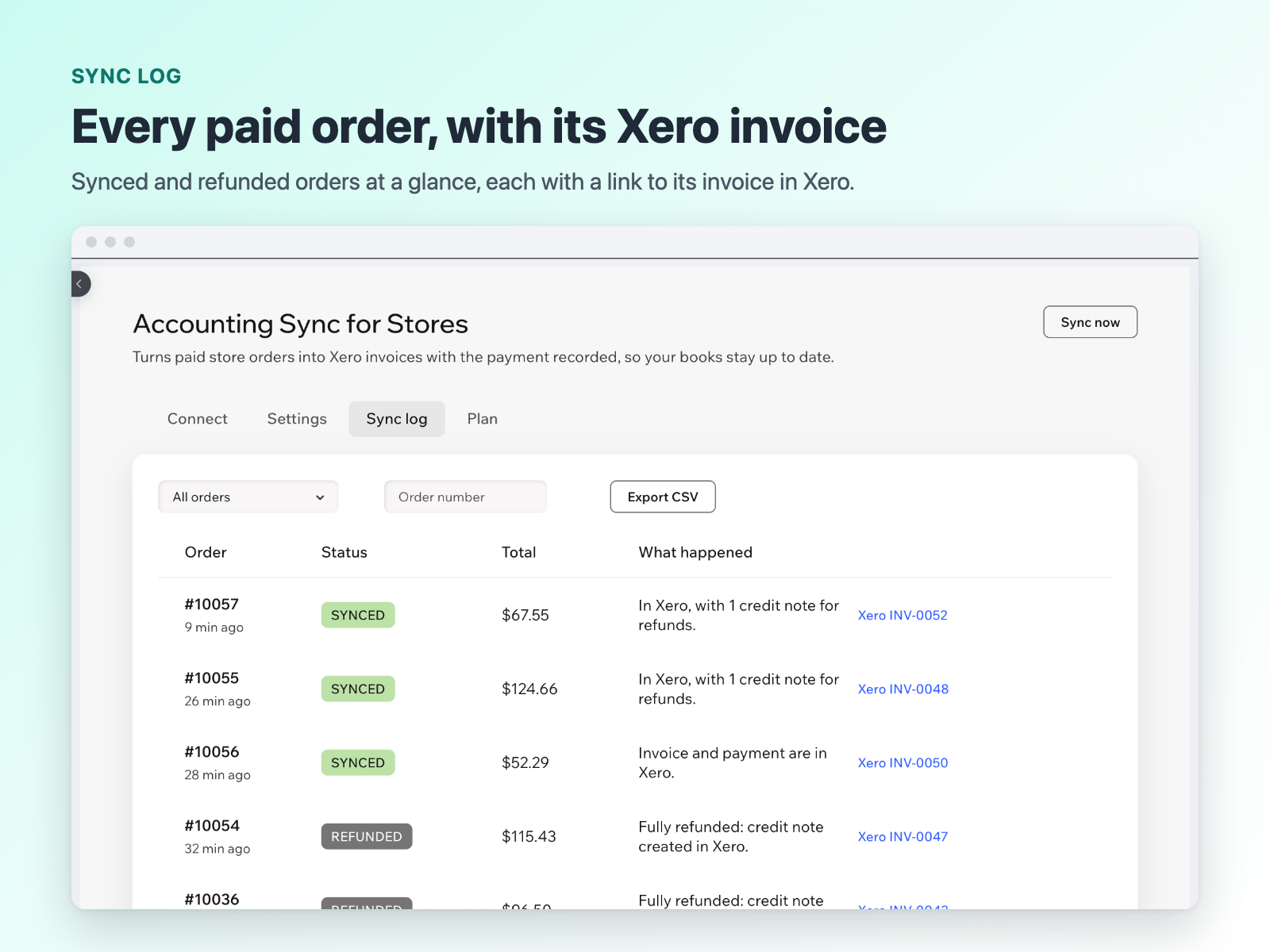
- Refunds become credit notes
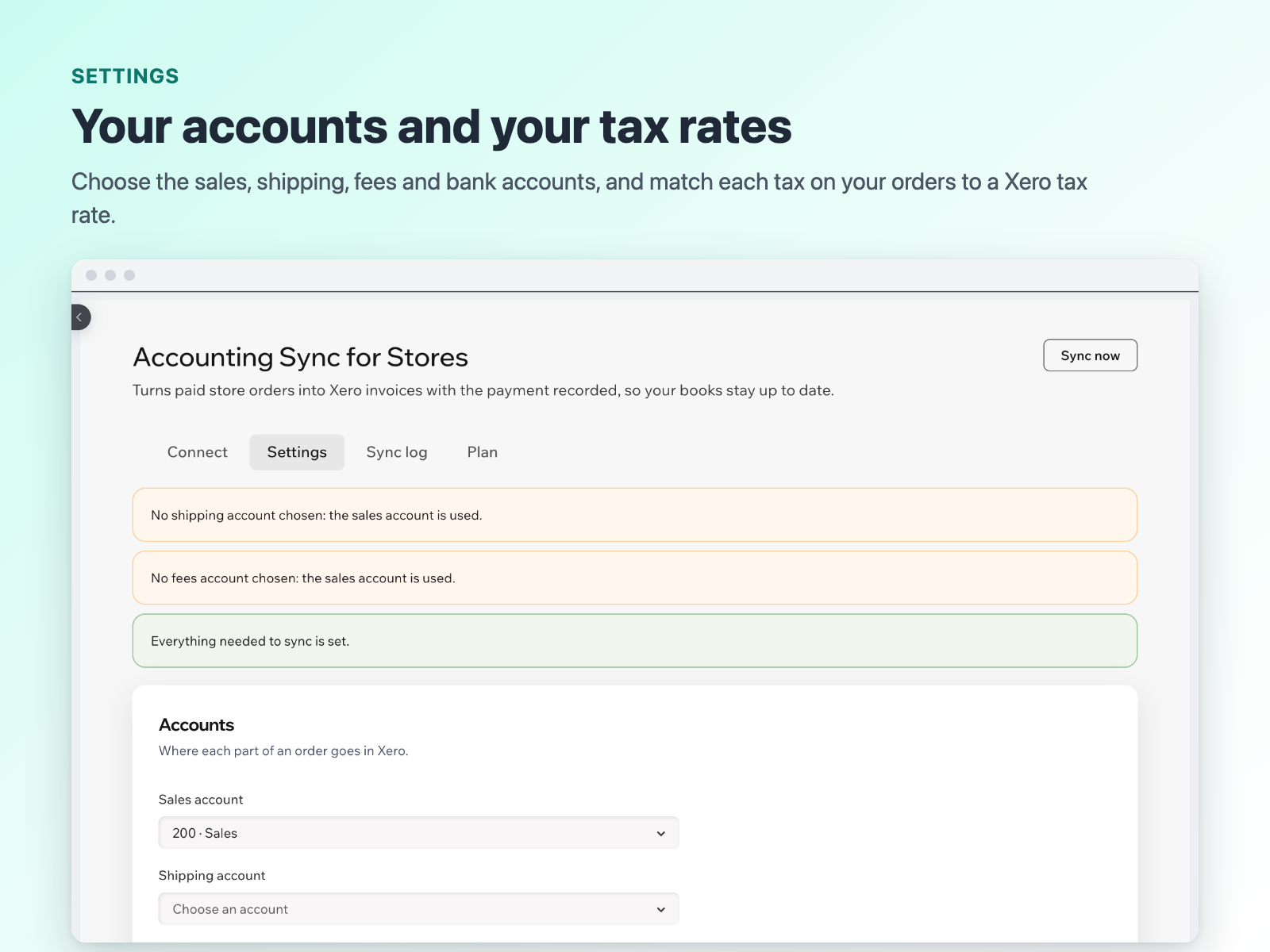
- Tax, discounts, shipping and fees mapped
- Sync log with a link to each invoice
평점 및 후기
아직 등록된 후기가 없습니다. 가장 먼저 후기를 남겨보세요.요금 및 플랜
본 앱은 14일 동안 무료 체험이 가능합니다.Starter 플랜
$
5
00
/월
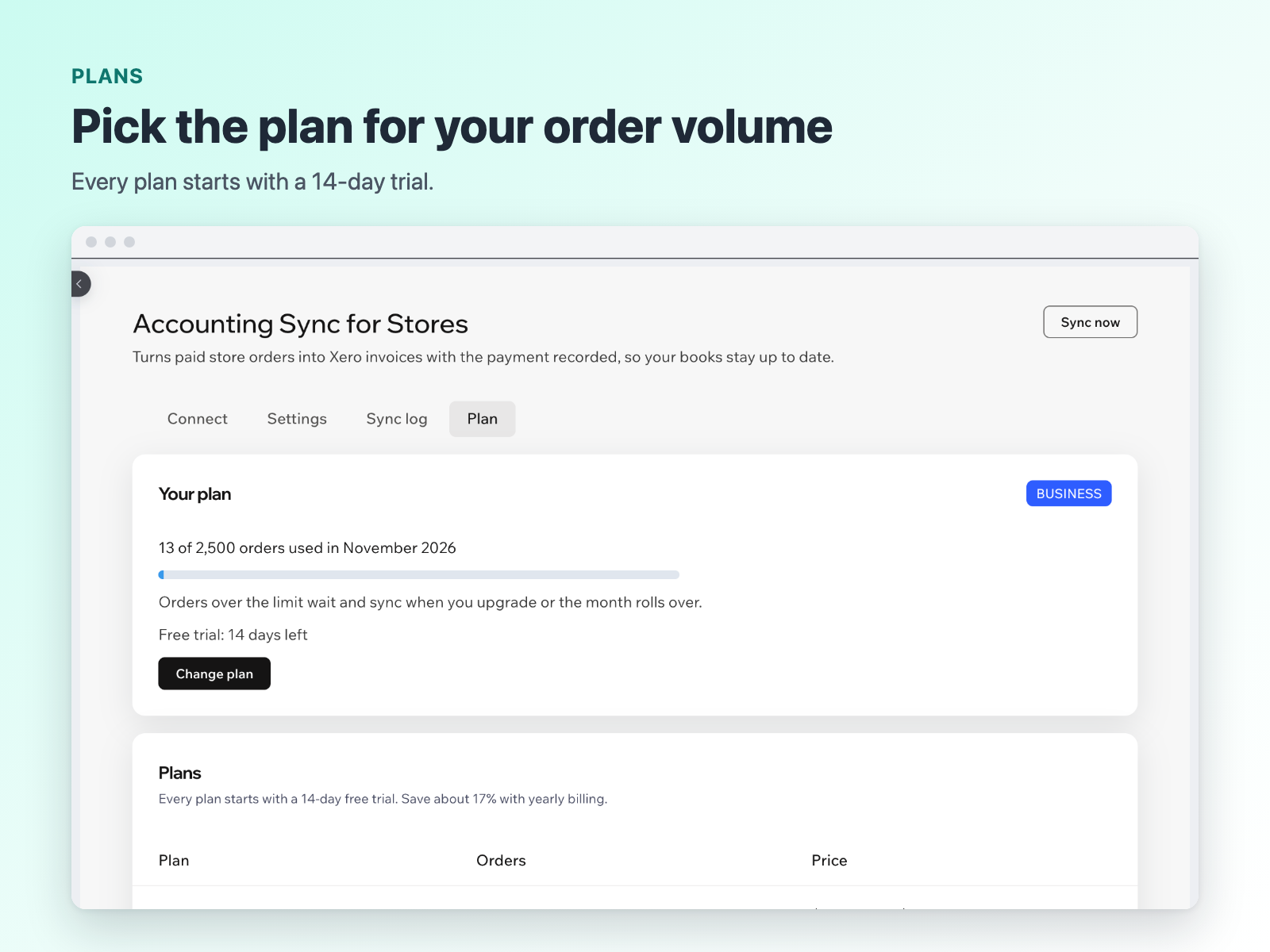
100 orders synced per month
Invoices, payments and refunds
Automatic sync to your accounts
Growth 플랜
$
10
00
/월
500 orders synced per month
Invoices, payments and refunds
For growing stores
Business 플랜
$
20
00
/월
2,500 orders synced per month
Invoices, payments and refunds
Built for high-volume stores
*가격은 USD 기준입니다.