Wix App Market Logo

wix logo


Trending Topics
쇼핑카트
예약 관리
이벤트
팝업
Stocktake Count and Update logo

Stocktake Count and Update

-
Type shelf counts, see the gap, update stock
후기 0개
무료 플랜 가능

Stocktake Count and Update 개요

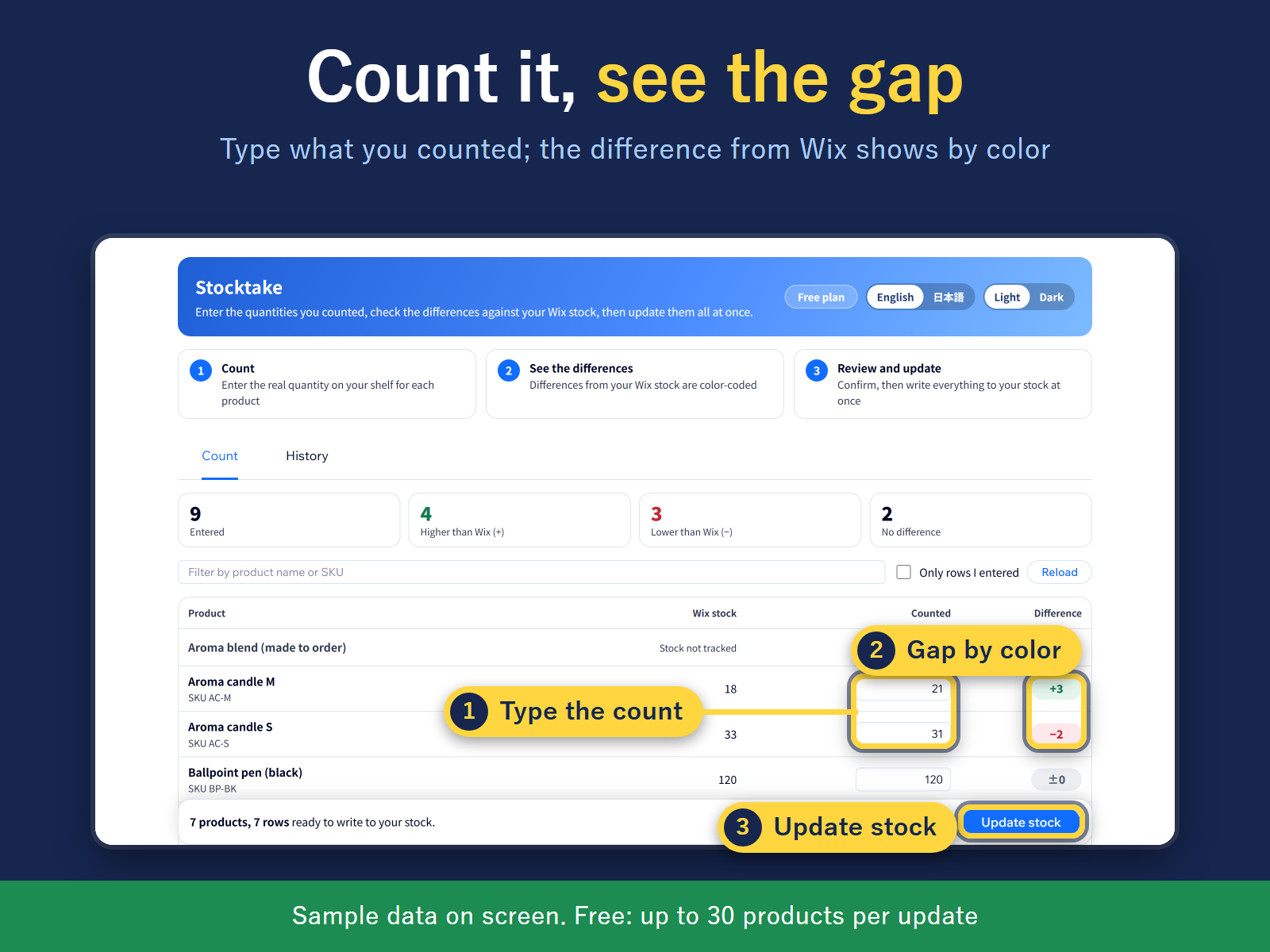
  • Type counts and see the gap with your stock by color
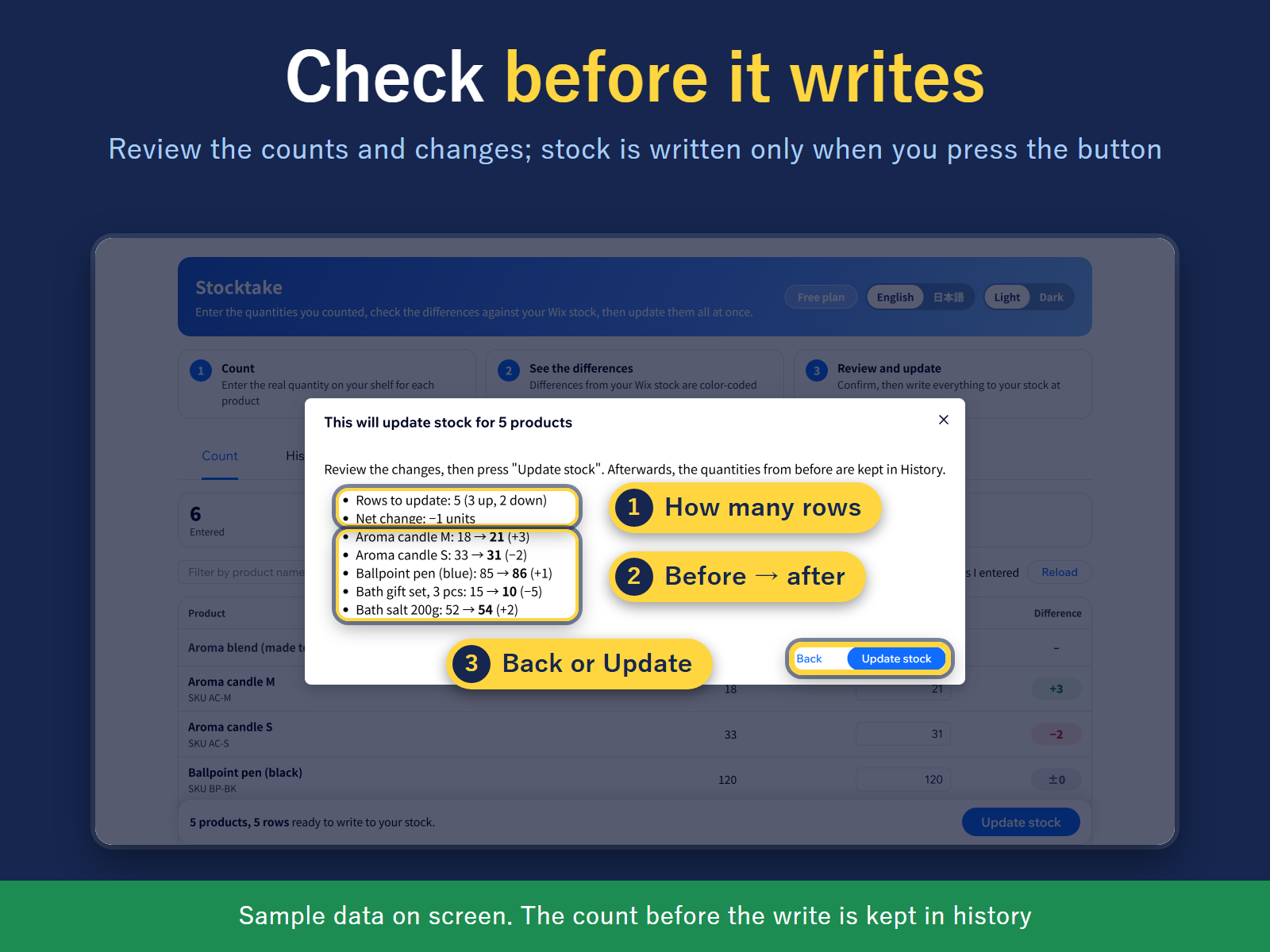
  • Review every change first; stock is written on confirm
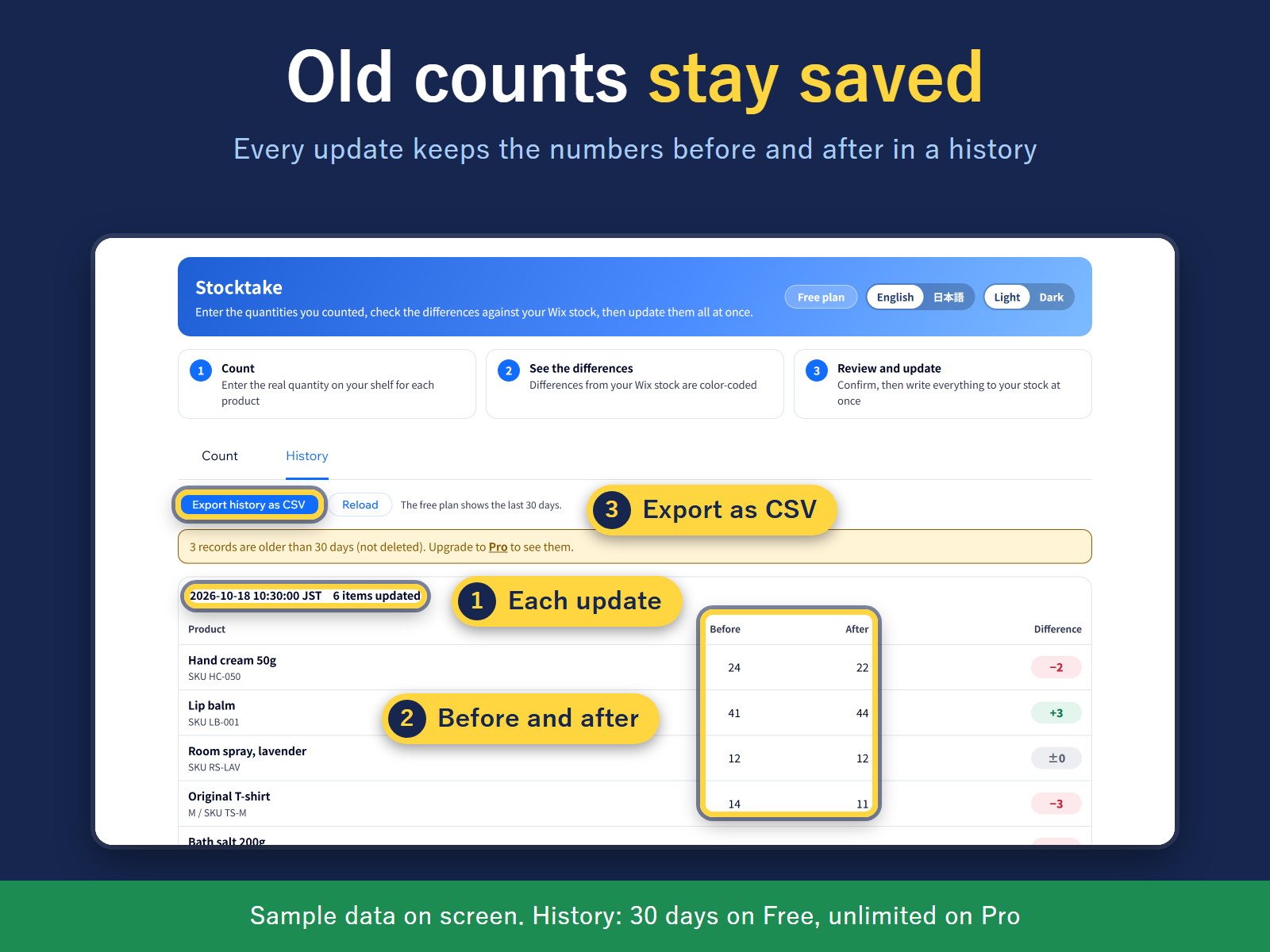
  • Before/after history of every update, export as CSV
After counting your shelves, do you open each product one by one to fix its stock? In Stocktake, one table lists every product and variant. No scanner needed: type the numbers you counted on paper or a sheet, and the difference from your stock shows at once, up in green, down in red, no change in gray. Filter by product name or SKU. Nothing changes until you say so. "Update stock" opens a review screen with the rows that change, the total change, and the first 5 items with "before → counted" (then "N more"). Stock is written only when you press "Update stock" again in that screen. If an order moved a product's stock while you were counting, that row shows the stock when you counted and the stock now, so you can fix the difference or recount. Every update is saved in a history with the before and after numbers, exportable as CSV. Close the page mid-count and the numbers you typed stay saved in this browser. The screen, history and CSV come in English or Japanese, switched with one button. Built for both the new and old store catalog. Free: up to 30 products per update and 30 days of history. Pro: no product limit and unlimited history.
앱 지원 국가
해당 앱은 국가와 관계없이 이용 가능합니다.
앱 언어
영어
사이트 이용 시 필요한 Wix 제품
-
카테고리

평점 및 후기

아직 등록된 후기가 없습니다. 가장 먼저 후기를 남겨보세요.

요금 및 플랜

Free 플랜

무료

Up to 30 products per stocktake
30 days of stocktake history
Count sheet and difference check
Pro 플랜
$

2

99
/월
Unlimited products per stocktake
Full stocktake history, no time limit
Everything in Free
*가격은 USD 기준입니다.

2억 3천만 명 이상의 Wix 사용자를 위한 앱을 제작 및 출시하세요.