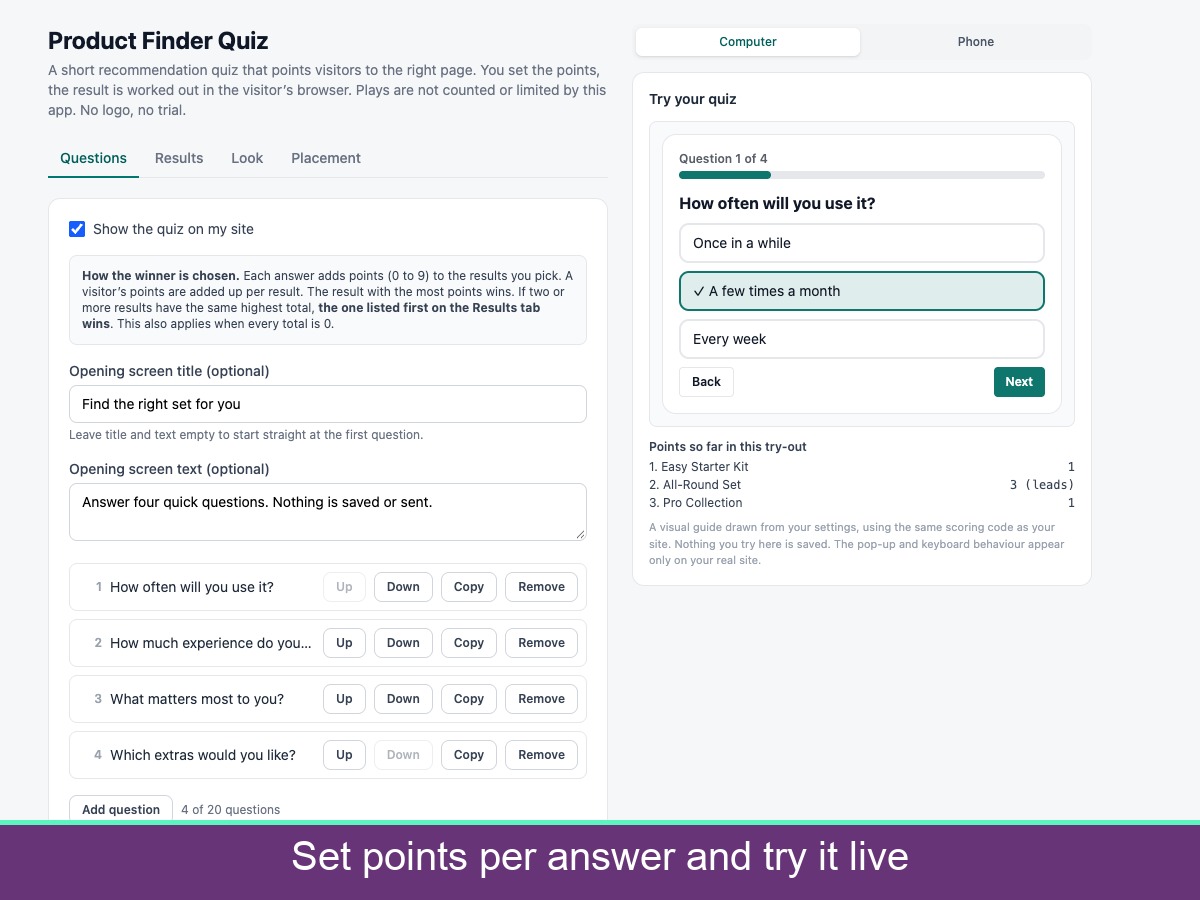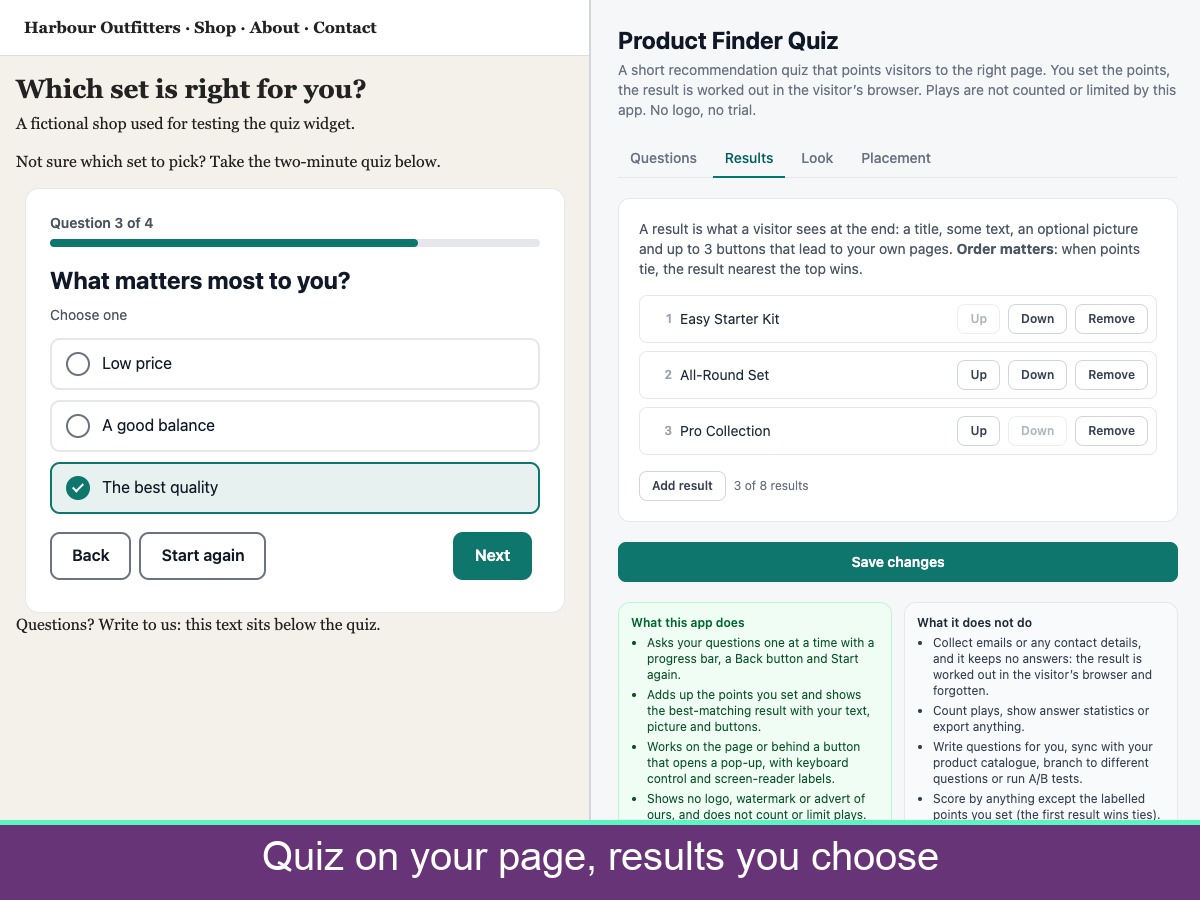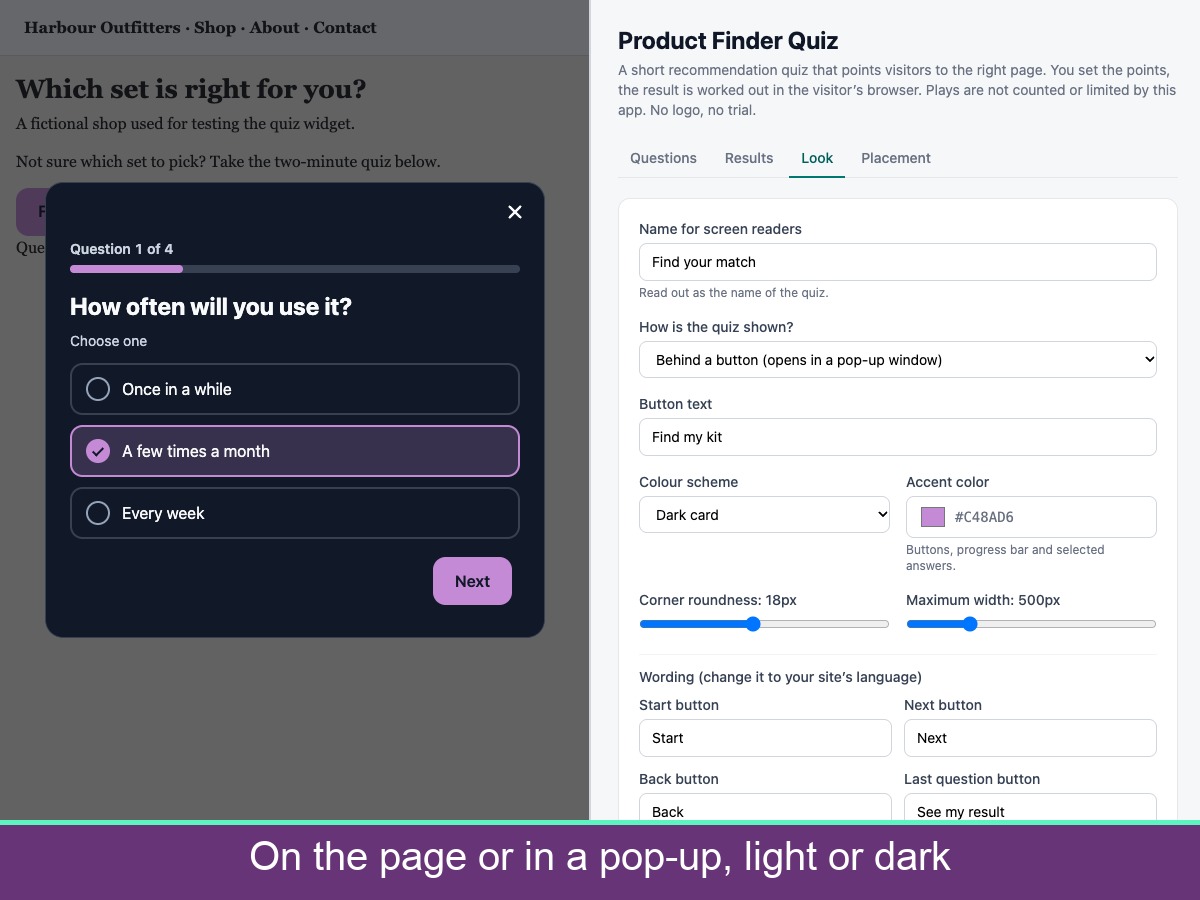
Ask a few questions and point each visitor to the page that suits them. You write the questions, set how many points every answer gives each result, and add a title, text, picture and up to three buttons to each result. Each answer adds points from 0 to 9 to the results you choose, the points are added up, and the highest total wins; if results tie, the one listed first wins. The quiz can sit on the page or open in a pop-up from a button. It includes a progress bar, Back and Start again buttons, single or multiple choice questions, optional answer pictures, keyboard use, screen-reader labels, light or dark cards, your own colour and wording, right-to-left support and reduced motion. A try-it preview in the dashboard shows how the scoring behaves. The app collects no emails or contact details and keeps no answers, because the result is worked out in the visitor browser and forgotten. It does not write questions, sync a catalogue, branch or run A/B tests. Result buttons accept https links or paths on your own site. Settings are loaded on every page, so they are limited to 20 KB, which allows up to 20 questions, 8 results and 8 answers per question. No logo, watermark or advert.